
 Meany_Pants NeVER61 ZurielSonny NakuraTV Soundaaa Kevinwky fanhua135 XxxYue StillmKT NotRifqy_ Acradin swallow0987 Zayiuu de_Paula CSPX7DAYz Joon2004 Esther0518 Dashootersneaky Ethancept Archive_Y hadong11 _szwecja Wall_e21 cohbo Cuz_im_Tactic12 P0XY15T danerci SproutGhost susuesusan KenZ0ff Vinicae Retrox900 RothjaisanZ 1k1llz1 Reya1104 3zoz_x RCARLOSG LeeHanUl6 HeyIAmNiki CoolingAlloy50 DonRaz Mavrovskiy PsychoScythe FlvshedChapa Xotixz snowshiki CreeperFace321 xBlumeq ggnewb kdkdyewo0116 misusu_xy yDanielON PlastikTroete ComplexIssue ssjjun DREAMGR0VE Han13ao Batatinha1234569 lappland912 ljwzs
Minecraft skin of __L0SER__. Rotate the 3D model with your mouse or finger to view the skin from every angle, then download it as a PNG file and use it in Minecraft: Bedrock Edition or Java Edition for free. Rate the skin with stars to help other players find the best skins in our collection.
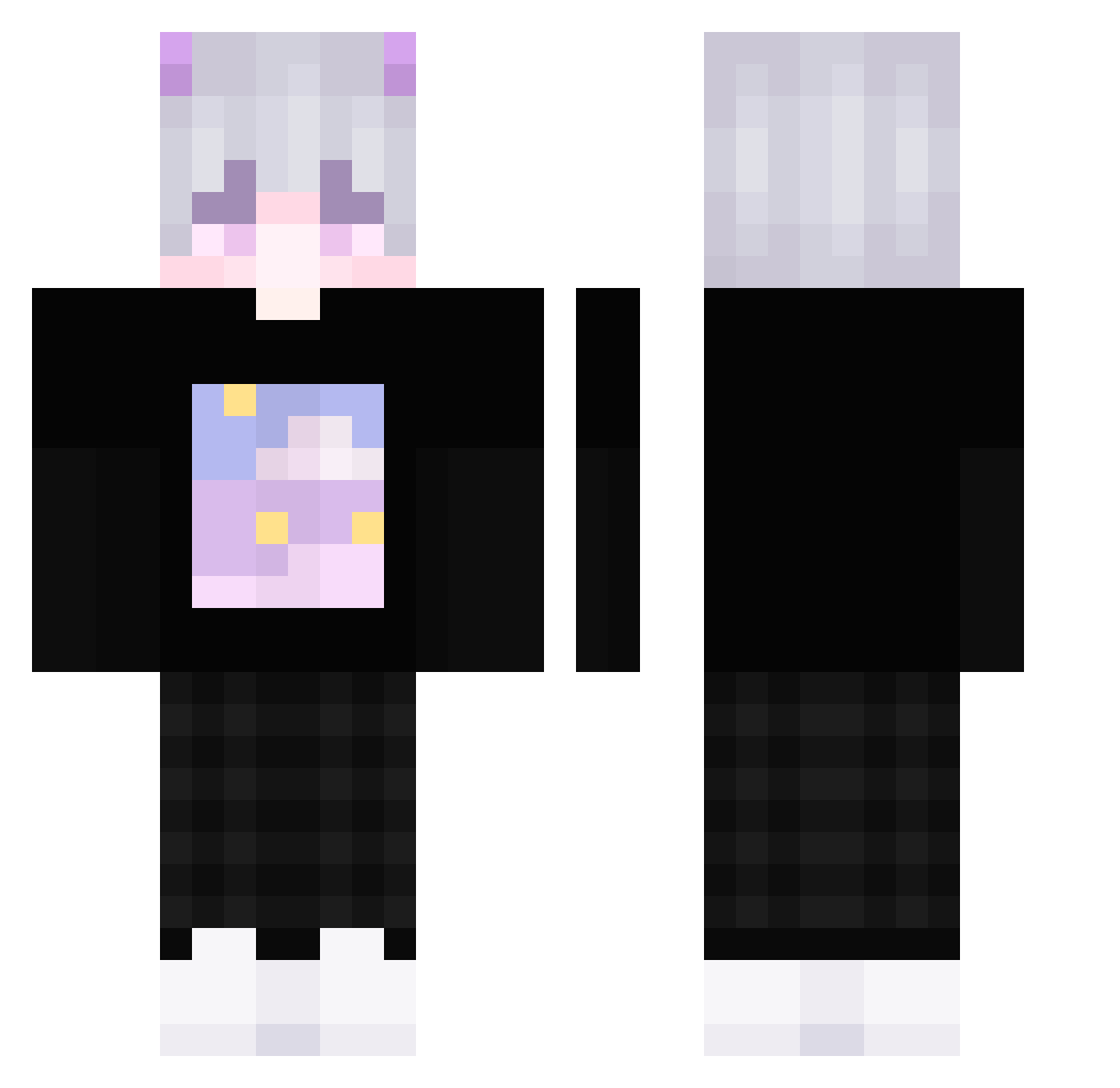
How to install the __L0SER__ skin
- Press the Download button above to save the skin as a PNG file.
- Minecraft: Bedrock Edition (PE): open the Dressing Room from the main menu (or tap your character → Edit Character), go to Classic Skins → Owned, press the + (new skin) button, choose the downloaded PNG and pick the Classic (Steve) model. Works on PC and mobile; consoles cannot import custom skins.
- Minecraft: Java Edition: open the Minecraft Launcher, go to the Skins tab, click New Skin, load the PNG, pick the Classic (Steve) model and press Save & Use. You can also upload it at minecraft.net → Profile → Change Skin.
The skin does not show up after import — what should I do?
Restart Minecraft and open the Dressing Room again — imported skins sometimes appear only after a restart. Also make sure you selected the imported skin and picked the Classic (Steve) model.
Which model should I choose, Classic or Slim?
This skin is designed for the Classic (Steve) model. If you pick the wrong model, the arms of the skin will look stretched or squeezed.
Is this skin free to use?
Yes. Press Download, save the PNG file and use it in Minecraft: Bedrock Edition or Java Edition — no payment or registration needed. The skin also works on multiplayer servers and Realms.
More Horns Minecraft skins
More skins
Looking for more? Go back to all Minecraft skins and check the top skins of the week, month and all time, or find any player's skin by nickname.