
 herobrinexo Bium1211 darksniper58 Skittlqs_ Dmansavage13 Jonah307 Tiger2099 Janzuk MFKN_Goat wallb XuNianChi SampleCrib59476 MTYSIN Beater2013 Zoroce eurovision98 imvegan999 HOH2333 MRKAIKAI NozomiTomo LeafBlowerr Xuse_TV BadlandsMines mxscco Thrillerr0 Nate_Higgers_99 Ethm4n Nasty_Snipz HellPuppo GhostCat1_38 PERES1 Thunderplaytime zc200809 Muerto73 BEANS49 BushwickBill UltimateR4ypist_ matheus_14 Jangron vKinda NoTrusted blomqvist1337 gruzzak flemishgiants msi0514 diomin Joaquim748 Agusgatomalo AugusMaw CNMahogany Opi3e ReaPeR6888 DynamiteEarth24 GaryReed felixbnd Harper_soniestro Tockley_ BelmontDaarken Freedom_Z CrudeBandito
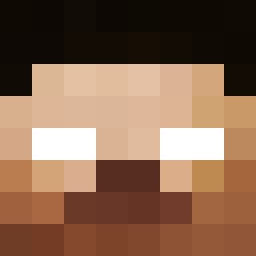
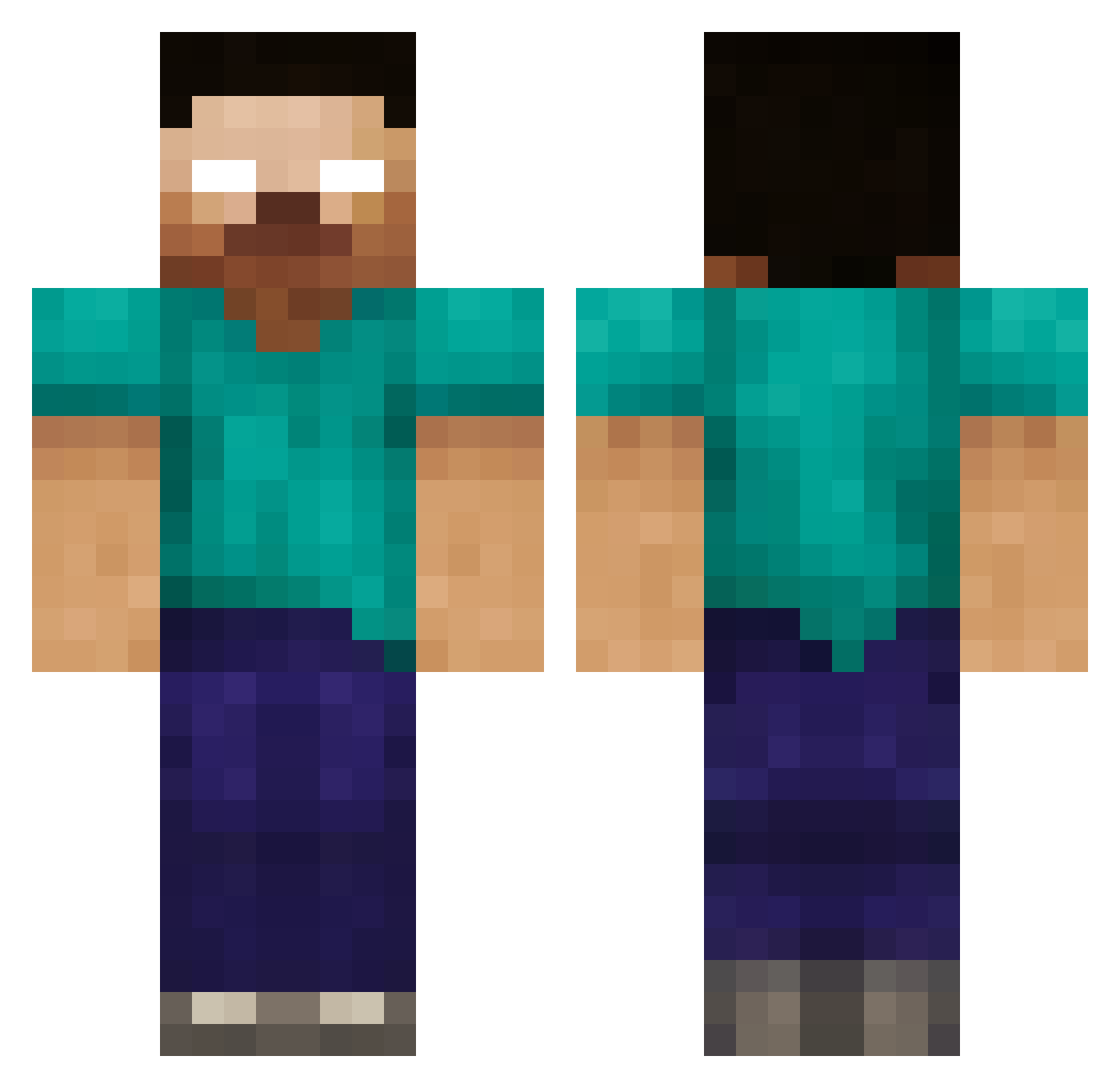
Minecraft skin of PorkyJungle58. Rotate the 3D model with your mouse or finger to view the skin from every angle, then download it as a PNG file and use it in Minecraft: Bedrock Edition or Java Edition for free. Rate the skin with stars to help other players find the best skins in our collection.
How to install the PorkyJungle58 skin
- Press the Download button above to save the skin as a PNG file.
- Minecraft: Bedrock Edition (PE): open the Dressing Room from the main menu (or tap your character → Edit Character), go to Classic Skins → Owned, press the + (new skin) button, choose the downloaded PNG and pick the Classic (Steve) model. Works on PC and mobile; consoles cannot import custom skins.
- Minecraft: Java Edition: open the Minecraft Launcher, go to the Skins tab, click New Skin, load the PNG, pick the Classic (Steve) model and press Save & Use. You can also upload it at minecraft.net → Profile → Change Skin.
The skin does not show up after import - what should I do?
Restart Minecraft and open the Dressing Room again - imported skins sometimes appear only after a restart. Also make sure you selected the imported skin and picked the Classic (Steve) model.
Which model should I choose, Classic or Slim?
This skin is designed for the Classic (Steve) model. If you pick the wrong model, the arms of the skin will look stretched or squeezed.
Is this skin free to use?
Yes. Press Download, save the PNG file and use it in Minecraft: Bedrock Edition or Java Edition - no payment or registration needed. The skin also works on multiplayer servers and Realms.
More Herobrine Minecraft skins
More skins
Looking for more? Go back to all Minecraft skins and check the top skins of the week, month and all time, or find any player's skin by nickname.