
 Bertimann08 fidobambus sh0wss Gssggsg Sugarcane07 st1lz Jaspxr47_ dinggo_ serjantkurabara Friction32 Demora_Slayer XxKimoxX Atgeir bigblackfalukorv TwistedTrav Rkyiamn Blizzrdus JPCaesar wimpthepimb j_Adameq_d Specwastaken czarnyglock_19 Kentinn iamtonylopez Otakuuu dal0rn szoom4 PONDA_0 Eastrussia yung_karetka KNGDNVN Klappstuhlgang Wizardlyjust lhchdz IronPackerUsesv4 MansDLagloog LlenodeMiedo bitzern Juehan PegasusGotSwag GitchField cx_brick FriedChknLover69 _Fever_ pavilionmagjack Leopardo1216 ballrooms Breezy27 abokees12 Jersh99 Erekcja Whare Mongoleik RalphOnDrgs sloppytoppy64 MonkeyBalls_Jr Thallion DawidZacisk Yas1k Yvxr
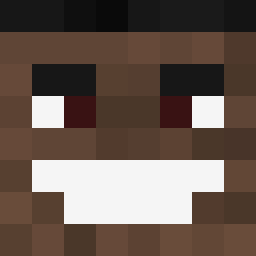
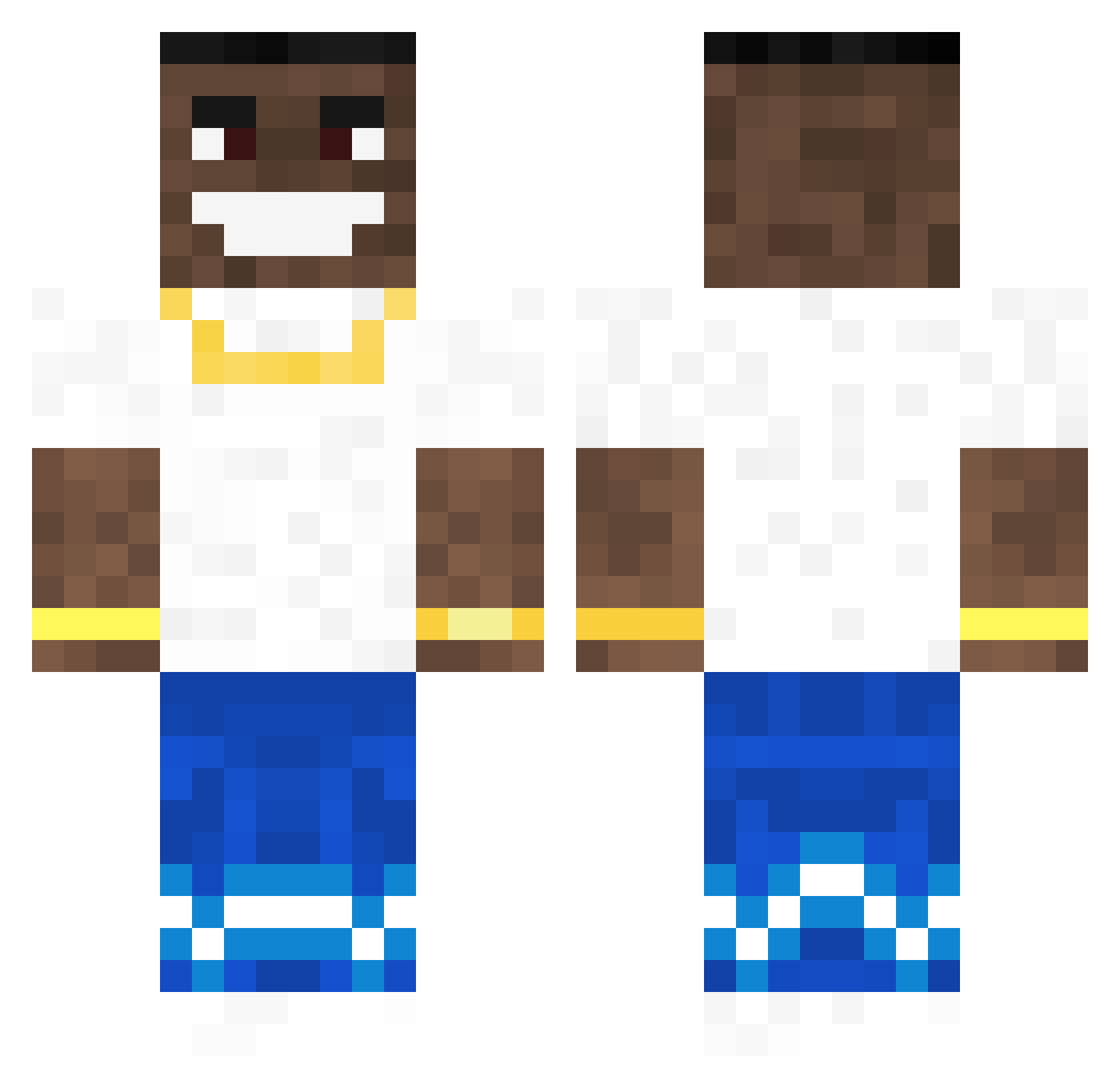
Minecraft skin of Ingeberg. Rotate the 3D model with your mouse or finger to view the skin from every angle, then download it as a PNG file and use it in Minecraft: Bedrock Edition or Java Edition for free. Rate the skin with stars to help other players find the best skins in our collection.
How to install the Ingeberg skin
- Press the Download button above to save the skin as a PNG file.
- Minecraft: Bedrock Edition (PE): open the Dressing Room from the main menu (or tap your character → Edit Character), go to Classic Skins → Owned, press the + (new skin) button, choose the downloaded PNG and pick the Classic (Steve) model. Works on PC and mobile; consoles cannot import custom skins.
- Minecraft: Java Edition: open the Minecraft Launcher, go to the Skins tab, click New Skin, load the PNG, pick the Classic (Steve) model and press Save & Use. You can also upload it at minecraft.net → Profile → Change Skin.
The skin does not show up after import - what should I do?
Restart Minecraft and open the Dressing Room again - imported skins sometimes appear only after a restart. Also make sure you selected the imported skin and picked the Classic (Steve) model.
Which model should I choose, Classic or Slim?
This skin is designed for the Classic (Steve) model. If you pick the wrong model, the arms of the skin will look stretched or squeezed.
Is this skin free to use?
Yes. Press Download, save the PNG file and use it in Minecraft: Bedrock Edition or Java Edition - no payment or registration needed. The skin also works on multiplayer servers and Realms.
More Dababy Minecraft skins
More skins
Looking for more? Go back to all Minecraft skins and check the top skins of the week, month and all time, or find any player's skin by nickname.