
 Timmers17 Chundergram katelyn04 pinnen2002 Corvegas iituonparas Vizah Zeolous tylergray5 vAchlys Schr4nkwand MurrDawg DragonKhaleesii JSMA typetexthere qqK Szinbot ThaPebbsta IJVeenstra PuffTehDragon RouterBurner E2ProGamer MEIGS357 tjdwls silent8109 rsschmo MoppinForDayz AnsoStar ElliotAth Stian02 kdjordan jamrid purple_pandas FItiger ploppe killer_bryan2001 n1caboose JennyCraig__ Faltzzen benjaaaaa Stan1306 choymei flashback987654 FromZero_ Snow_Kings Mjudges BambiiSenpai Sweatacular Zinovia Falcrush monkeybomber456 Mas01 DinoMcQ8 lilrob9169 Zhertix WindGrin fatybombom Lottelot Ghost97733 Lady_Greg
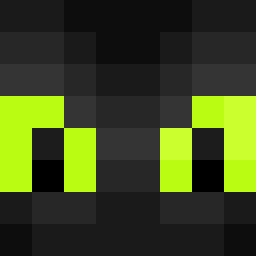
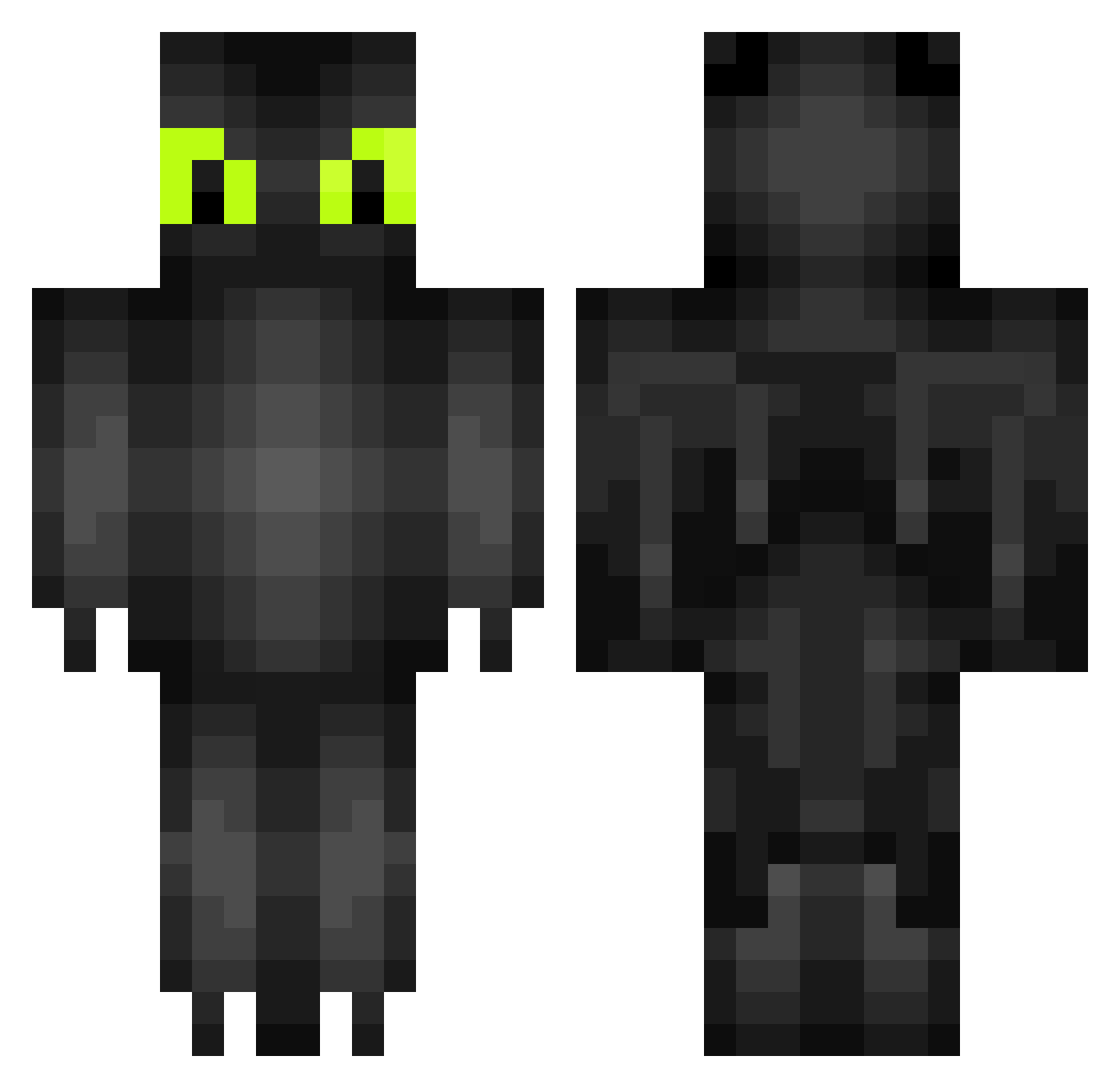
Minecraft skin of Gaylene. Rotate the 3D model with your mouse or finger to view the skin from every angle, then download it as a PNG file and use it in Minecraft: Bedrock Edition or Java Edition for free. Rate the skin with stars to help other players find the best skins in our collection.
How to install the Gaylene skin
- Press the Download button above to save the skin as a PNG file.
- Minecraft: Bedrock Edition (PE): open the Dressing Room from the main menu (or tap your character → Edit Character), go to Classic Skins → Owned, press the + (new skin) button, choose the downloaded PNG and pick the Classic (Steve) model. Works on PC and mobile; consoles cannot import custom skins.
- Minecraft: Java Edition: open the Minecraft Launcher, go to the Skins tab, click New Skin, load the PNG, pick the Classic (Steve) model and press Save & Use. You can also upload it at minecraft.net → Profile → Change Skin.
The skin does not show up after import - what should I do?
Restart Minecraft and open the Dressing Room again - imported skins sometimes appear only after a restart. Also make sure you selected the imported skin and picked the Classic (Steve) model.
Which model should I choose, Classic or Slim?
This skin is designed for the Classic (Steve) model. If you pick the wrong model, the arms of the skin will look stretched or squeezed.
Is this skin free to use?
Yes. Press Download, save the PNG file and use it in Minecraft: Bedrock Edition or Java Edition - no payment or registration needed. The skin also works on multiplayer servers and Realms.
More Toothless Minecraft skins
More skins
Looking for more? Go back to all Minecraft skins and check the top skins of the week, month and all time, or find any player's skin by nickname.