
FiendX1991 - Minecraft Skins & Skin History
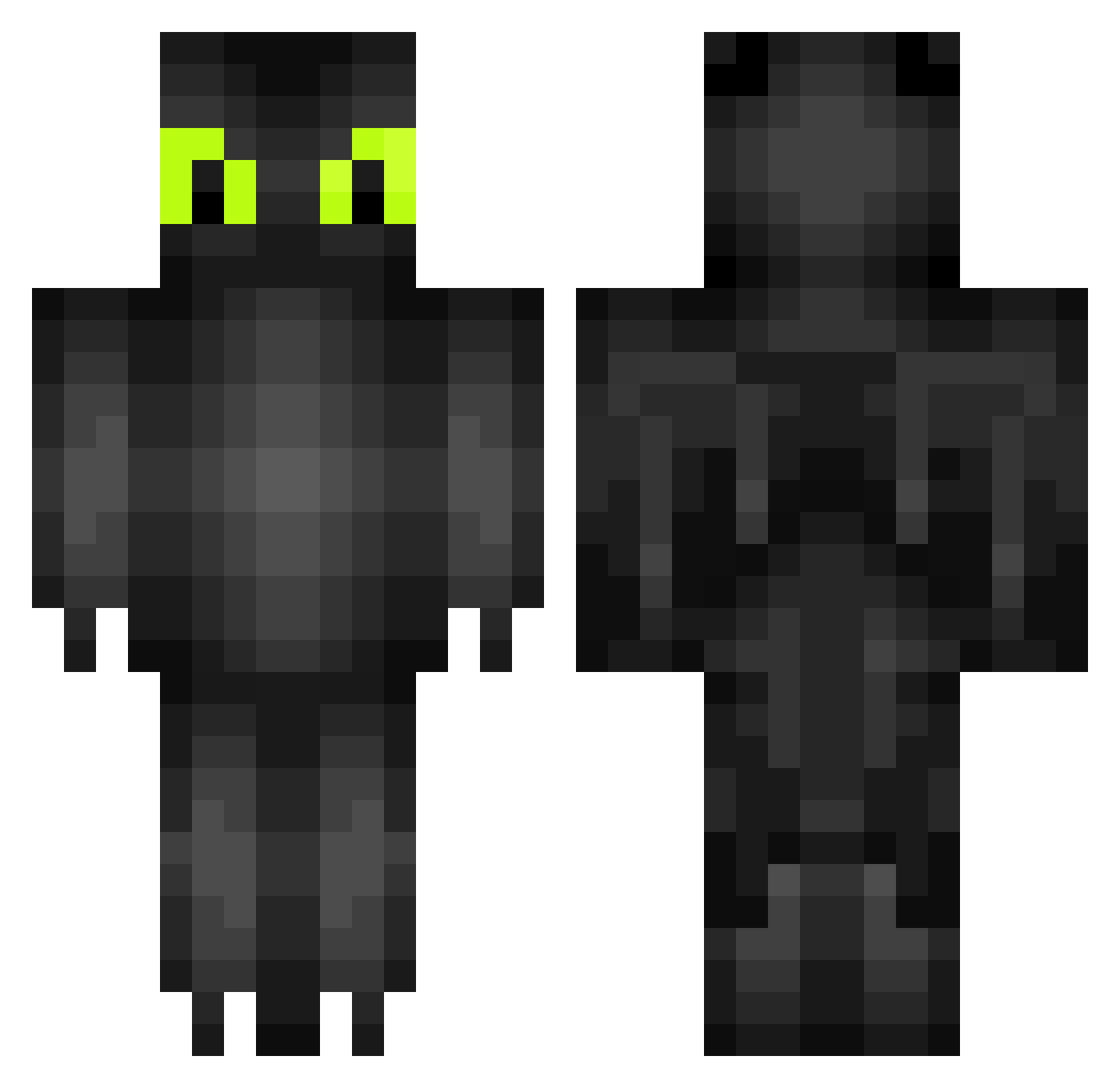
Current Minecraft skin of the player FiendX1991, loaded from the official Mojang API. Rotate the 3D model with your mouse or finger, then download the skin as a PNG file and use it in Minecraft: Bedrock Edition or Java Edition for free. When FiendX1991 changes their skin, this page updates automatically and the old skin stays in the history below.
Other players with this skin (318)
FiendX1991 was the 287th player we have seen with this skin, first spotted on 08.11.2026. The same skin was seen on these players. Open a nickname to see their current skin and skin history.
 MubarekBirkan ReverendGroot solivagantsoul Angel4ever StormSlayer13 xxnightfury123 cathal670 ninjafighters mface Ddslao ComeAtMeBreaux mrtzk pyrotecnick1 ProjectzZ Fidi_21 Aggplayer BieTzzZ Smileyinator Tvcrafter895 Toska14 XFakturaX ogomari Itsasecret581 pericarion_novo Shostakovich33 Marthe1 BokuNoEvil JomyPB KicK1337 king_wade Nightfuriee vonNodus miketothez Eri2777 JosefineTH ThosOliver Fraerok dominiquecookie unikcrys Xarlis MrAnt_ALT xXxKRONZxXx Molanes Timmers17 Chundergram katelyn04 pinnen2002 Corvegas iituonparas Vizah sas8jedi Zeolous tylergray5 Jochempauwels Marsba Lakecucumber vAchlys papallon96 KristofferO Flappster
More Toothless Minecraft skins
How to install the FiendX1991 skin
- Press the Download button above to save the skin as a PNG file.
- Minecraft: Bedrock Edition (PE): open the Dressing Room from the main menu (or tap your character → Edit Character), go to Classic Skins → Owned, press the + (new skin) button, choose the downloaded PNG and pick the Classic (Steve) model. Works on PC and mobile; consoles cannot import custom skins.
- Minecraft: Java Edition: open the Minecraft Launcher, go to the Skins tab, click New Skin, load the PNG, pick the Classic (Steve) model and press Save & Use. You can also upload it at minecraft.net → Profile → Change Skin.
The skin does not show up after import - what should I do?
Restart Minecraft and open the Dressing Room again - imported skins sometimes appear only after a restart. Also make sure you selected the imported skin and picked the Classic (Steve) model.
Which model should I choose, Classic or Slim?
This skin is designed for the Classic (Steve) model. If you pick the wrong model, the arms of the skin will look stretched or squeezed.
Is the skin of FiendX1991 free to download?
Yes. Press Download, save the PNG file and use it in Minecraft: Bedrock Edition or Java Edition - no payment or registration needed. The skin also works on multiplayer servers and Realms.
More skins
Looking for more? Go back to all Minecraft skins and check the top skins of the week, month and all time, or find any player's skin by nickname.