
 GuIs022 Stash32 ypr_ AAnyonee Zuly1 wackos_a_cutie ksawx758 NaysVilla Pudding57 jiminkim112 MOONXR1 Immcrtal ThePabonMC MrColeridge abcdefg1323 JamJestJakub1234 IdkWhatToWrit3 baxxey arguableimmanen NuboeGW0510JK Onivlaa Brunny123 TonyBot37 Neesslog amirzax XamDJ MJMJYB ZeRox0906 italocb chuda25 jnhoyn Jacoob827 Kicmar xuhonyz Agus_Tinait TrueAnt7 benjacrp unHorizon ImeHere AKAsussy Eadagan Justin3k SSHAWNN_SS fqdx minyeddi Yarskuy 8485SV o_sose Cozy_0414 MyWeather9012 Ourtizet GalaxyS25Ultra Evenorac LEONARDO131 _A7med_ RenkuladaCZ WandererLord Ztfro28 Cheetahfy DILLYY_MC
Minecraft skin of cuwrse. Rotate the 3D model with your mouse or finger to view the skin from every angle, then download it as a PNG file and use it in Minecraft: Bedrock Edition or Java Edition for free. Rate the skin with stars to help other players find the best skins in our collection.
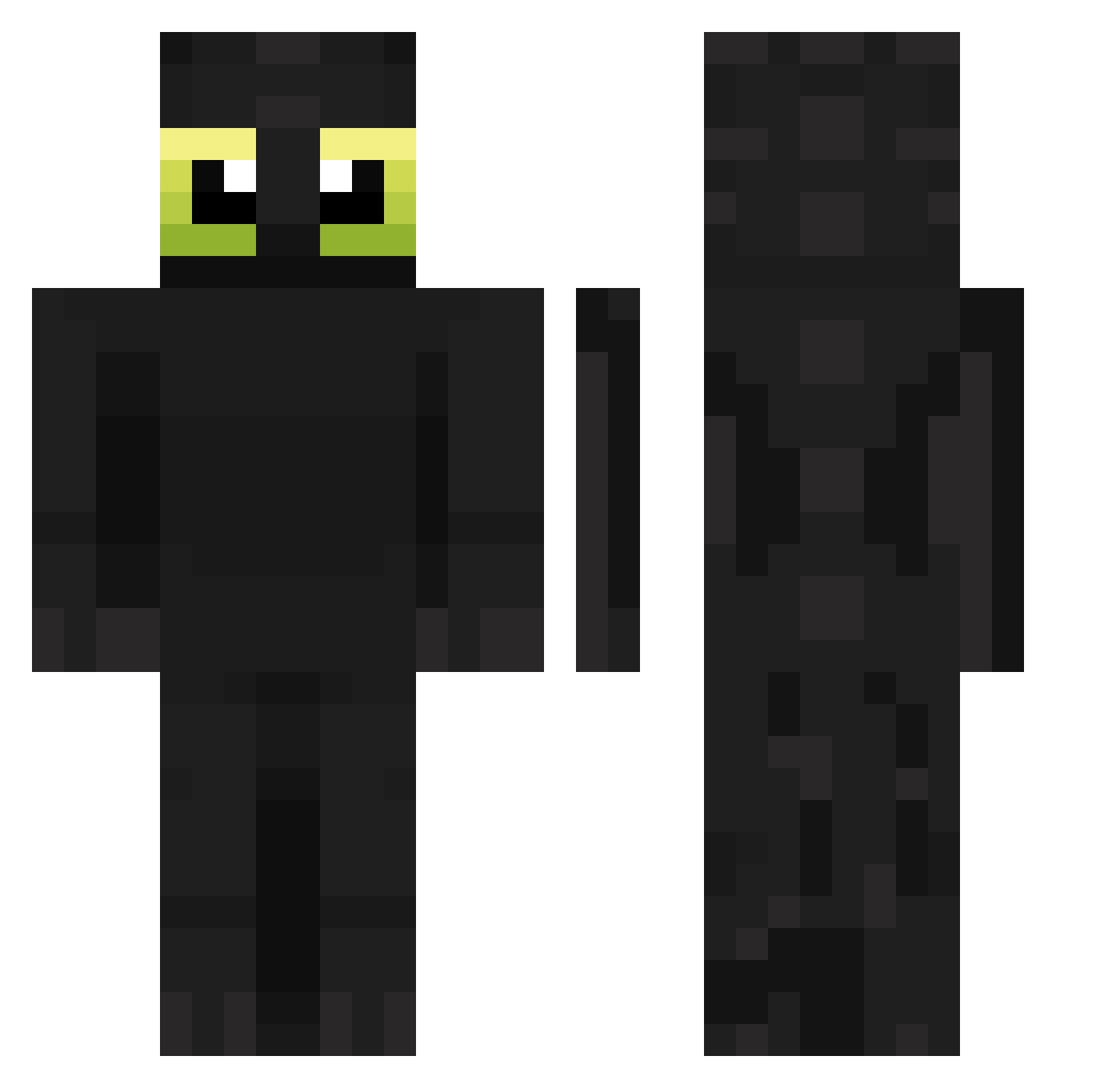
How to install the cuwrse skin
- Press the Download button above to save the skin as a PNG file.
- Minecraft: Bedrock Edition (PE): open the Dressing Room from the main menu (or tap your character → Edit Character), go to Classic Skins → Owned, press the + (new skin) button, choose the downloaded PNG and pick the Classic (Steve) model. Works on PC and mobile; consoles cannot import custom skins.
- Minecraft: Java Edition: open the Minecraft Launcher, go to the Skins tab, click New Skin, load the PNG, pick the Classic (Steve) model and press Save & Use. You can also upload it at minecraft.net → Profile → Change Skin.
The skin does not show up after import - what should I do?
Restart Minecraft and open the Dressing Room again - imported skins sometimes appear only after a restart. Also make sure you selected the imported skin and picked the Classic (Steve) model.
Which model should I choose, Classic or Slim?
This skin is designed for the Classic (Steve) model. If you pick the wrong model, the arms of the skin will look stretched or squeezed.
Is this skin free to use?
Yes. Press Download, save the PNG file and use it in Minecraft: Bedrock Edition or Java Edition - no payment or registration needed. The skin also works on multiplayer servers and Realms.
More Toothless Minecraft skins
More skins
Looking for more? Go back to all Minecraft skins and check the top skins of the week, month and all time, or find any player's skin by nickname.