
 amaaanndda HYuOvo Jolss NeonGemu amJustin BellaKamilia Mellyth whiteback1705 BlondeMischief Sandlucca Touhou_wander NietHugo YAYAYA0402 Doxxex MM36166 Risa_Midori AnchelMak lianek HB_erlinska rowROZY Jnthn1_ Nenene44 yuyu2233 zhangxinru _Unicraft_ Neutako W1LL0WTRE3 Mystify333 qawsed1234 matloreb Gizinha Study0305 huiseon0827 lilshiraq shucream1229 jinxx_80 sun2owl AceInvisibled HejJestemBartek SniikySnow BINOD1984 MASALA96 AlexandraMicky Qazplmqw kaoru_uwu bds_ _Asunaaa_ Yanto kumaY Brooklynliz98 BLKHWK01 rere_0419 hallowsq Leilastar77 Suuuugar_ Klaudia2093 pamstinks MChlebem Feuerschatte RainSamurai8
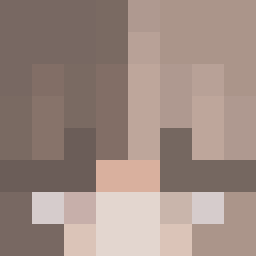
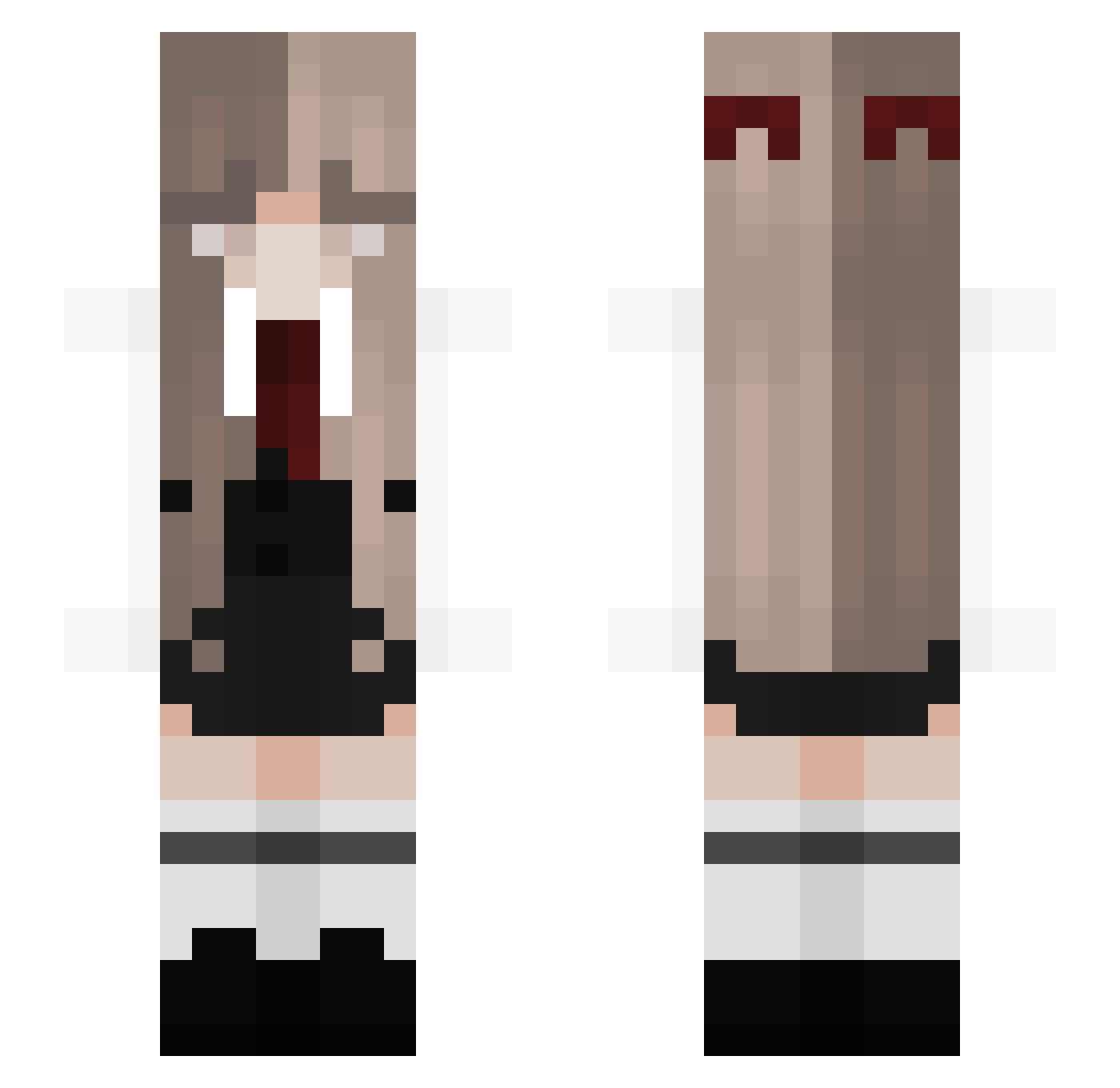
Minecraft skin of Doofi18. Rotate the 3D model with your mouse or finger to view the skin from every angle, then download it as a PNG file and use it in Minecraft: Bedrock Edition or Java Edition for free. Rate the skin with stars to help other players find the best skins in our collection.
How to install the Doofi18 skin
- Press the Download button above to save the skin as a PNG file.
- Minecraft: Bedrock Edition (PE): open the Dressing Room from the main menu (or tap your character → Edit Character), go to Classic Skins → Owned, press the + (new skin) button, choose the downloaded PNG and pick the Slim (Alex) model. Works on PC and mobile; consoles cannot import custom skins.
- Minecraft: Java Edition: open the Minecraft Launcher, go to the Skins tab, click New Skin, load the PNG, pick the Slim (Alex) model and press Save & Use. You can also upload it at minecraft.net → Profile → Change Skin.
The skin does not show up after import - what should I do?
Restart Minecraft and open the Dressing Room again - imported skins sometimes appear only after a restart. Also make sure you selected the imported skin and picked the Slim (Alex) model.
Which model should I choose, Classic or Slim?
This skin is designed for the Slim (Alex) model. If you pick the wrong model, the arms of the skin will look stretched or squeezed.
Is this skin free to use?
Yes. Press Download, save the PNG file and use it in Minecraft: Bedrock Edition or Java Edition - no payment or registration needed. The skin also works on multiplayer servers and Realms.
More Bow Minecraft skins
More skins
Looking for more? Go back to all Minecraft skins and check the top skins of the week, month and all time, or find any player's skin by nickname.