
 GERALDx poofymelon empireclone2007 CraftMasterPip77 xastanga Ericpoter14 Orfeas_Arva Chosenone7234 Sacred14 Waterman534 i_luv_c0nes Selectionn GamerBoi801 Dark1ove4u Erik_737 MiNeCrAfT1423 BikeWomanBanana dindin1 TheMightyMangoz DiscoDylanDude tek201 Nomen_est_Omen X_unverdient_X GwarMarr Beamerboy80 Despacho Kirkin_7 Fl1d3 Bxsit Gojotaru_Anshul Shift_Toggled Gamerboy400 Bergsteinn12 Kash_on_Gfuel2 Mpustovo11 HydroDrip2 DarthMinecraft66 CraftTrashPanda lv_trqsh_vl Goalerzz 0ut0fSoups HumanTyphoon95 bruhngl OwnMindmaster EwmJ4y pacotaco69 gamerboy_80 thatboyJonah KyloniEcho ThalgRekio Elvis86 fue_r Liqhtninn TBNRTB12
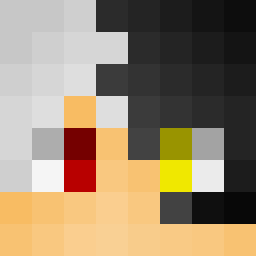
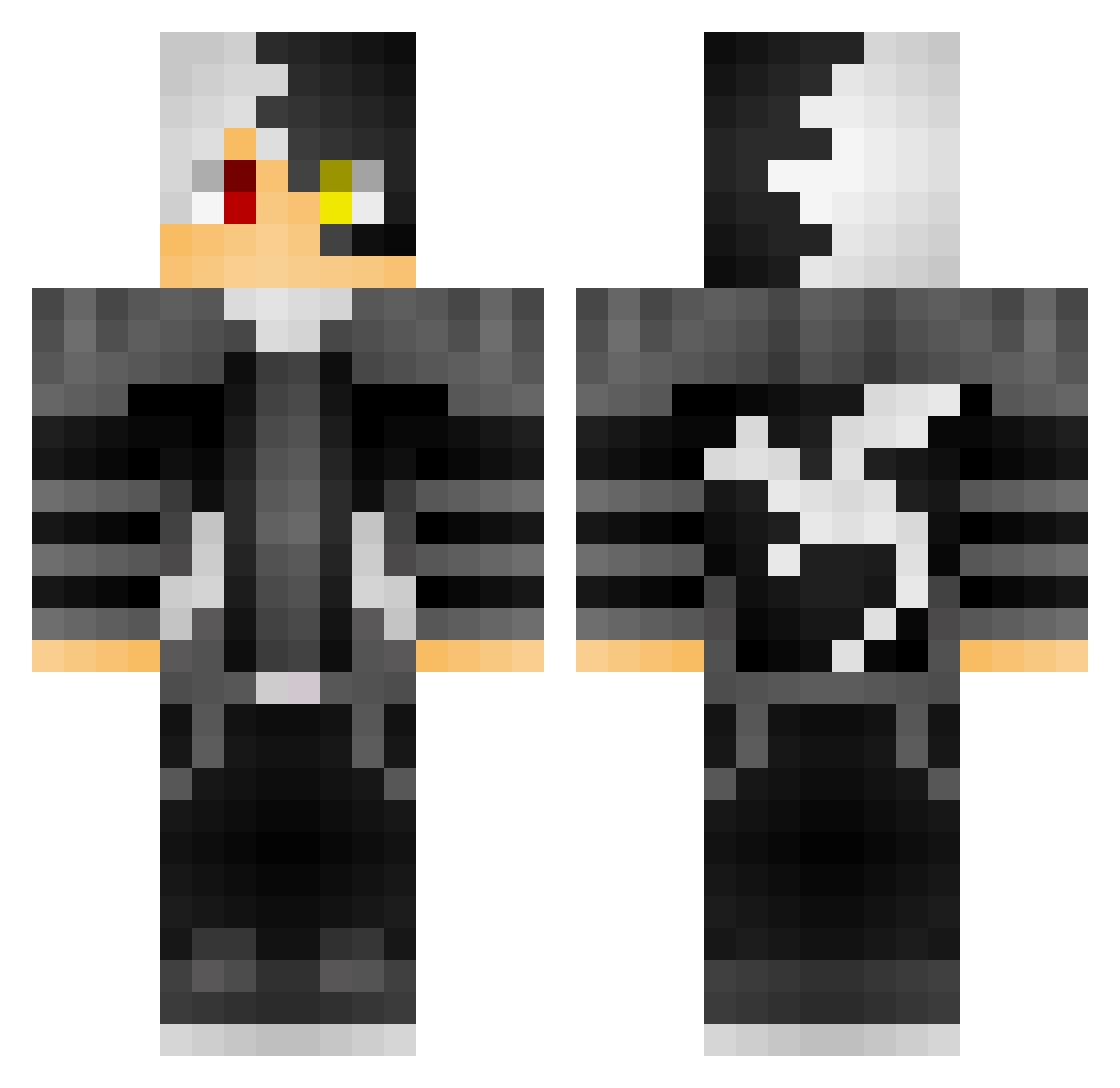
Minecraft skin of fue_r. Rotate the 3D model with your mouse or finger to view the skin from every angle, then download it as a PNG file and use it in Minecraft: Bedrock Edition or Java Edition for free. Rate the skin with stars to help other players find the best skins in our collection.
How to install the fue_r skin
- Press the Download button above to save the skin as a PNG file.
- Minecraft: Bedrock Edition (PE): open the Dressing Room from the main menu (or tap your character → Edit Character), go to Classic Skins → Owned, press the + (new skin) button, choose the downloaded PNG and pick the Classic (Steve) model. Works on PC and mobile; consoles cannot import custom skins.
- Minecraft: Java Edition: open the Minecraft Launcher, go to the Skins tab, click New Skin, load the PNG, pick the Classic (Steve) model and press Save & Use. You can also upload it at minecraft.net → Profile → Change Skin.
The skin does not show up after import - what should I do?
Restart Minecraft and open the Dressing Room again - imported skins sometimes appear only after a restart. Also make sure you selected the imported skin and picked the Classic (Steve) model.
Which model should I choose, Classic or Slim?
This skin is designed for the Classic (Steve) model. If you pick the wrong model, the arms of the skin will look stretched or squeezed.
Is this skin free to use?
Yes. Press Download, save the PNG file and use it in Minecraft: Bedrock Edition or Java Edition - no payment or registration needed. The skin also works on multiplayer servers and Realms.
More skins
Looking for more? Go back to all Minecraft skins and check the top skins of the week, month and all time, or find any player's skin by nickname.