
 Michael0111 TSOrTinySkattz Yxtokun adamhel84 happypenguin305 Mysia_live blackfile007 f_mag Xsetume iTz_PsychO_gamer MrCjOR fr0x01 drschnippelwitz lavimine99 reprisql MECAMAXE limonnnn2112412 black__viper luthul AikoSLT oPaz_ goodie1855 GamePugin Ciiiiiiii MasterZawren Fenvix naebong4 Fallen_Snow Tvs_obscurity ZombieShark18 Jawqesz_ LxstEU nhelvs Constantinee____ MatKem JustFlakko vishers123 BisunMC Bxaboy ItsZyrax oSynix MarsIsB1ue Mizake_ Sohmaaa FiSaL_Z hummelImpo elMojong Syunta0824 skik thzinX tianyuan116 Moderator23 DimondpilotYT cade_o_pancakkk iTz_AB_Dz SlipGator81 TheSpartanvilla BioFighter23 Ghost112358 Mister_GG
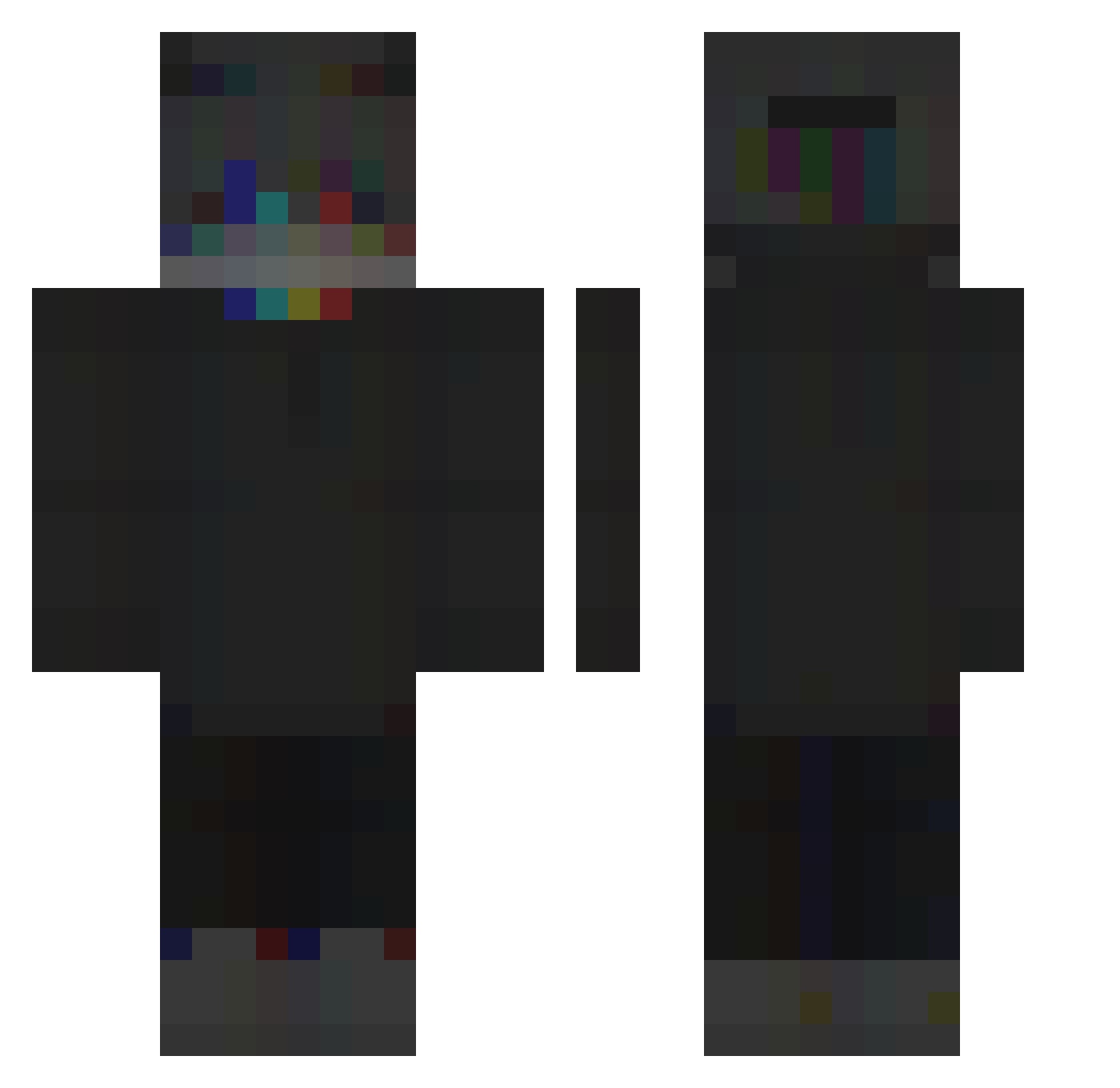
Minecraft skin of krisux37. Rotate the 3D model with your mouse or finger to view the skin from every angle, then download it as a PNG file and use it in Minecraft: Bedrock Edition or Java Edition for free. Rate the skin with stars to help other players find the best skins in our collection.
How to install the krisux37 skin
- Press the Download button above to save the skin as a PNG file.
- Minecraft: Bedrock Edition (PE): open the Dressing Room from the main menu (or tap your character → Edit Character), go to Classic Skins → Owned, press the + (new skin) button, choose the downloaded PNG and pick the Classic (Steve) model. Works on PC and mobile; consoles cannot import custom skins.
- Minecraft: Java Edition: open the Minecraft Launcher, go to the Skins tab, click New Skin, load the PNG, pick the Classic (Steve) model and press Save & Use. You can also upload it at minecraft.net → Profile → Change Skin.
The skin does not show up after import - what should I do?
Restart Minecraft and open the Dressing Room again - imported skins sometimes appear only after a restart. Also make sure you selected the imported skin and picked the Classic (Steve) model.
Which model should I choose, Classic or Slim?
This skin is designed for the Classic (Steve) model. If you pick the wrong model, the arms of the skin will look stretched or squeezed.
Is this skin free to use?
Yes. Press Download, save the PNG file and use it in Minecraft: Bedrock Edition or Java Edition - no payment or registration needed. The skin also works on multiplayer servers and Realms.
More skins
Looking for more? Go back to all Minecraft skins and check the top skins of the week, month and all time, or find any player's skin by nickname.