
FiSaL_Z - Minecraft Skins & Skin History
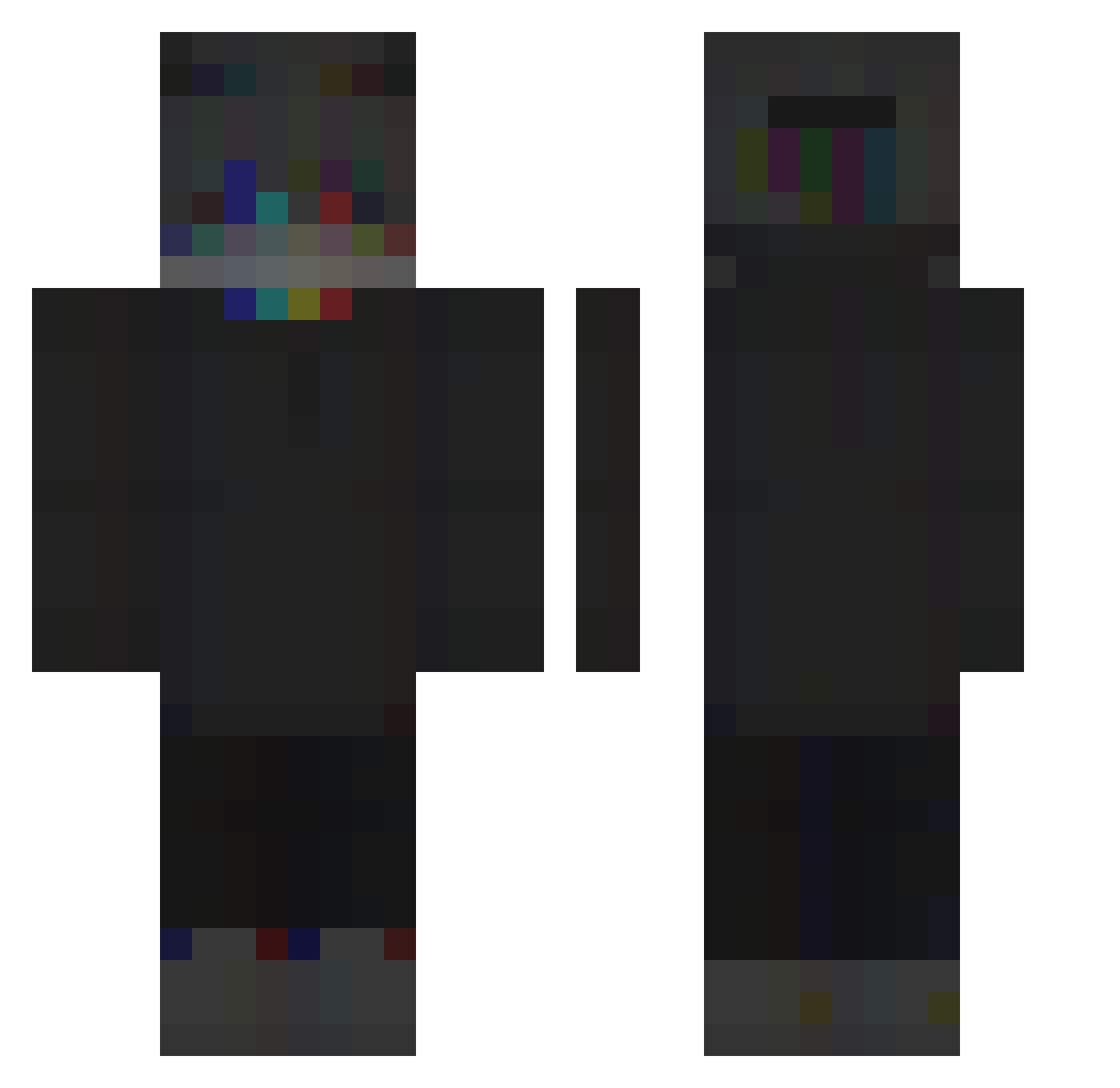
Current Minecraft skin of the player FiSaL_Z, loaded from the official Mojang API. Rotate the 3D model with your mouse or finger, then download the skin as a PNG file and use it in Minecraft: Bedrock Edition or Java Edition for free. When FiSaL_Z changes their skin, this page updates automatically and the old skin stays in the history below.
Other players with this skin (259)
FiSaL_Z was the 216th player we have seen with this skin, first spotted on 20.10.2026. The same skin was seen on these players. Open a nickname to see their current skin and skin history.
 Sohmaaa hummelImpo elMojong Mizake_ MarsIsB1ue Syunta0824 skik oSynix DimondpilotYT ItsZyrax iTz_AB_Dz TheSpartanvilla Bxaboy BisunMC badwithabow_ vishers123 SySiX yBekiffter Wolfpfpsz Quesalvess JustFlakko MatKem Constantinee____ Simxn Confringo6697 nhelvs LxstEU Jawqesz_ ZombieShark18 TrashDaug KaynOtp971 Tvs_obscurity Fallen_Snow xMikusiqq bluejay6275 naebong4 Fenvix MasterZawren Ciiiiiiii GamePugin goodie1855 oPaz_ Die_Laughing AikoSLT luthul black__viper Jonas2004_ spiin17 swimzey StoicHeretic JuliMonteblack limonnnn2112412 yimin677 MECAMAXE DarkTik reprisql pjuradx Poweredbypower lavimine99 drschnippelwitz
How to install the FiSaL_Z skin
- Press the Download button above to save the skin as a PNG file.
- Minecraft: Bedrock Edition (PE): open the Dressing Room from the main menu (or tap your character → Edit Character), go to Classic Skins → Owned, press the + (new skin) button, choose the downloaded PNG and pick the Classic (Steve) model. Works on PC and mobile; consoles cannot import custom skins.
- Minecraft: Java Edition: open the Minecraft Launcher, go to the Skins tab, click New Skin, load the PNG, pick the Classic (Steve) model and press Save & Use. You can also upload it at minecraft.net → Profile → Change Skin.
The skin does not show up after import - what should I do?
Restart Minecraft and open the Dressing Room again - imported skins sometimes appear only after a restart. Also make sure you selected the imported skin and picked the Classic (Steve) model.
Which model should I choose, Classic or Slim?
This skin is designed for the Classic (Steve) model. If you pick the wrong model, the arms of the skin will look stretched or squeezed.
Is the skin of FiSaL_Z free to download?
Yes. Press Download, save the PNG file and use it in Minecraft: Bedrock Edition or Java Edition - no payment or registration needed. The skin also works on multiplayer servers and Realms.
More skins
Looking for more? Go back to all Minecraft skins and check the top skins of the week, month and all time, or find any player's skin by nickname.