
zlaja88 - Minecraft Skins & Skin History
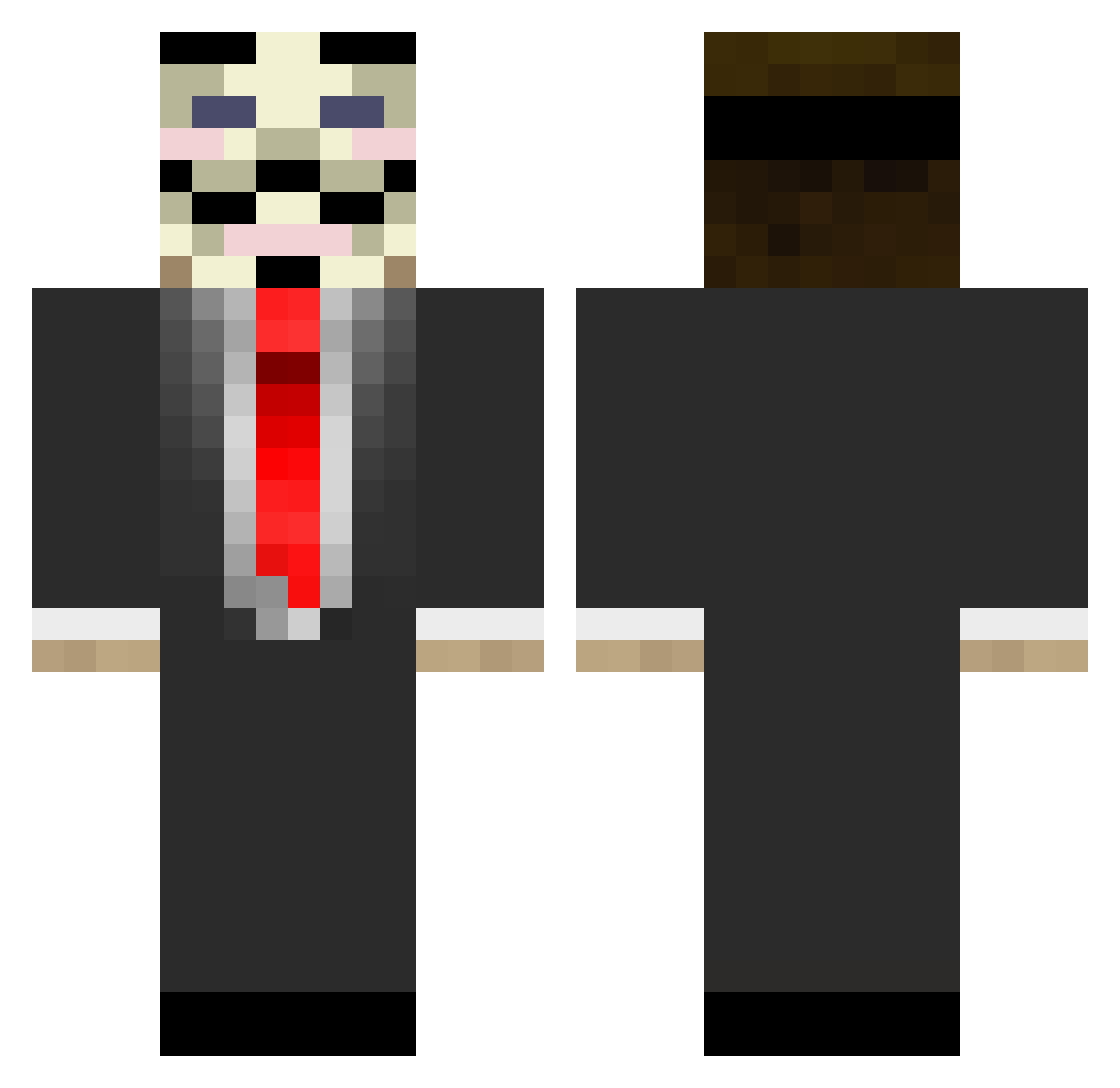
Current Minecraft skin of the player zlaja88, loaded from the official Mojang API. Rotate the 3D model with your mouse or finger, then download the skin as a PNG file and use it in Minecraft: Bedrock Edition or Java Edition for free. When zlaja88 changes their skin, this page updates automatically and the old skin stays in the history below.
Other players with this skin (677)
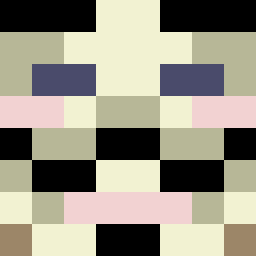
zlaja88 was the 180th player we have seen with this skin, first spotted on 20.08.2026. The same skin was seen on these players. Open a nickname to see their current skin and skin history.
 VictorHt1608 tannii99 chimera54 MhStarDk broskizack Jebusishere01 TotalMonkeyKaos blackmagiq miner7375 LksFerrari GEAR243 B_Killed WasHanenCun gusjam04 JvicPlays 27star St_Moorhuhn WDR_Me Kilkalim Mr_Melon2003 DaBobLawBlah AllSportsNl deadline2001 Freighttrain448 zezas275 maxi_thegamer navy_seal_n truoz AquaDotBatFile Calledessi solcott Ardybruhh MobPlayz Sebedebe123 JackChristie101 EnZo_2812 LilleBroror SocalRag3 TheBlackAsassin kevovaries Itzjejja herman667 Dakeife1811 xxcashgodxx RanaVerde4345 Bushido47 Zoookii l_xxiii Ender_Dragon95 SangpilSeo purplelonewolf Unkn0wnG4m3r tom1337 alejpc vide1337 beastsaint13 Perrykv Marine27 crazYmAniac03 carlosdacruz
More V For Vendetta Minecraft skins
See all 258 V For Vendetta skins
How to install the zlaja88 skin
- Press the Download button above to save the skin as a PNG file.
- Minecraft: Bedrock Edition (PE): open the Dressing Room from the main menu (or tap your character → Edit Character), go to Classic Skins → Owned, press the + (new skin) button, choose the downloaded PNG and pick the Classic (Steve) model. Works on PC and mobile; consoles cannot import custom skins.
- Minecraft: Java Edition: open the Minecraft Launcher, go to the Skins tab, click New Skin, load the PNG, pick the Classic (Steve) model and press Save & Use. You can also upload it at minecraft.net → Profile → Change Skin.
The skin does not show up after import - what should I do?
Restart Minecraft and open the Dressing Room again - imported skins sometimes appear only after a restart. Also make sure you selected the imported skin and picked the Classic (Steve) model.
Which model should I choose, Classic or Slim?
This skin is designed for the Classic (Steve) model. If you pick the wrong model, the arms of the skin will look stretched or squeezed.
Is the skin of zlaja88 free to download?
Yes. Press Download, save the PNG file and use it in Minecraft: Bedrock Edition or Java Edition - no payment or registration needed. The skin also works on multiplayer servers and Realms.
More skins
Looking for more? Go back to all Minecraft skins and check the top skins of the week, month and all time, or find any player's skin by nickname.