
zaewonzzz - Minecraft Skins & Skin History
Current Minecraft skin of the player zaewonzzz, loaded from the official Mojang API. Rotate the 3D model with your mouse or finger, then download the skin as a PNG file and use it in Minecraft: Bedrock Edition or Java Edition for free. When zaewonzzz changes their skin, this page updates automatically and the old skin stays in the history below.
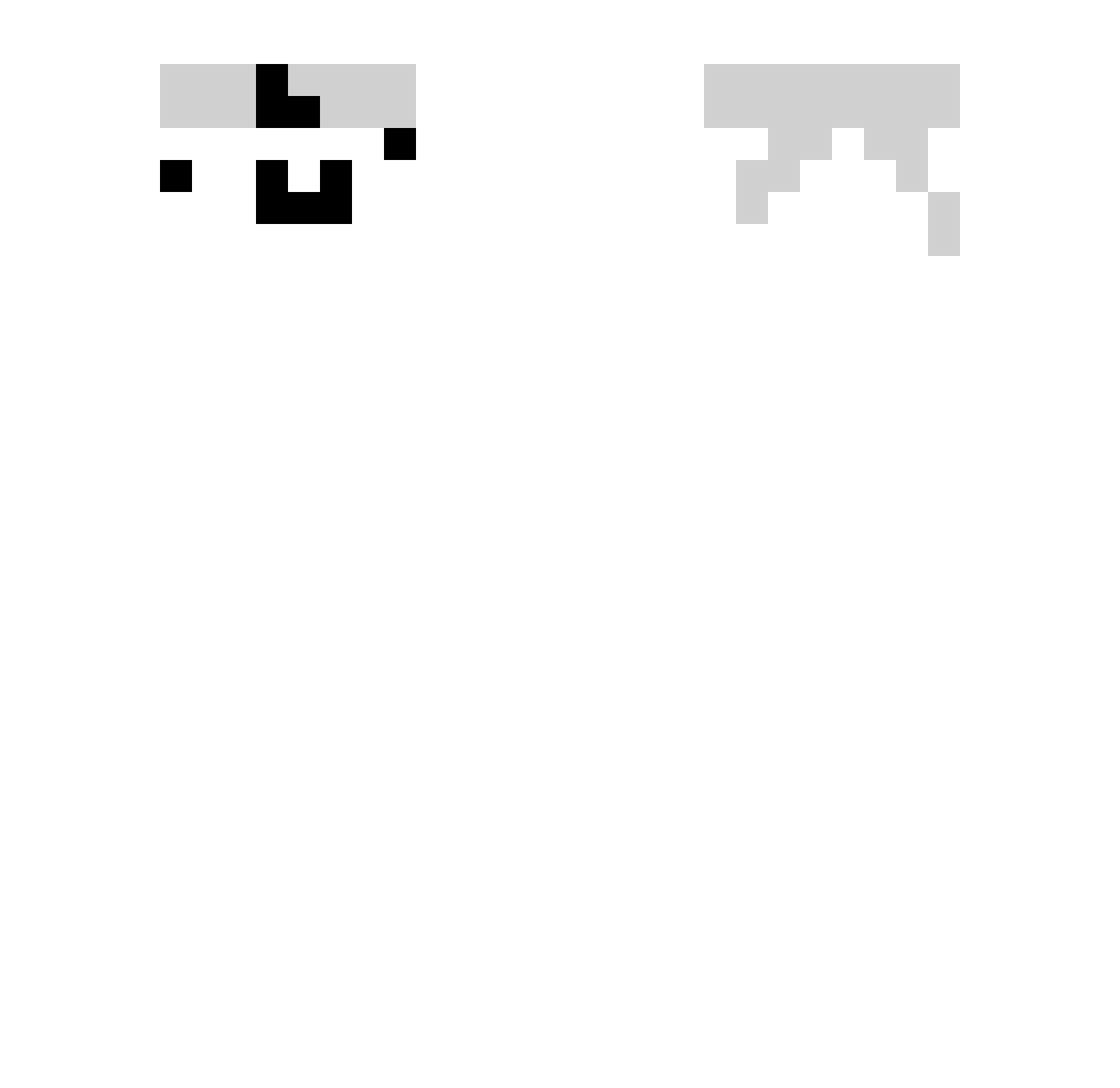
Other players with this skin (332)
zaewonzzz was the 275th player we have seen with this skin, first spotted on 18.10.2026. The same skin was seen on these players. Open a nickname to see their current skin and skin history.
 lUUxx3 XaviGood TabletRush Joefie__ X_Target_LP jacknier Gabrielrms01 SeyAr3s dsx123 kuobao0617 OTUTU1 Zhaoyubo fluupz jaehyeon6716 zMulty _C0RK_ dhui kewinek3112 ORIX99 smurpi Fabes1 KakaowyChlebic3k Way1212 alexdesouza10 MiammL littlebat323 kimjisup Liloucente Daniloba09 Acmebaobao Beyazoz Quazix1 doridoridong akumoh Aleatorioo drk0000 ImNotDarkD bbbungie __no BI8Boi Godrnk__ VanToper Sarthak_77 kamikaz6 mysticclipss obeey baixiong66666 ItsAlex2x gbrejb valwnn_77 xssanx HYUNGJIN05 Phyra4 ride666 zane1503 zicaro_ RandomForeseer Trotxcii Ra1nMagiC HaJaHao
How to install the zaewonzzz skin
- Press the Download button above to save the skin as a PNG file.
- Minecraft: Bedrock Edition (PE): open the Dressing Room from the main menu (or tap your character → Edit Character), go to Classic Skins → Owned, press the + (new skin) button, choose the downloaded PNG and pick the Slim (Alex) model. Works on PC and mobile; consoles cannot import custom skins.
- Minecraft: Java Edition: open the Minecraft Launcher, go to the Skins tab, click New Skin, load the PNG, pick the Slim (Alex) model and press Save & Use. You can also upload it at minecraft.net → Profile → Change Skin.
The skin does not show up after import - what should I do?
Restart Minecraft and open the Dressing Room again - imported skins sometimes appear only after a restart. Also make sure you selected the imported skin and picked the Slim (Alex) model.
Which model should I choose, Classic or Slim?
This skin is designed for the Slim (Alex) model. If you pick the wrong model, the arms of the skin will look stretched or squeezed.
Is the skin of zaewonzzz free to download?
Yes. Press Download, save the PNG file and use it in Minecraft: Bedrock Edition or Java Edition - no payment or registration needed. The skin also works on multiplayer servers and Realms.
More skins
Looking for more? Go back to all Minecraft skins and check the top skins of the week, month and all time, or find any player's skin by nickname.