
yunlinperson - Minecraft Skins & Skin History
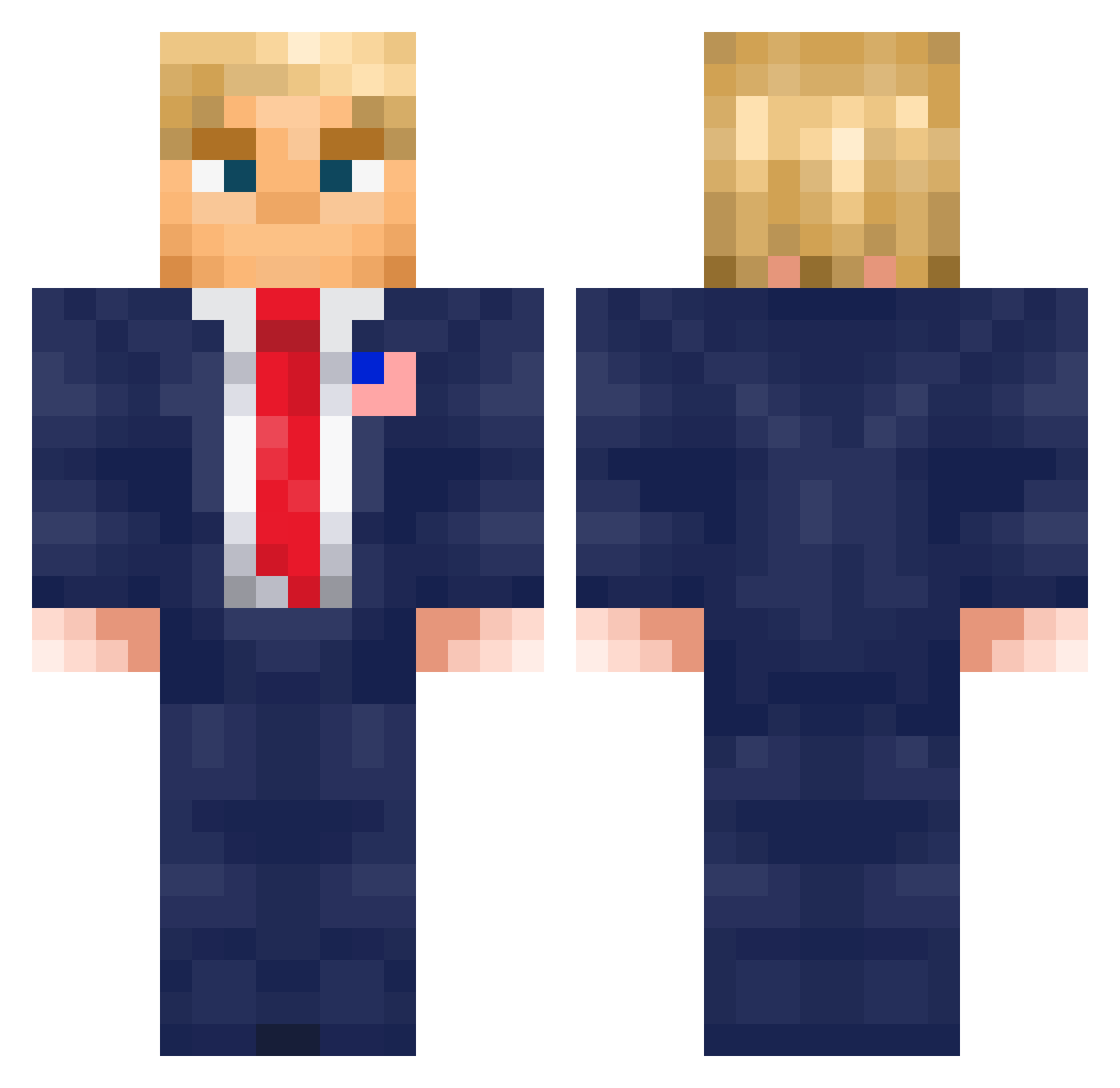
Current Minecraft skin of the player yunlinperson, loaded from the official Mojang API. Rotate the 3D model with your mouse or finger, then download the skin as a PNG file and use it in Minecraft: Bedrock Edition or Java Edition for free. When yunlinperson changes their skin, this page updates automatically and the old skin stays in the history below.
Other players with this skin (602)
yunlinperson was the 329th player we have seen with this skin, first spotted on 24.09.2026. The same skin was seen on these players. Open a nickname to see their current skin and skin history.
 AlisterFD Neomasny themathyy amdhas TheShvepss69 anti_android Batschimera4123 breathevape69420 WorldKingDude zhangQwQ Soxito Knot333SuperB summer403 FlyingMalex Petre08 MYNEBASE MoranteDj tugo0516 conuigi JAKlovesBIG JACKEENOFF mrdarkop4 M0ura13 Pillager2012 RealZedFiles MrKamler Jeka_Dog Smitinator EZ_kek L1ma0 uffjunge Kampfkeks7 JBizzlington mihaatlas HussGamer323 Tator_Tots DaniKings115 snair04 Argo452 ElmerkasUY maksolino JustWhi larsievissernl yemrott Kubatko2010 krk2183 JJexplosion IamAeroJay Kaktuseekk TheBaaba megacharged PresidentVaker JordanDove24 TombosHpts DaRealAlogusGod WaitroseMealDeal Psdude Kr1le JigglyJulian cloudtaker7
More Donald Trump Minecraft skins
See all 333 Donald Trump skins
How to install the yunlinperson skin
- Press the Download button above to save the skin as a PNG file.
- Minecraft: Bedrock Edition (PE): open the Dressing Room from the main menu (or tap your character → Edit Character), go to Classic Skins → Owned, press the + (new skin) button, choose the downloaded PNG and pick the Classic (Steve) model. Works on PC and mobile; consoles cannot import custom skins.
- Minecraft: Java Edition: open the Minecraft Launcher, go to the Skins tab, click New Skin, load the PNG, pick the Classic (Steve) model and press Save & Use. You can also upload it at minecraft.net → Profile → Change Skin.
The skin does not show up after import - what should I do?
Restart Minecraft and open the Dressing Room again - imported skins sometimes appear only after a restart. Also make sure you selected the imported skin and picked the Classic (Steve) model.
Which model should I choose, Classic or Slim?
This skin is designed for the Classic (Steve) model. If you pick the wrong model, the arms of the skin will look stretched or squeezed.
Is the skin of yunlinperson free to download?
Yes. Press Download, save the PNG file and use it in Minecraft: Bedrock Edition or Java Edition - no payment or registration needed. The skin also works on multiplayer servers and Realms.
More skins
Looking for more? Go back to all Minecraft skins and check the top skins of the week, month and all time, or find any player's skin by nickname.