
 Stanou88 Birdito15 USAAAAAAAA RE4LME1 SipOfCola789 yassine1140 TheIndianKid69 KrasserGamer69 xxxsu22 ArdaKndmr swaldo Leogirerdeur TropicalTortuga YungLucho Butchyy Naha26 Dogpawcadood Bonnniex3 JAZMAN44 TallImmigrant DAWG6074 Cmantheking Devacait HenricoMacias Shadyyy1245 Zynx69420 S3xyboy0316 ZenModa Patrex_Tv rhettbiv shadowflame410 IncompA Casualblackguy Hiroshima_911 Bergziesche jakjak97 dutchfatman Tritono14 Shanker133 tmidlen69 azertyyuiop5 TheSickNasty_ Chris_Wind LosTFhalo GrumpyyyMann Vadar16 iWeaper Ryokei1010 Yagami2K KrustyTick Cmy34 spencerado_ ixJam l_Boxboy_l ShallowMold DonaldDTrumpy nice_raven_ Idkman25 _Pookiie_ ClockEnthusiast
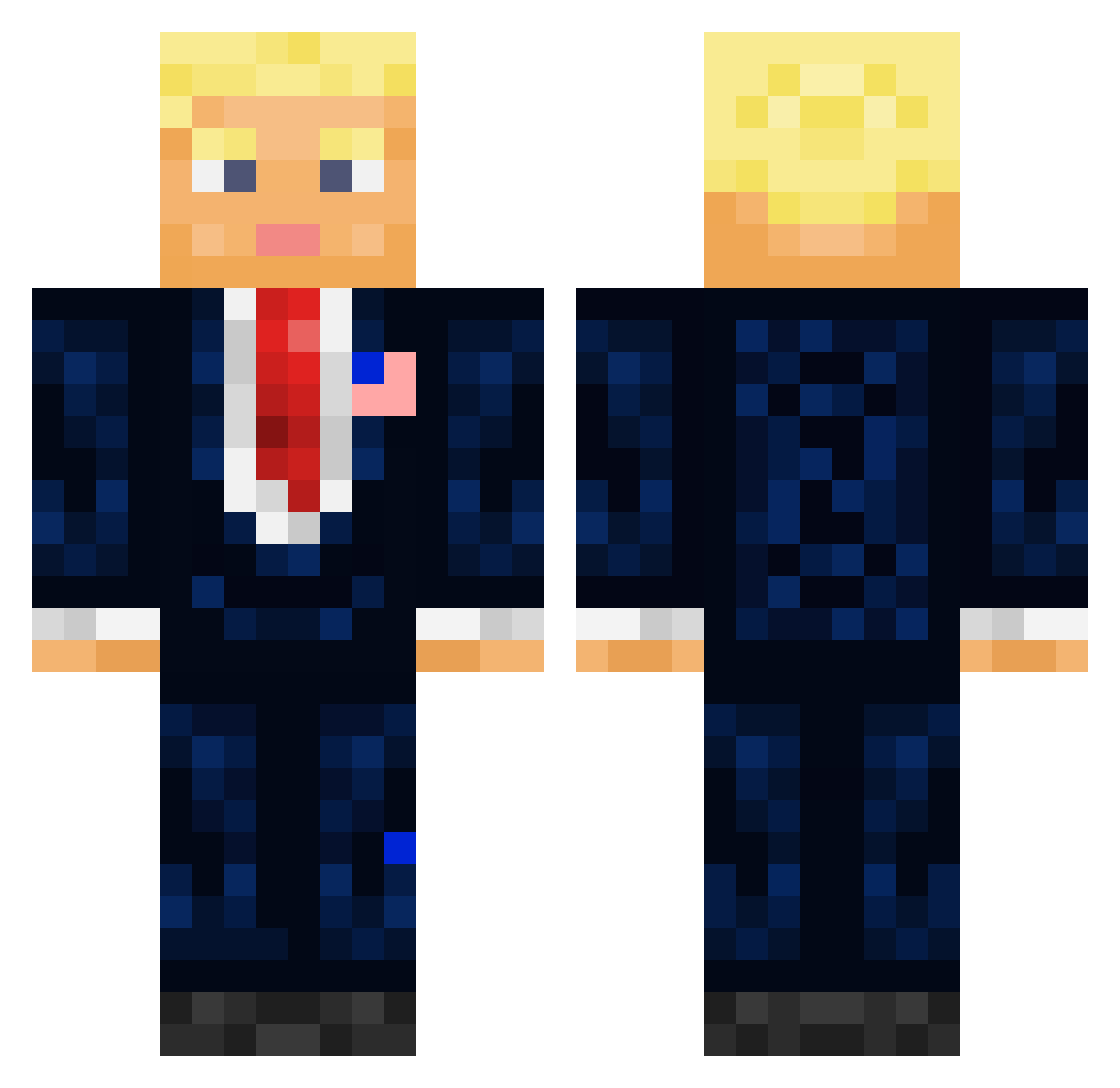
Minecraft skin of Zylveth. Rotate the 3D model with your mouse or finger to view the skin from every angle, then download it as a PNG file and use it in Minecraft: Bedrock Edition or Java Edition for free. Rate the skin with stars to help other players find the best skins in our collection.
How to install the Zylveth skin
- Press the Download button above to save the skin as a PNG file.
- Minecraft: Bedrock Edition (PE): open the Dressing Room from the main menu (or tap your character → Edit Character), go to Classic Skins → Owned, press the + (new skin) button, choose the downloaded PNG and pick the Classic (Steve) model. Works on PC and mobile; consoles cannot import custom skins.
- Minecraft: Java Edition: open the Minecraft Launcher, go to the Skins tab, click New Skin, load the PNG, pick the Classic (Steve) model and press Save & Use. You can also upload it at minecraft.net → Profile → Change Skin.
The skin does not show up after import - what should I do?
Restart Minecraft and open the Dressing Room again - imported skins sometimes appear only after a restart. Also make sure you selected the imported skin and picked the Classic (Steve) model.
Which model should I choose, Classic or Slim?
This skin is designed for the Classic (Steve) model. If you pick the wrong model, the arms of the skin will look stretched or squeezed.
Is this skin free to use?
Yes. Press Download, save the PNG file and use it in Minecraft: Bedrock Edition or Java Edition - no payment or registration needed. The skin also works on multiplayer servers and Realms.
More President Minecraft skins
More skins
Looking for more? Go back to all Minecraft skins and check the top skins of the week, month and all time, or find any player's skin by nickname.