
yulin0010 - Minecraft Skins & Skin History
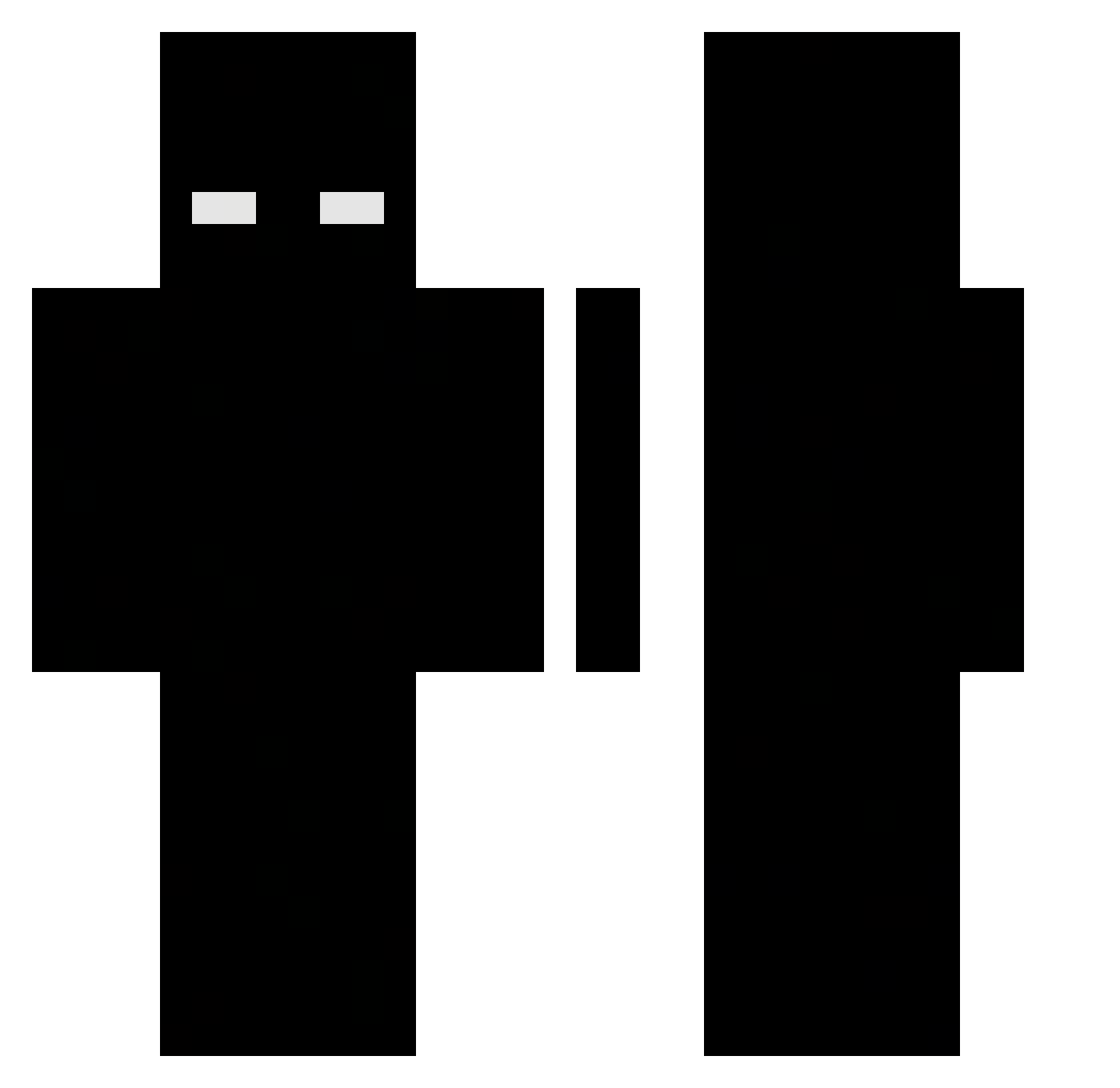
Current Minecraft skin of the player yulin0010, loaded from the official Mojang API. Rotate the 3D model with your mouse or finger, then download the skin as a PNG file and use it in Minecraft: Bedrock Edition or Java Edition for free. When yulin0010 changes their skin, this page updates automatically and the old skin stays in the history below.
Other players with this skin (474)
yulin0010 was the 69th player we have seen with this skin, first spotted on 08.08.2026. The same skin was seen on these players. Open a nickname to see their current skin and skin history.
 Ultimate4143 _F3LIP3_ Wolvxy imhx_x RamenUSER relpse Peikkov Elrevientatripas MINDL11 LilDuckster1243 DiegoAlvX samqeo TheyHateEliYt Algh0tRj Skyrit69 HALODADDYEEZZ Mxxod Psikoloq Treuqs Dancho07 NewFear_ Klinkl_ InstincTNova lhp_261 MEAWDOR ArthurFN Neiboss kalicaaa pjmbit tueleps Abo__s3od aserxyz hun7005 Bellaforever isago d4kuuu Bad32 dr_elder paramek DARKELEY RabidBadger1999 boprezdun Choppir Tenderloin1206 Marz2921 NessXj c2se ItzEdgarus KAOK9 pazur_1 AMAM2342 rxxdyyy BruceHL miggles_1 whosfloyd kacper1133 ElPILLE Voidfrrr eduardopen FuegoGaming
More Herobrine Minecraft skins
How to install the yulin0010 skin
- Press the Download button above to save the skin as a PNG file.
- Minecraft: Bedrock Edition (PE): open the Dressing Room from the main menu (or tap your character → Edit Character), go to Classic Skins → Owned, press the + (new skin) button, choose the downloaded PNG and pick the Classic (Steve) model. Works on PC and mobile; consoles cannot import custom skins.
- Minecraft: Java Edition: open the Minecraft Launcher, go to the Skins tab, click New Skin, load the PNG, pick the Classic (Steve) model and press Save & Use. You can also upload it at minecraft.net → Profile → Change Skin.
The skin does not show up after import - what should I do?
Restart Minecraft and open the Dressing Room again - imported skins sometimes appear only after a restart. Also make sure you selected the imported skin and picked the Classic (Steve) model.
Which model should I choose, Classic or Slim?
This skin is designed for the Classic (Steve) model. If you pick the wrong model, the arms of the skin will look stretched or squeezed.
Is the skin of yulin0010 free to download?
Yes. Press Download, save the PNG file and use it in Minecraft: Bedrock Edition or Java Edition - no payment or registration needed. The skin also works on multiplayer servers and Realms.
More skins
Looking for more? Go back to all Minecraft skins and check the top skins of the week, month and all time, or find any player's skin by nickname.