
yceng - Minecraft Skins & Skin History
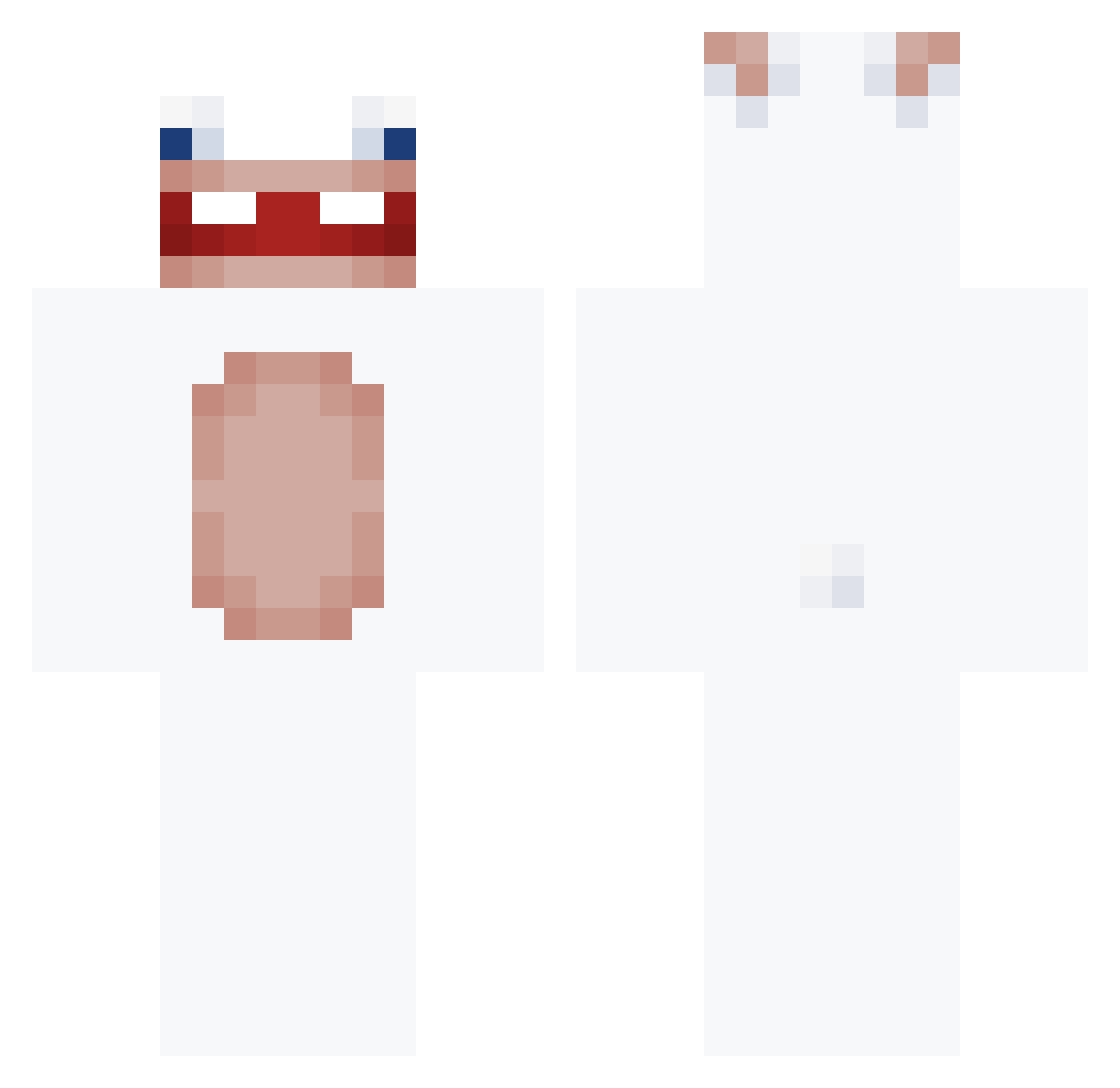
Current Minecraft skin of the player yceng, loaded from the official Mojang API. Rotate the 3D model with your mouse or finger, then download the skin as a PNG file and use it in Minecraft: Bedrock Edition or Java Edition for free. When yceng changes their skin, this page updates automatically and the old skin stays in the history below.
Other players with this skin (158)
yceng was the 88th player we have seen with this skin, first spotted on 25.09.2026. The same skin was seen on these players. Open a nickname to see their current skin and skin history.
 M4gheL Chilly_freezer xsebas1822 augustooo__ not_ephy dkdrlahWlWL NIAXtv manu3132 Kyllizo Aero__0 Eunchae0102 Mofias448 Malwinosek NgCongManh Allthedeadgods yuzew Szxn__ DevoraLolis Spetzunder echany28 sanswan LeafyALeaf Abbasation Fynni2309 Antonimcez7 szemq753 sedated01 ConejoPlayero Lawnari XxSpeczyxX ikeabagvr MillkMyMerc Zakarneh LostInReality FakeShaco Just_Pr DAROVAPACIKI LofY_l Non4Qui KFCMDL Akashi_Off NlSanty dxhee12 TaoBen_05 BigPenguinn RealSigma11 duplexdron lo_w28_ MrJohnny1447 bapk chwwtyi i0akiI epoxyfx
 dylann0 ashbbq0909 xanVIVII UH4M KrabOnTop ZZZelene HushDurian
More Rabbids Minecraft skins
How to install the yceng skin
- Press the Download button above to save the skin as a PNG file.
- Minecraft: Bedrock Edition (PE): open the Dressing Room from the main menu (or tap your character → Edit Character), go to Classic Skins → Owned, press the + (new skin) button, choose the downloaded PNG and pick the Classic (Steve) model. Works on PC and mobile; consoles cannot import custom skins.
- Minecraft: Java Edition: open the Minecraft Launcher, go to the Skins tab, click New Skin, load the PNG, pick the Classic (Steve) model and press Save & Use. You can also upload it at minecraft.net → Profile → Change Skin.
The skin does not show up after import - what should I do?
Restart Minecraft and open the Dressing Room again - imported skins sometimes appear only after a restart. Also make sure you selected the imported skin and picked the Classic (Steve) model.
Which model should I choose, Classic or Slim?
This skin is designed for the Classic (Steve) model. If you pick the wrong model, the arms of the skin will look stretched or squeezed.
Is the skin of yceng free to download?
Yes. Press Download, save the PNG file and use it in Minecraft: Bedrock Edition or Java Edition - no payment or registration needed. The skin also works on multiplayer servers and Realms.
More skins
Looking for more? Go back to all Minecraft skins and check the top skins of the week, month and all time, or find any player's skin by nickname.