
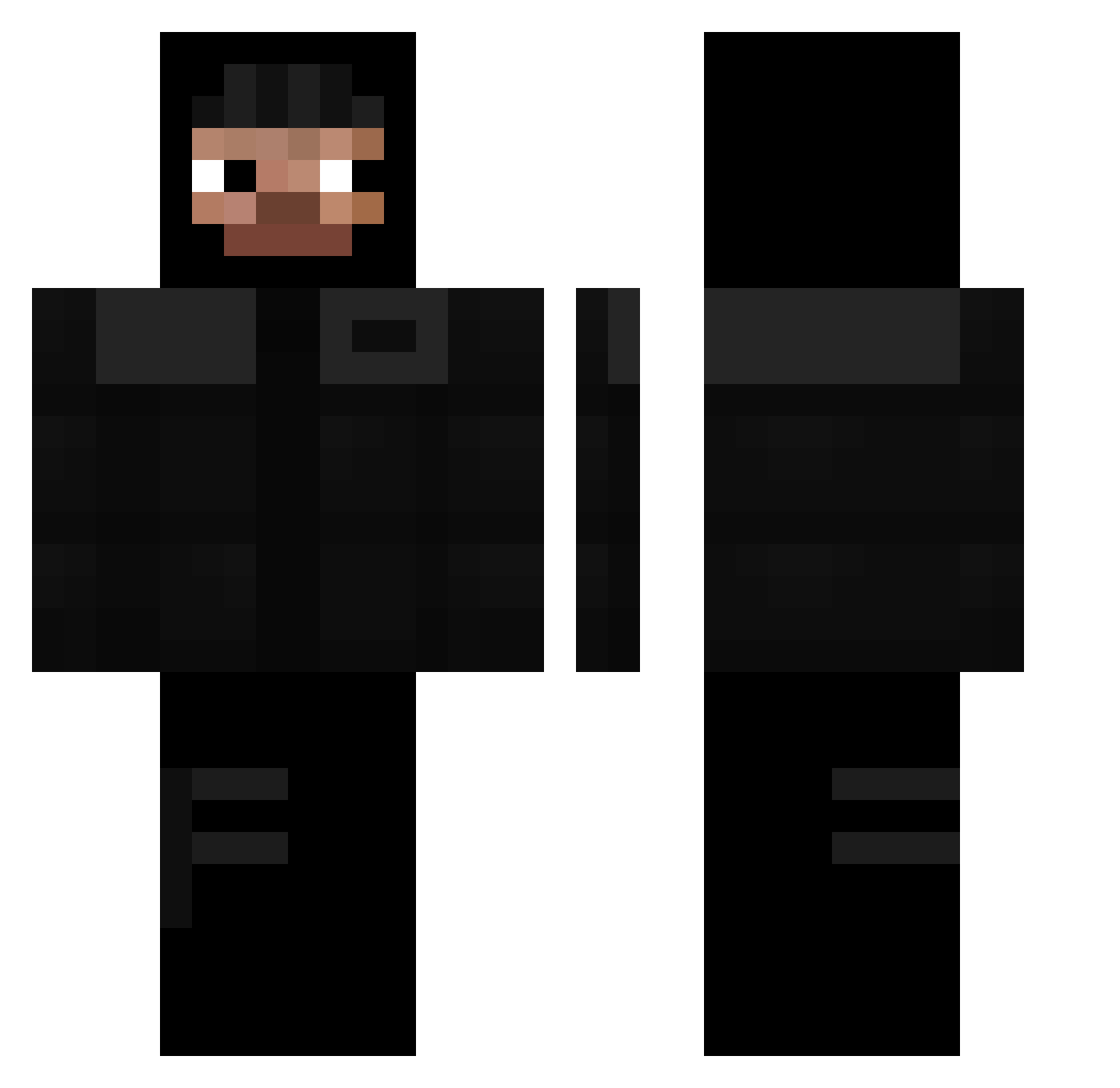
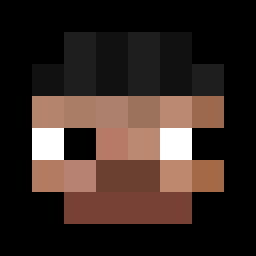
Current Minecraft skin of the player yassinoalgerio, loaded from the official Mojang API. Rotate the 3D model with your mouse or finger, then download the skin as a PNG file and use it in Minecraft: Bedrock Edition or Java Edition for free. When yassinoalgerio changes their skin, this page updates automatically and the old skin stays in the history below.
Other players with this skin (247)
yassinoalgerio was the 29th player we have seen with this skin, first spotted on 04.08.2026. The same skin was seen on these players. Open a nickname to see their current skin and skin history.
 bigDmarios LeguanPlayzHD ISimp4IceSpice 69nnx _energyyy slainfan10 nitsugamon herbol Lollix_2708 Mihico_Cool thatoneguy224 LukePyro B3T3C3 Quinnczn xenate_max Rickena JewkPierce ZombeMC ioqzi Vortuxka LaMenaceEnCaval Simdg inseri DonChetsa OrthogonalStrike SleepyVegeta shinraho Str0ldh0ld Akira131 doxemk BZH69800 _Pokimane kaceperek11 Chunnie1000 Garakapo YoungAdik davinm23 kamci0 WorseKk Tyulo samuvilla08 Wristwatches kritiixz remizy FlynnYTB chojny_susel kyumzz Juxn_M vickarage Gelo613 sktx TucoSocaFofo Synek1809 0pp0 TigrouLeLoulou Szajmonn Charoo783 Lock_key Zelvak69 sneakybaby
More Thief Minecraft skins
How to install the yassinoalgerio skin
- Press the Download button above to save the skin as a PNG file.
- Minecraft: Bedrock Edition (PE): open the Dressing Room from the main menu (or tap your character → Edit Character), go to Classic Skins → Owned, press the + (new skin) button, choose the downloaded PNG and pick the Classic (Steve) model. Works on PC and mobile; consoles cannot import custom skins.
- Minecraft: Java Edition: open the Minecraft Launcher, go to the Skins tab, click New Skin, load the PNG, pick the Classic (Steve) model and press Save & Use. You can also upload it at minecraft.net → Profile → Change Skin.
The skin does not show up after import - what should I do?
Restart Minecraft and open the Dressing Room again - imported skins sometimes appear only after a restart. Also make sure you selected the imported skin and picked the Classic (Steve) model.
Which model should I choose, Classic or Slim?
This skin is designed for the Classic (Steve) model. If you pick the wrong model, the arms of the skin will look stretched or squeezed.
Is the skin of yassinoalgerio free to download?
Yes. Press Download, save the PNG file and use it in Minecraft: Bedrock Edition or Java Edition - no payment or registration needed. The skin also works on multiplayer servers and Realms.
More skins
Looking for more? Go back to all Minecraft skins and check the top skins of the week, month and all time, or find any player's skin by nickname.