
yYa_7lfshg_05_18 - Minecraft Skins & Skin History
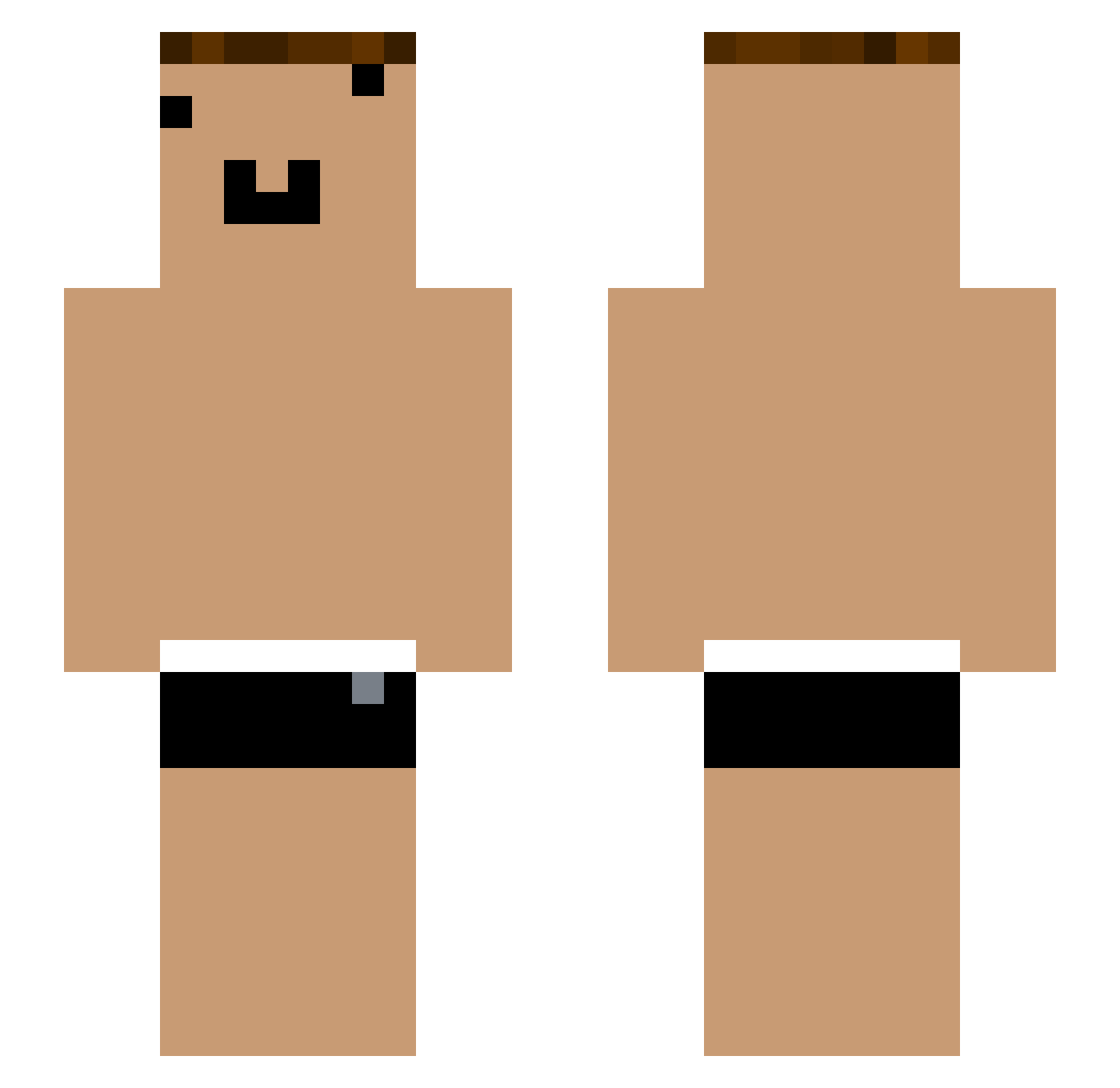
Current Minecraft skin of the player yYa_7lfshg_05_18, loaded from the official Mojang API. Rotate the 3D model with your mouse or finger, then download the skin as a PNG file and use it in Minecraft: Bedrock Edition or Java Edition for free. When yYa_7lfshg_05_18 changes their skin, this page updates automatically and the old skin stays in the history below.
Other players with this skin (1054)
yYa_7lfshg_05_18 was the 916th player we have seen with this skin, first spotted on 21.10.2026. The same skin was seen on these players. Open a nickname to see their current skin and skin history.
 yYa_4omRXf_04_30 Xiaokun_wsXZZT qwq_1tIzmQ che_i89Qtp_05_03 Tzi_BNE2r3_04_14 _ixqDCZ xpp_8wSA1X_07_17 Tzi_FRaqbC_05_30 YouTouBe__nHv1cO yYa_NY1SWo_04_11 AnSy99 Tzi_q4gtop_05_07 CD_7PDqqg mr_vZe7TC_08_03 YouTube_utJLto yYa_wrblZz_06_30 yYa_wFCHOz_05_01 Tzi_q4gtop_06_07 25lhr yYa_uQA4Qr_05_17 xpp_yt3cew_07_17 qwq_fr6Id4 Tzi_VhEUse_06_01 XmhkN_WR5Yem yYa_6UuEhj_06_17 yYa_5k1Ed2_04_11 che_N4CxpA_05_04 qv_fjg974 Tzi_pQq5pn_07_08 po_wbi052 cherie_0sca0Z Tzi_CS4hoO_07_25 Xiaokun_dnPhAe _N4CxpA Tzi_RGryWt_08_04 Tzi_RLVbND_06_22 Bestow_WrO8lx yYa_VuRWCy_05_01 Tzi_FRaqbC_04_23 yYa_MwVN7m_05_01 Tzi_FRaqbC_06_26 SergeantSlippery bq_lad274 HY_ymQ1WE Tzi_IIZS2T_04_24 harvestmenchik Masii2 yYa_abAJi3_04_20 yYa_E5aHaZ_04_22 CL3SO77 ONE_N4CxpA_04_23 Tzi_Oh8s4K_05_06 yYa_n04x29_05_02 Tzi_FRaqbC_05_05 vasco_007 yYa_GdMNFm_06_24 yYa_NsjUHQ_05_23 yYa_rBoe2U_04_30 Cd_r2iz2M_05_05 yYa_RLVbND_05_05
More Funny Face Minecraft skins
How to install the yYa_7lfshg_05_18 skin
- Press the Download button above to save the skin as a PNG file.
- Minecraft: Bedrock Edition (PE): open the Dressing Room from the main menu (or tap your character → Edit Character), go to Classic Skins → Owned, press the + (new skin) button, choose the downloaded PNG and pick the Slim (Alex) model. Works on PC and mobile; consoles cannot import custom skins.
- Minecraft: Java Edition: open the Minecraft Launcher, go to the Skins tab, click New Skin, load the PNG, pick the Slim (Alex) model and press Save & Use. You can also upload it at minecraft.net → Profile → Change Skin.
The skin does not show up after import - what should I do?
Restart Minecraft and open the Dressing Room again - imported skins sometimes appear only after a restart. Also make sure you selected the imported skin and picked the Slim (Alex) model.
Which model should I choose, Classic or Slim?
This skin is designed for the Slim (Alex) model. If you pick the wrong model, the arms of the skin will look stretched or squeezed.
Is the skin of yYa_7lfshg_05_18 free to download?
Yes. Press Download, save the PNG file and use it in Minecraft: Bedrock Edition or Java Edition - no payment or registration needed. The skin also works on multiplayer servers and Realms.
More skins
Looking for more? Go back to all Minecraft skins and check the top skins of the week, month and all time, or find any player's skin by nickname.