
xlz2009 - Minecraft Skins & Skin History
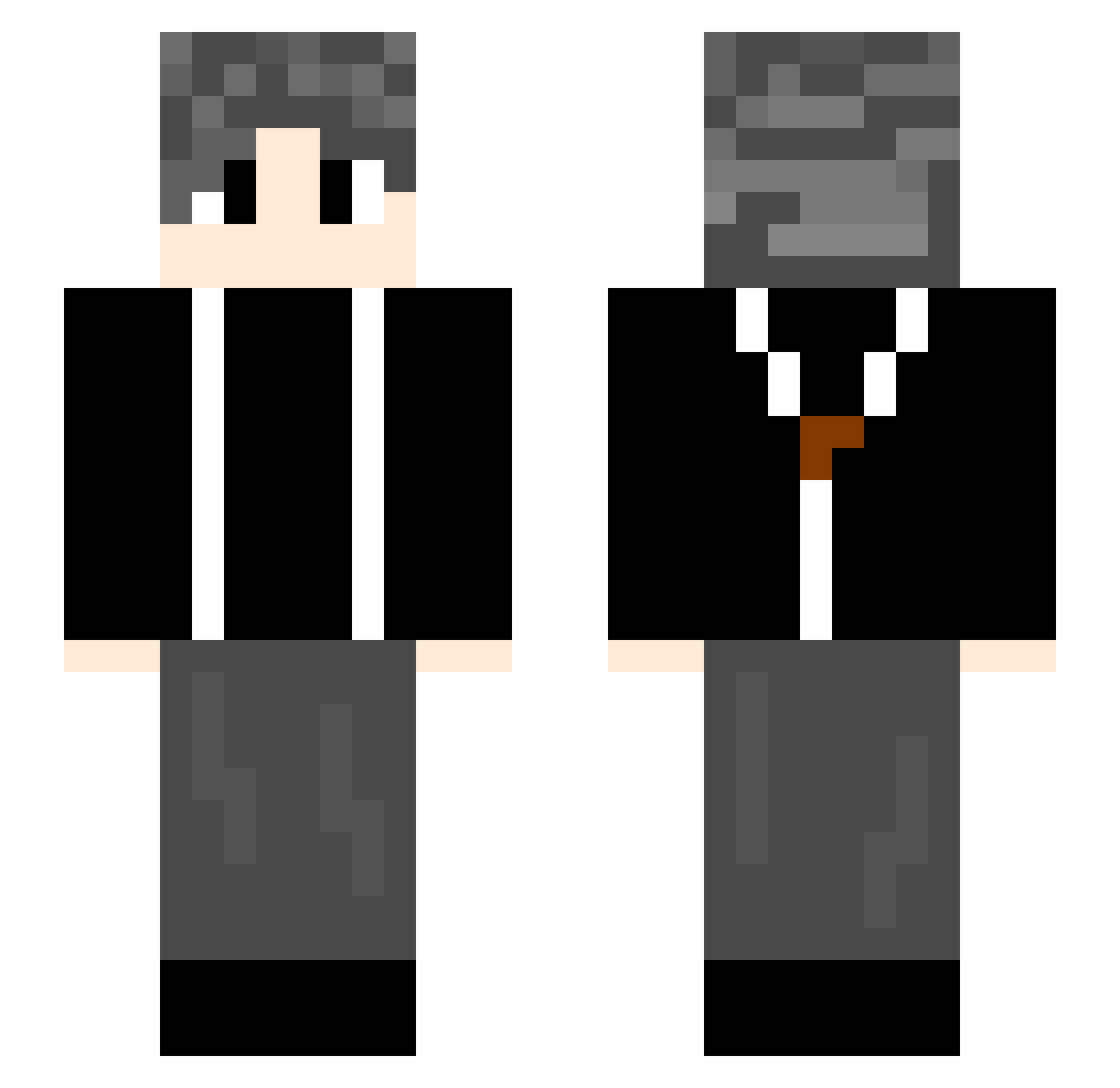
Current Minecraft skin of the player xlz2009, loaded from the official Mojang API. Rotate the 3D model with your mouse or finger, then download the skin as a PNG file and use it in Minecraft: Bedrock Edition or Java Edition for free. When xlz2009 changes their skin, this page updates automatically and the old skin stays in the history below.
Other players with this skin (739)
xlz2009 was the 136th player we have seen with this skin, first spotted on 14.08.2026. The same skin was seen on these players. Open a nickname to see their current skin and skin history.
 theshy3372325860 KaiWenMo wsdfw Fjarg TUOTUO1113 huaishi18 XYHH999 JJ20cm_ YoYo63042 HANACY5 oPayneo mufu1124 miss1111 CHAO1148 houtenya Rain_Kong hzm112233 lmhc WebJUJU ELDER_Jiang AuguestKun XiangYu_114514 Momhunter47 wudi668 sierya gexing66 TokisakiKurumi66 YUMAO188 esiking Kamoome Misaka16116 lsl222 xiaomahua clownfish66 DeYIM laoxin MingAhr Max7G XUEX78 dlshs XIAOBOOOOOOO kiriarashi vxDCxv wanghe8657 cxkjijiji CHAWEI007 Tianyang0 LIUTHH Inkstone_autumn 12Rose34 Mounns tany233 Lryte xyyxyyy HopiLong XiaoWuwuu iris0325 xiaonan22 Johnxaio SL0113
How to install the xlz2009 skin
- Press the Download button above to save the skin as a PNG file.
- Minecraft: Bedrock Edition (PE): open the Dressing Room from the main menu (or tap your character → Edit Character), go to Classic Skins → Owned, press the + (new skin) button, choose the downloaded PNG and pick the Slim (Alex) model. Works on PC and mobile; consoles cannot import custom skins.
- Minecraft: Java Edition: open the Minecraft Launcher, go to the Skins tab, click New Skin, load the PNG, pick the Slim (Alex) model and press Save & Use. You can also upload it at minecraft.net → Profile → Change Skin.
The skin does not show up after import - what should I do?
Restart Minecraft and open the Dressing Room again - imported skins sometimes appear only after a restart. Also make sure you selected the imported skin and picked the Slim (Alex) model.
Which model should I choose, Classic or Slim?
This skin is designed for the Slim (Alex) model. If you pick the wrong model, the arms of the skin will look stretched or squeezed.
Is the skin of xlz2009 free to download?
Yes. Press Download, save the PNG file and use it in Minecraft: Bedrock Edition or Java Edition - no payment or registration needed. The skin also works on multiplayer servers and Realms.
More skins
Looking for more? Go back to all Minecraft skins and check the top skins of the week, month and all time, or find any player's skin by nickname.