
 YV_U LLue729 weznnn KS814 StartYourEngine tieguo19 YCZL shuiqing ZHOU_MUZE ssdasdasd2 jokerplus666 gfx2022 TangerineCat23 Jackeylove98 xiaoZ423 C_n_y xaiodanke dittay xag2ji3 Tiusi Thebugisme llZzxll hashimoto118 Huaiming123 William_0121 HUANGQI777 Miss_Link WDIkun Constantine0_0 NorthwestOldman lls888 cyxwuhu larry520 HongKong_Doll___ blueskygreen Gxy0929 SouthCith N1nng Hs3n jojoaaa12 cqnzz KLplay HKTX123 wyr521 cxk0001 hachiman0808 AGG765 YuInst_ Marco1483 LinSirR leejl666 niannb xiaoen123 sao_yuan Blooming848 Yuujmm A1exz_ Zhenyang_ hhhhhhhansom KveotatuTvT
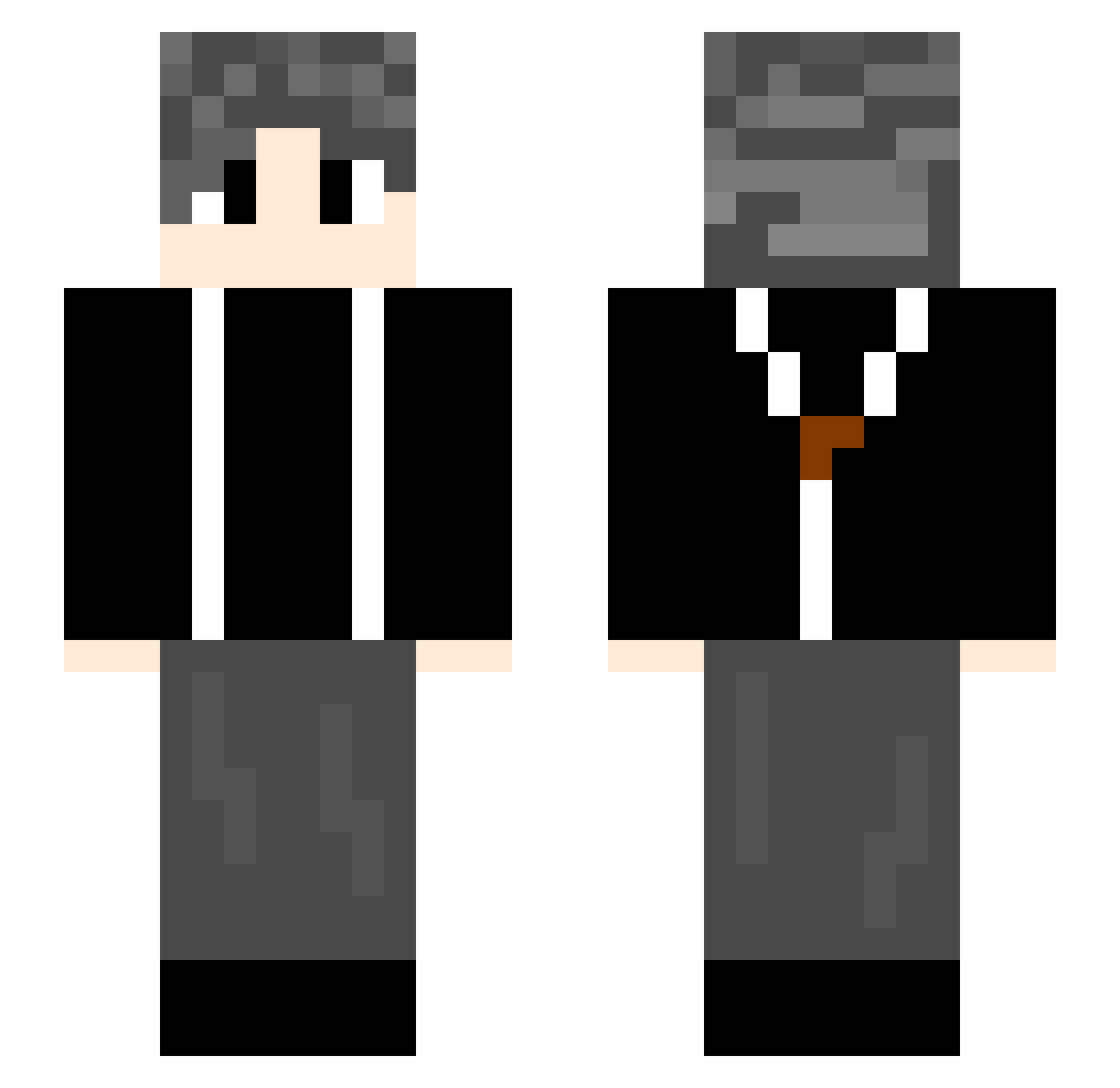
Minecraft skin of htyc7. Rotate the 3D model with your mouse or finger to view the skin from every angle, then download it as a PNG file and use it in Minecraft: Bedrock Edition or Java Edition for free. Rate the skin with stars to help other players find the best skins in our collection.
How to install the htyc7 skin
- Press the Download button above to save the skin as a PNG file.
- Minecraft: Bedrock Edition (PE): open the Dressing Room from the main menu (or tap your character → Edit Character), go to Classic Skins → Owned, press the + (new skin) button, choose the downloaded PNG and pick the Slim (Alex) model. Works on PC and mobile; consoles cannot import custom skins.
- Minecraft: Java Edition: open the Minecraft Launcher, go to the Skins tab, click New Skin, load the PNG, pick the Slim (Alex) model and press Save & Use. You can also upload it at minecraft.net → Profile → Change Skin.
The skin does not show up after import - what should I do?
Restart Minecraft and open the Dressing Room again - imported skins sometimes appear only after a restart. Also make sure you selected the imported skin and picked the Slim (Alex) model.
Which model should I choose, Classic or Slim?
This skin is designed for the Slim (Alex) model. If you pick the wrong model, the arms of the skin will look stretched or squeezed.
Is this skin free to use?
Yes. Press Download, save the PNG file and use it in Minecraft: Bedrock Edition or Java Edition - no payment or registration needed. The skin also works on multiplayer servers and Realms.
More skins
Looking for more? Go back to all Minecraft skins and check the top skins of the week, month and all time, or find any player's skin by nickname.