
xie_shu - Minecraft Skins & Skin History
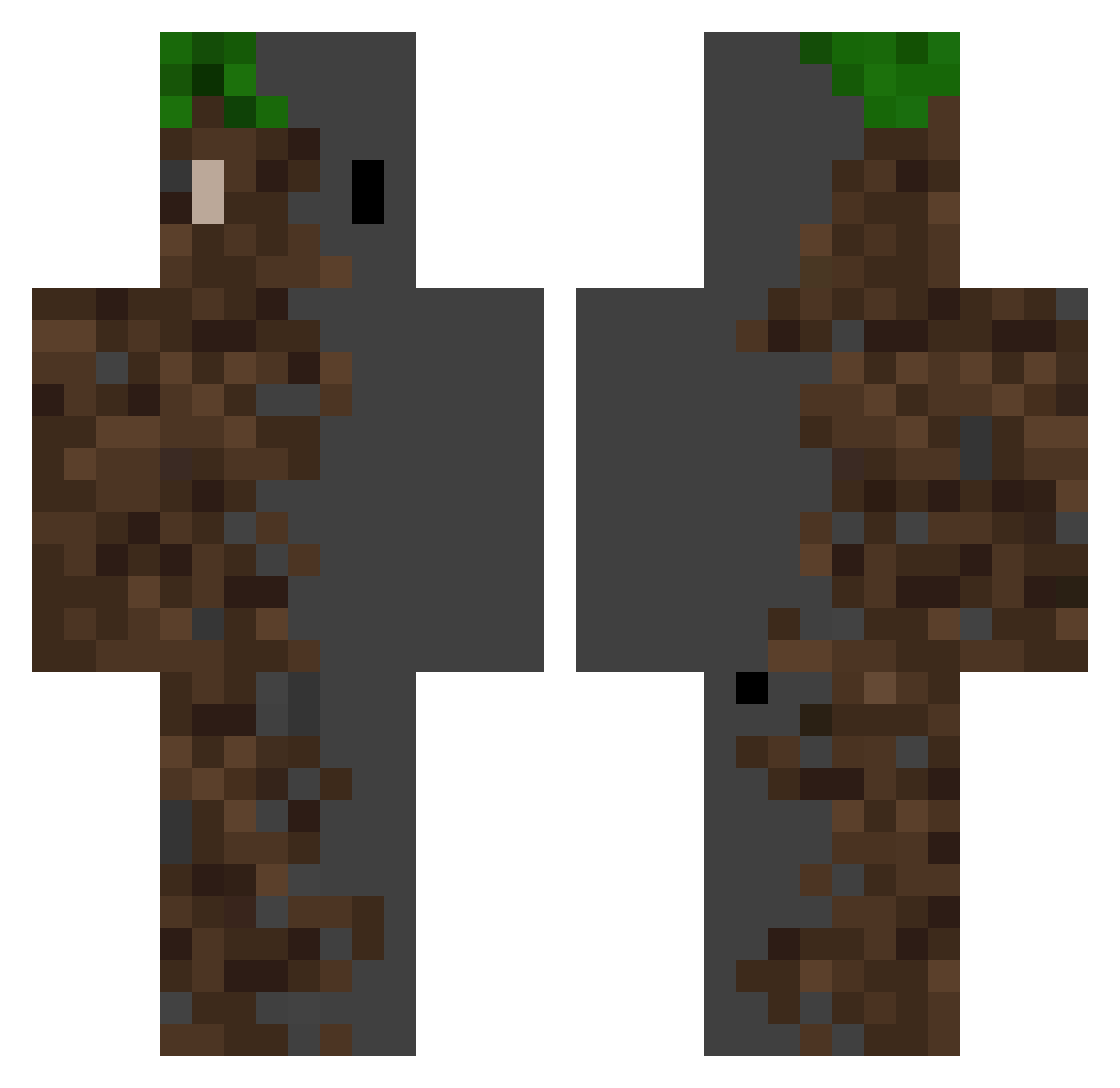
Current Minecraft skin of the player xie_shu, loaded from the official Mojang API. Rotate the 3D model with your mouse or finger, then download the skin as a PNG file and use it in Minecraft: Bedrock Edition or Java Edition for free. When xie_shu changes their skin, this page updates automatically and the old skin stays in the history below.
Other players with this skin (526)
xie_shu was the 40th player we have seen with this skin, first spotted on 02.08.2026. The same skin was seen on these players. Open a nickname to see their current skin and skin history.
 Nandos43 DogeNamekyle Javaboyt Artttu SocioLife yasrdy LYX3qwq Cmscrew kjlsai TTleazer IanCortes Lekevin275 ralphe_ R1NZYYT KANG_888 Denolo580 Spektrum_Smells lenjse Elizabeth_V
 ulugbey06 Kandilol Victorhernandez fox_whistle BBQ11451 cemanis Seb_S05 LYYoungg Alexie34 Andiprian Eliott111 Mxhxiii YouJinSaMa Miste_i Rasomi Charrit0 Cynoptic Ohpeeeter YoungDaggerX306 THEQUENTIN64 GhostTrucker674 lightbulb1130 Hessteban1 kunanpl Carlozzz7 egorchuk9 TheycallmeRuca
 Ihavetoplayalot TIRION1 Hiiamham KKKKKKKKRR CN_jason Ben476 Shiweiqi MOON_CHOCO Takucito GabrielLePo spacetime314 2y_y
 migiboo Owardoo
More Dirt Block Minecraft skins
How to install the xie_shu skin
- Press the Download button above to save the skin as a PNG file.
- Minecraft: Bedrock Edition (PE): open the Dressing Room from the main menu (or tap your character → Edit Character), go to Classic Skins → Owned, press the + (new skin) button, choose the downloaded PNG and pick the Classic (Steve) model. Works on PC and mobile; consoles cannot import custom skins.
- Minecraft: Java Edition: open the Minecraft Launcher, go to the Skins tab, click New Skin, load the PNG, pick the Classic (Steve) model and press Save & Use. You can also upload it at minecraft.net → Profile → Change Skin.
The skin does not show up after import - what should I do?
Restart Minecraft and open the Dressing Room again - imported skins sometimes appear only after a restart. Also make sure you selected the imported skin and picked the Classic (Steve) model.
Which model should I choose, Classic or Slim?
This skin is designed for the Classic (Steve) model. If you pick the wrong model, the arms of the skin will look stretched or squeezed.
Is the skin of xie_shu free to download?
Yes. Press Download, save the PNG file and use it in Minecraft: Bedrock Edition or Java Edition - no payment or registration needed. The skin also works on multiplayer servers and Realms.
More skins
Looking for more? Go back to all Minecraft skins and check the top skins of the week, month and all time, or find any player's skin by nickname.