
xalisa77x - Minecraft Skins & Skin History
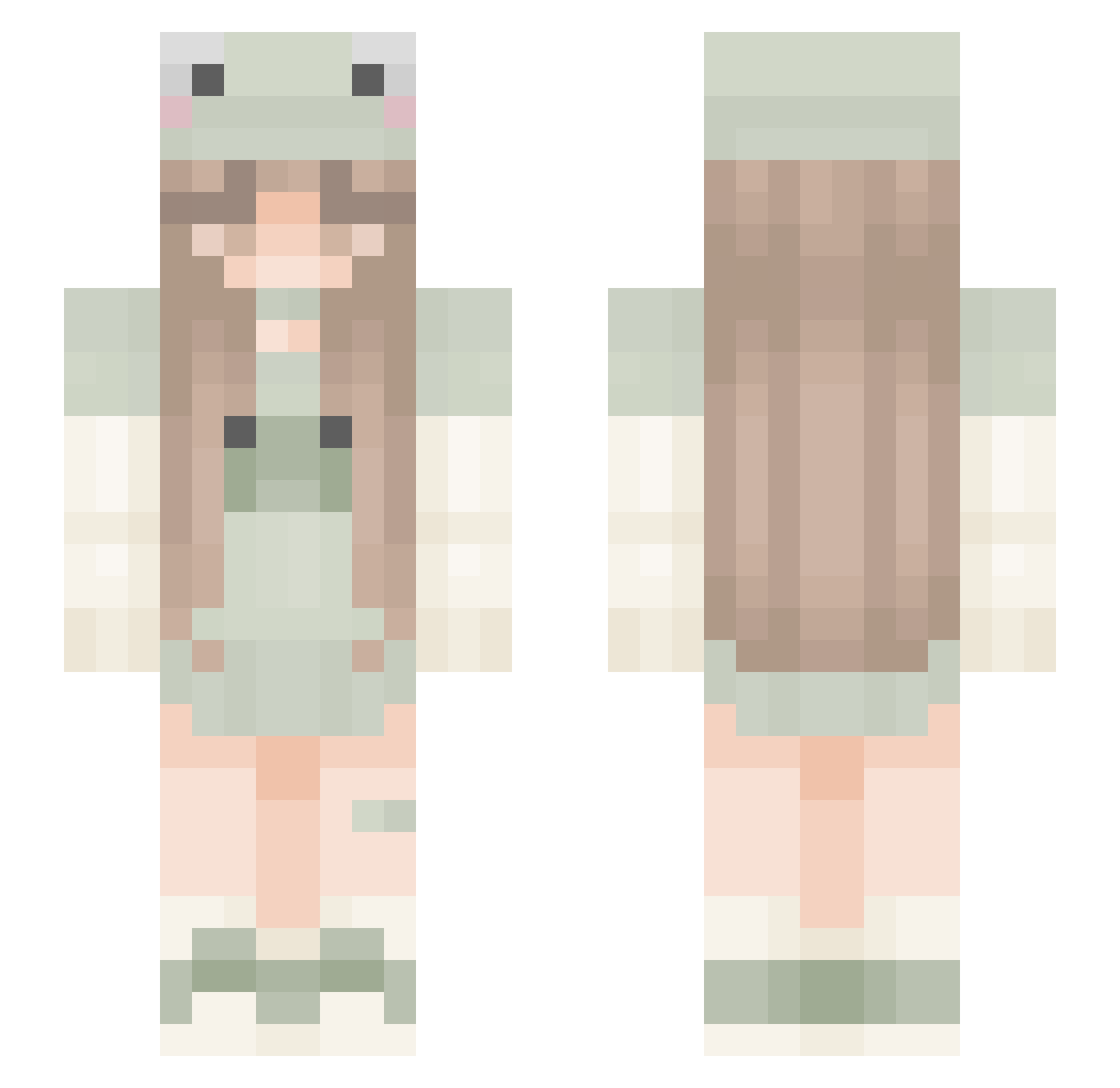
Current Minecraft skin of the player xalisa77x, loaded from the official Mojang API. Rotate the 3D model with your mouse or finger, then download the skin as a PNG file and use it in Minecraft: Bedrock Edition or Java Edition for free. When xalisa77x changes their skin, this page updates automatically and the old skin stays in the history below.
Other players with this skin (306)
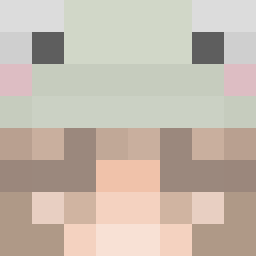
xalisa77x was the 93rd player we have seen with this skin, first spotted on 27.08.2026. The same skin was seen on these players. Open a nickname to see their current skin and skin history.
 Minnacon hotblockchain alyaking _nini_2 Lucyna_H R0xanka CAJackson15 niniSr MariaRex1 DaDasa jq_night0301 _IamMus_ hellokittiesdxck LunaBlue0203 Aaron410 Malinowyyyy hi_ellie Prindy07 LimeCloudd Lokky1236 Tastaturkrigeren kawiicat12344 ElasticalLOL yeni1221 unlikelynat TimelierKitty45 somethingso myoga1210 KittenQueenMD lucimsfan101 Doc_Ferox Liisuke8 KatInTheBag09 bigbigot KlaraL08 rorymybeloved 6106 cloudistryy Froggalina GTS_Elisa JustLenaa sofia0721 Knighthawk2800 hijacksiji soniclover_11 EvaInMyLand iguana890 Stillblessed dicj weay PollyFern iamfroglol 0o0_y froggo_tea Tinaaa1604 SweetSkittless AlensMichelle tguytonmarin honibuny Mariiinchenn
More Frog Hat Minecraft skins
How to install the xalisa77x skin
- Press the Download button above to save the skin as a PNG file.
- Minecraft: Bedrock Edition (PE): open the Dressing Room from the main menu (or tap your character → Edit Character), go to Classic Skins → Owned, press the + (new skin) button, choose the downloaded PNG and pick the Slim (Alex) model. Works on PC and mobile; consoles cannot import custom skins.
- Minecraft: Java Edition: open the Minecraft Launcher, go to the Skins tab, click New Skin, load the PNG, pick the Slim (Alex) model and press Save & Use. You can also upload it at minecraft.net → Profile → Change Skin.
The skin does not show up after import - what should I do?
Restart Minecraft and open the Dressing Room again - imported skins sometimes appear only after a restart. Also make sure you selected the imported skin and picked the Slim (Alex) model.
Which model should I choose, Classic or Slim?
This skin is designed for the Slim (Alex) model. If you pick the wrong model, the arms of the skin will look stretched or squeezed.
Is the skin of xalisa77x free to download?
Yes. Press Download, save the PNG file and use it in Minecraft: Bedrock Edition or Java Edition - no payment or registration needed. The skin also works on multiplayer servers and Realms.
More skins
Looking for more? Go back to all Minecraft skins and check the top skins of the week, month and all time, or find any player's skin by nickname.