
 _Wonderland__ SOOBIN2437 EgirlNecron Beanottola MonteCristo1844 daggoe_010 not_tjdwls arschessen IlaryFive meowkaz RubberDucckie raaevee rozuq112 athena00008 NebUla812 xIzaxx UNICORNPOWERP spankiecats ItzMeSidio __H0ll0w__ SparkleNana liitiii Feltonkaa MarielleH Kat_2017 cloudy_alex13 ilyGreenSheep MrBurro BTHNYXIX ItsMalikFTW cloudysky_ally kakashi_hatake10 Txylor01 william_jou lydiarae tirsie Vendeuse SamiiWasTaken newi12 Seyru16 Cute_Banseoyeon allysonbruns copycatnat mysticalchip0 YYcherrYY Zqe_ Unicaela Alcael Merakiiverse Eulerchan on9kahim_ AimeeInnit MaddiG168 mini0131 Lenaa09 cloudymoon0118 ddariaa1 whatthefriq69 MillieTheSobber tediibearx
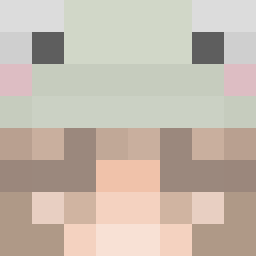
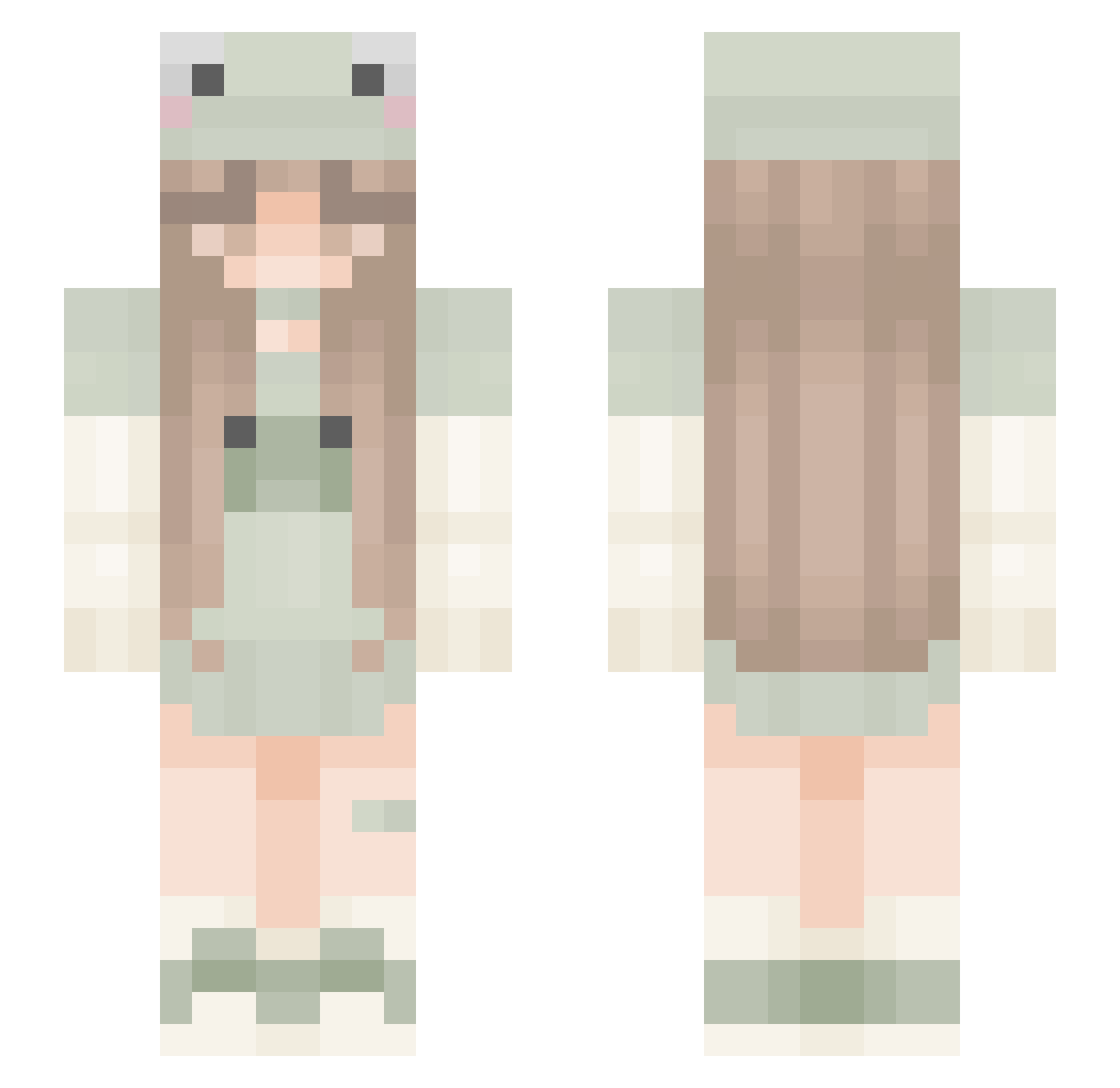
Minecraft skin of athena00008. Rotate the 3D model with your mouse or finger to view the skin from every angle, then download it as a PNG file and use it in Minecraft: Bedrock Edition or Java Edition for free. Rate the skin with stars to help other players find the best skins in our collection.
How to install the athena00008 skin
- Press the Download button above to save the skin as a PNG file.
- Minecraft: Bedrock Edition (PE): open the Dressing Room from the main menu (or tap your character → Edit Character), go to Classic Skins → Owned, press the + (new skin) button, choose the downloaded PNG and pick the Slim (Alex) model. Works on PC and mobile; consoles cannot import custom skins.
- Minecraft: Java Edition: open the Minecraft Launcher, go to the Skins tab, click New Skin, load the PNG, pick the Slim (Alex) model and press Save & Use. You can also upload it at minecraft.net → Profile → Change Skin.
The skin does not show up after import - what should I do?
Restart Minecraft and open the Dressing Room again - imported skins sometimes appear only after a restart. Also make sure you selected the imported skin and picked the Slim (Alex) model.
Which model should I choose, Classic or Slim?
This skin is designed for the Slim (Alex) model. If you pick the wrong model, the arms of the skin will look stretched or squeezed.
Is this skin free to use?
Yes. Press Download, save the PNG file and use it in Minecraft: Bedrock Edition or Java Edition - no payment or registration needed. The skin also works on multiplayer servers and Realms.
More Frog Hat Minecraft skins
More skins
Looking for more? Go back to all Minecraft skins and check the top skins of the week, month and all time, or find any player's skin by nickname.