
wulei36 - Minecraft Skins & Skin History
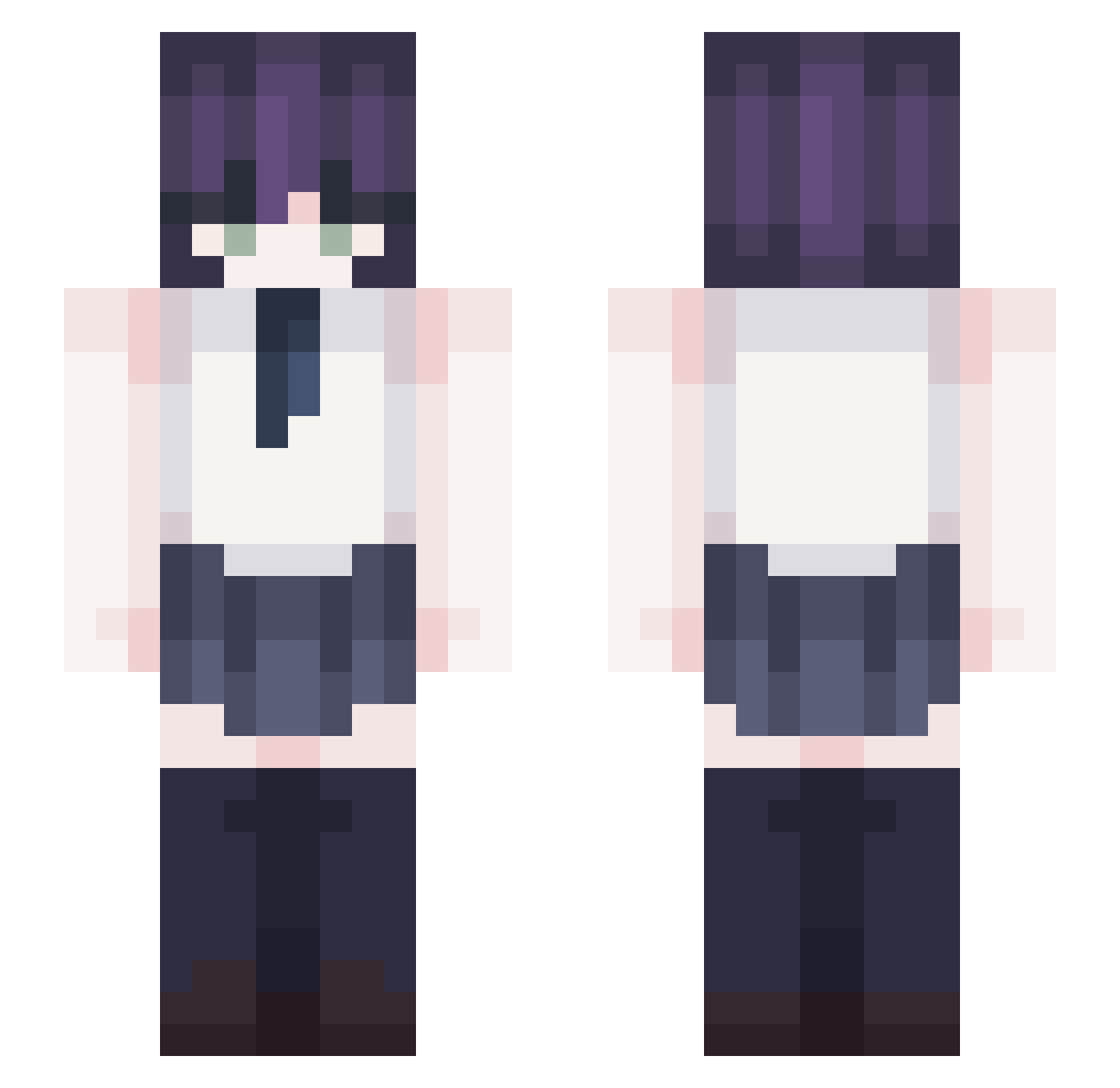
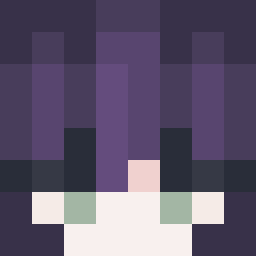
Current Minecraft skin of the player wulei36, loaded from the official Mojang API. Rotate the 3D model with your mouse or finger, then download the skin as a PNG file and use it in Minecraft: Bedrock Edition or Java Edition for free. When wulei36 changes their skin, this page updates automatically and the old skin stays in the history below.
Other players with this skin (367)
wulei36 was the 54th player we have seen with this skin, first spotted on 06.08.2026. The same skin was seen on these players. Open a nickname to see their current skin and skin history.
 Jillua39319 PMRJ
 TheTenzon Fract41 gtgtgtgtgtgt wReze wnqhrl1005 Sweet_Reze RETEPWALSHESTWIN ZED1020
 SirMadwin Yamami007 Big_Smoke_ofcl AhZeThan DAKGG puppyprat
 adyn1337 Ryobro Clover092700 NotRenx
 khj_0926 fgfy46 ssssubin ssh070622 the_night_fox AkiHayakawa_ Xazac kkjjep_07 mozzi0920 Yumin000223 KimDdongGgae_ Linsonis DaisyAly THENEL__ ron0217 Feng_yan_ HomaBeLike faitchierbordel dnlrusdn2003 Azunya52 Reze_heart Tel2k magical39
 AnilSinclair malch1kspalchik donnymanny Khang0
 Badaoa omg0429
 chun_sick
 mptee Mul1_ miki_pp FrezoLoL spearright MAOMAO007 beomjun1108 Shigejuzi Aspooon
 keiuit
More School Uniform Minecraft skins
See all 6887 School Uniform skins
How to install the wulei36 skin
- Press the Download button above to save the skin as a PNG file.
- Minecraft: Bedrock Edition (PE): open the Dressing Room from the main menu (or tap your character → Edit Character), go to Classic Skins → Owned, press the + (new skin) button, choose the downloaded PNG and pick the Slim (Alex) model. Works on PC and mobile; consoles cannot import custom skins.
- Minecraft: Java Edition: open the Minecraft Launcher, go to the Skins tab, click New Skin, load the PNG, pick the Slim (Alex) model and press Save & Use. You can also upload it at minecraft.net → Profile → Change Skin.
The skin does not show up after import - what should I do?
Restart Minecraft and open the Dressing Room again - imported skins sometimes appear only after a restart. Also make sure you selected the imported skin and picked the Slim (Alex) model.
Which model should I choose, Classic or Slim?
This skin is designed for the Slim (Alex) model. If you pick the wrong model, the arms of the skin will look stretched or squeezed.
Is the skin of wulei36 free to download?
Yes. Press Download, save the PNG file and use it in Minecraft: Bedrock Edition or Java Edition - no payment or registration needed. The skin also works on multiplayer servers and Realms.
More skins
Looking for more? Go back to all Minecraft skins and check the top skins of the week, month and all time, or find any player's skin by nickname.