
woshinidie988 - Minecraft Skins & Skin History
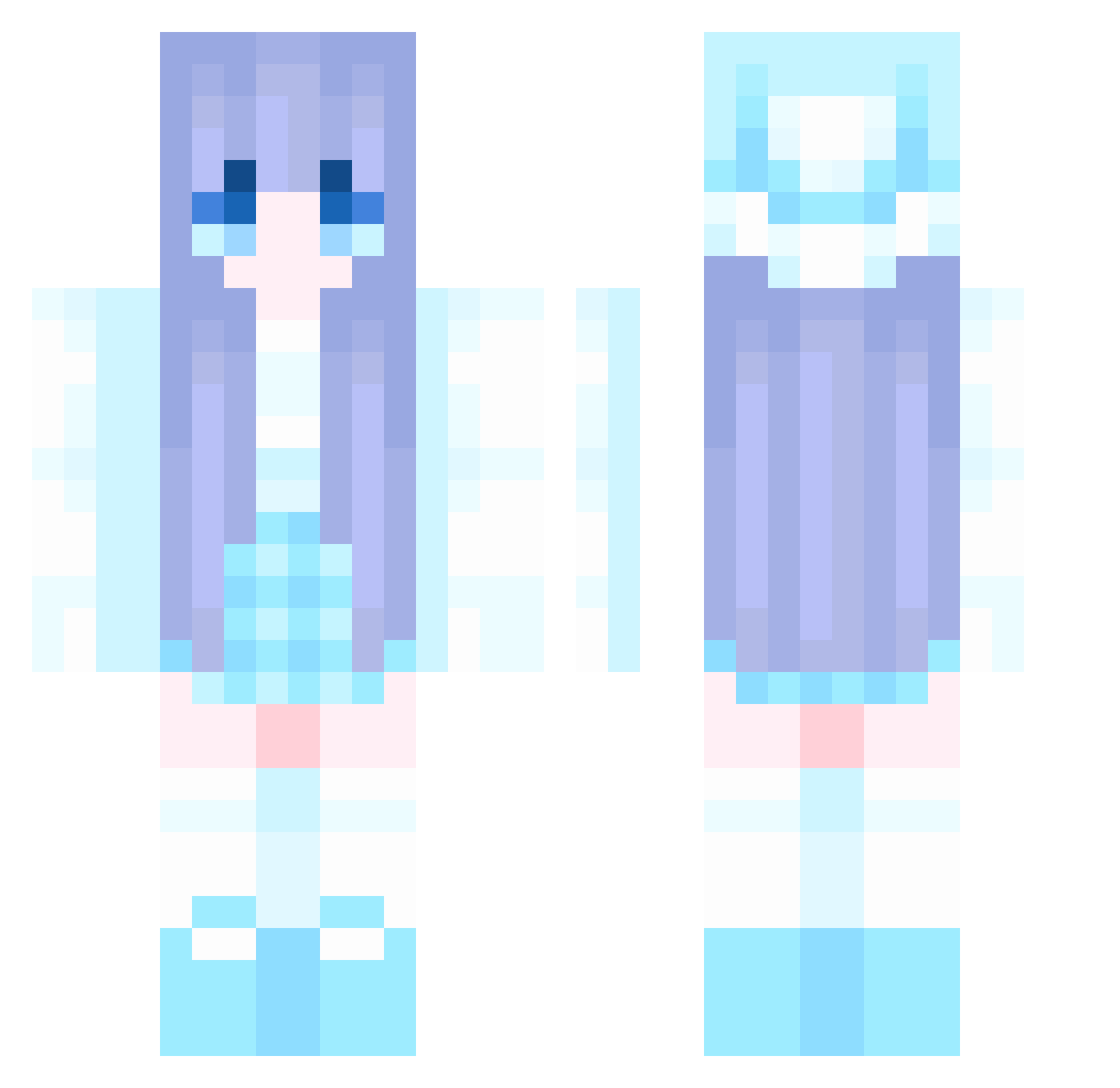
Current Minecraft skin of the player woshinidie988, loaded from the official Mojang API. Rotate the 3D model with your mouse or finger, then download the skin as a PNG file and use it in Minecraft: Bedrock Edition or Java Edition for free. When woshinidie988 changes their skin, this page updates automatically and the old skin stays in the history below.
Other players with this skin (906)
woshinidie988 was the 115th player we have seen with this skin, first spotted on 06.08.2026. The same skin was seen on these players. Open a nickname to see their current skin and skin history.
 sjh6616 Wahona ItzHudson MiniBuilder300 Chic_dk Toffee28 rjwq zaqmlp bobandbrony jishixingle111 zhiyu255 Willlet Sh4d0w3115
 MaggieCat23 ano1022 Bunnie_Fury liuyzz davidapple ccx521 azad7 dgcy attentive1438 Yeobooda zxj66 yuni46 CJCJ1313 QUNICY666 juzzz1 hairyrat454 miku9998 windbai YLivv YukaSakura nAmE1eSs010 karuoii wcafg skyhtk666 Bas212 Sassygirl3685 HenneGamer121211 xiaoyi1106 hlzy123 Wangchunhe Zeliphina zqx125 limulu1 perciefd TFNJL BlueStreak1515 CanDey1i ShengxianChen ZZ211 aaa_bxm 9SIA8D Ch1no_meow solemnSo3ciable Ruu27 lil469 jeani_yum Alinpo
More Winter Minecraft skins
How to install the woshinidie988 skin
- Press the Download button above to save the skin as a PNG file.
- Minecraft: Bedrock Edition (PE): open the Dressing Room from the main menu (or tap your character → Edit Character), go to Classic Skins → Owned, press the + (new skin) button, choose the downloaded PNG and pick the Classic (Steve) model. Works on PC and mobile; consoles cannot import custom skins.
- Minecraft: Java Edition: open the Minecraft Launcher, go to the Skins tab, click New Skin, load the PNG, pick the Classic (Steve) model and press Save & Use. You can also upload it at minecraft.net → Profile → Change Skin.
The skin does not show up after import - what should I do?
Restart Minecraft and open the Dressing Room again - imported skins sometimes appear only after a restart. Also make sure you selected the imported skin and picked the Classic (Steve) model.
Which model should I choose, Classic or Slim?
This skin is designed for the Classic (Steve) model. If you pick the wrong model, the arms of the skin will look stretched or squeezed.
Is the skin of woshinidie988 free to download?
Yes. Press Download, save the PNG file and use it in Minecraft: Bedrock Edition or Java Edition - no payment or registration needed. The skin also works on multiplayer servers and Realms.
More skins
Looking for more? Go back to all Minecraft skins and check the top skins of the week, month and all time, or find any player's skin by nickname.