
wherezchloe - Minecraft Skins & Skin History
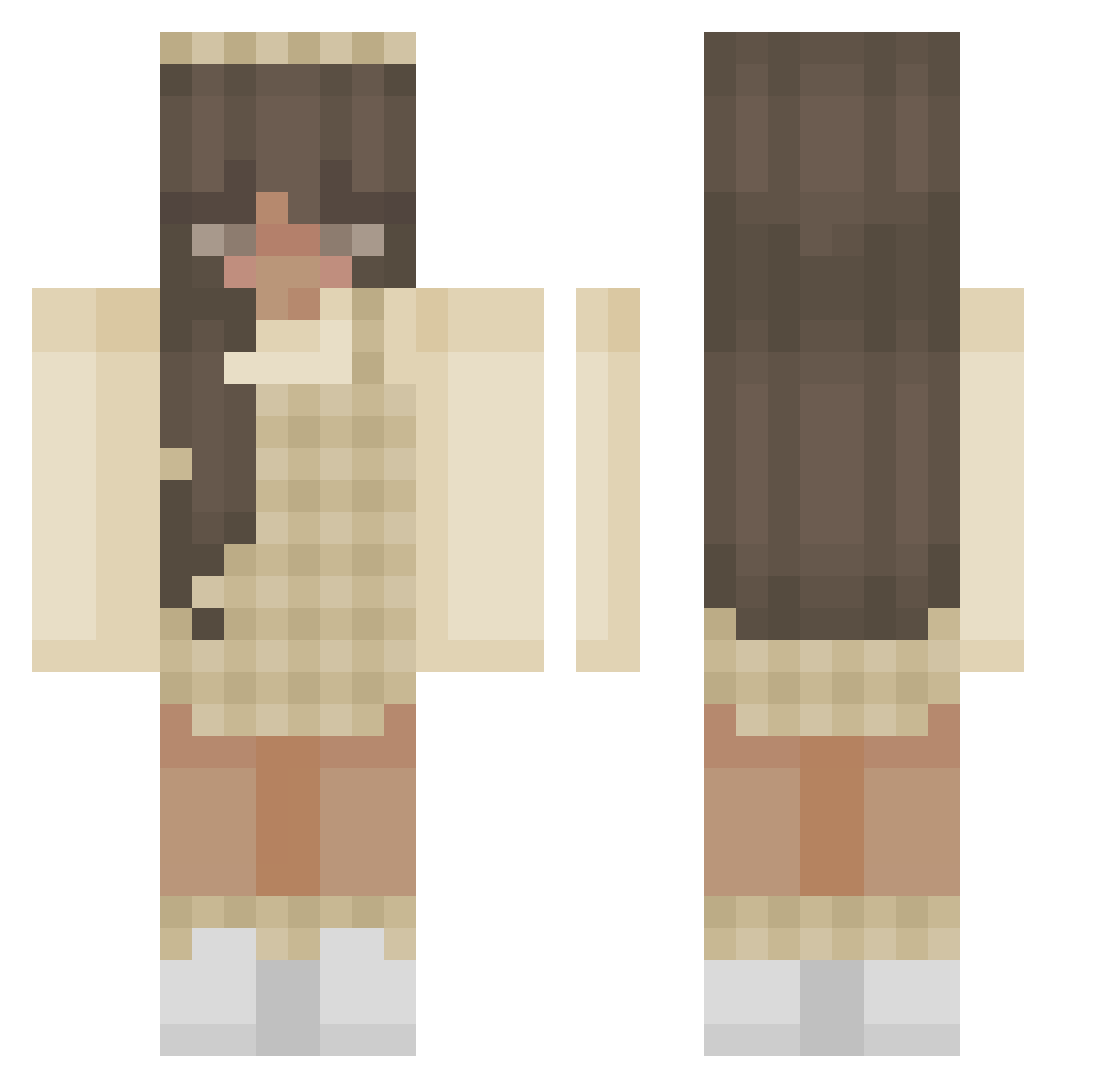
Current Minecraft skin of the player wherezchloe, loaded from the official Mojang API. Rotate the 3D model with your mouse or finger, then download the skin as a PNG file and use it in Minecraft: Bedrock Edition or Java Edition for free. When wherezchloe changes their skin, this page updates automatically and the old skin stays in the history below.
Other players with this skin (376)
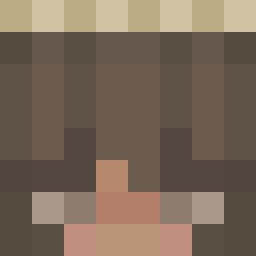
wherezchloe was the 257th player we have seen with this skin, first spotted on 03.10.2026. The same skin was seen on these players. Open a nickname to see their current skin and skin history.
 Adinhaa _lamp__ taurus_rising Speculaass Koramora318 fieldfairyy sluuurrrrp lils22 lexixakin Sinnable JustExa 1chM4gKekse lvlyaa Aslizuhall Abbi777 LokiPoki1010 firefly1471 SuperiorBeing_ PewDiePower Dallight lotteevangeline Snorkelaap ronibby kayls13 cr_imson DorianGrayLover Harrnutine Lindztoo Preppy_Princess misooriii 3em7 _hermine alessiottap livrose_ InnocentCow453 Llaalsk _Kais3rka nxuzym goatlybees SASHA3333 mamamilky69 Sabi9903 ava_is_swag KajjanP Kambenova libbyrose16 lululol4 25WikaMika25 ghostfire_8998 UniKorn789 cinnabunvi Simkay13 vividite __NANCY__ theyluvv_luna xxmadsx Mayumishare TheEndCraft NoonLou livgamer28
More Aesthetic Minecraft skins
How to install the wherezchloe skin
- Press the Download button above to save the skin as a PNG file.
- Minecraft: Bedrock Edition (PE): open the Dressing Room from the main menu (or tap your character → Edit Character), go to Classic Skins → Owned, press the + (new skin) button, choose the downloaded PNG and pick the Classic (Steve) model. Works on PC and mobile; consoles cannot import custom skins.
- Minecraft: Java Edition: open the Minecraft Launcher, go to the Skins tab, click New Skin, load the PNG, pick the Classic (Steve) model and press Save & Use. You can also upload it at minecraft.net → Profile → Change Skin.
The skin does not show up after import - what should I do?
Restart Minecraft and open the Dressing Room again - imported skins sometimes appear only after a restart. Also make sure you selected the imported skin and picked the Classic (Steve) model.
Which model should I choose, Classic or Slim?
This skin is designed for the Classic (Steve) model. If you pick the wrong model, the arms of the skin will look stretched or squeezed.
Is the skin of wherezchloe free to download?
Yes. Press Download, save the PNG file and use it in Minecraft: Bedrock Edition or Java Edition - no payment or registration needed. The skin also works on multiplayer servers and Realms.
More skins
Looking for more? Go back to all Minecraft skins and check the top skins of the week, month and all time, or find any player's skin by nickname.