
wemmbuTHAgoat - Minecraft Skins & Skin History
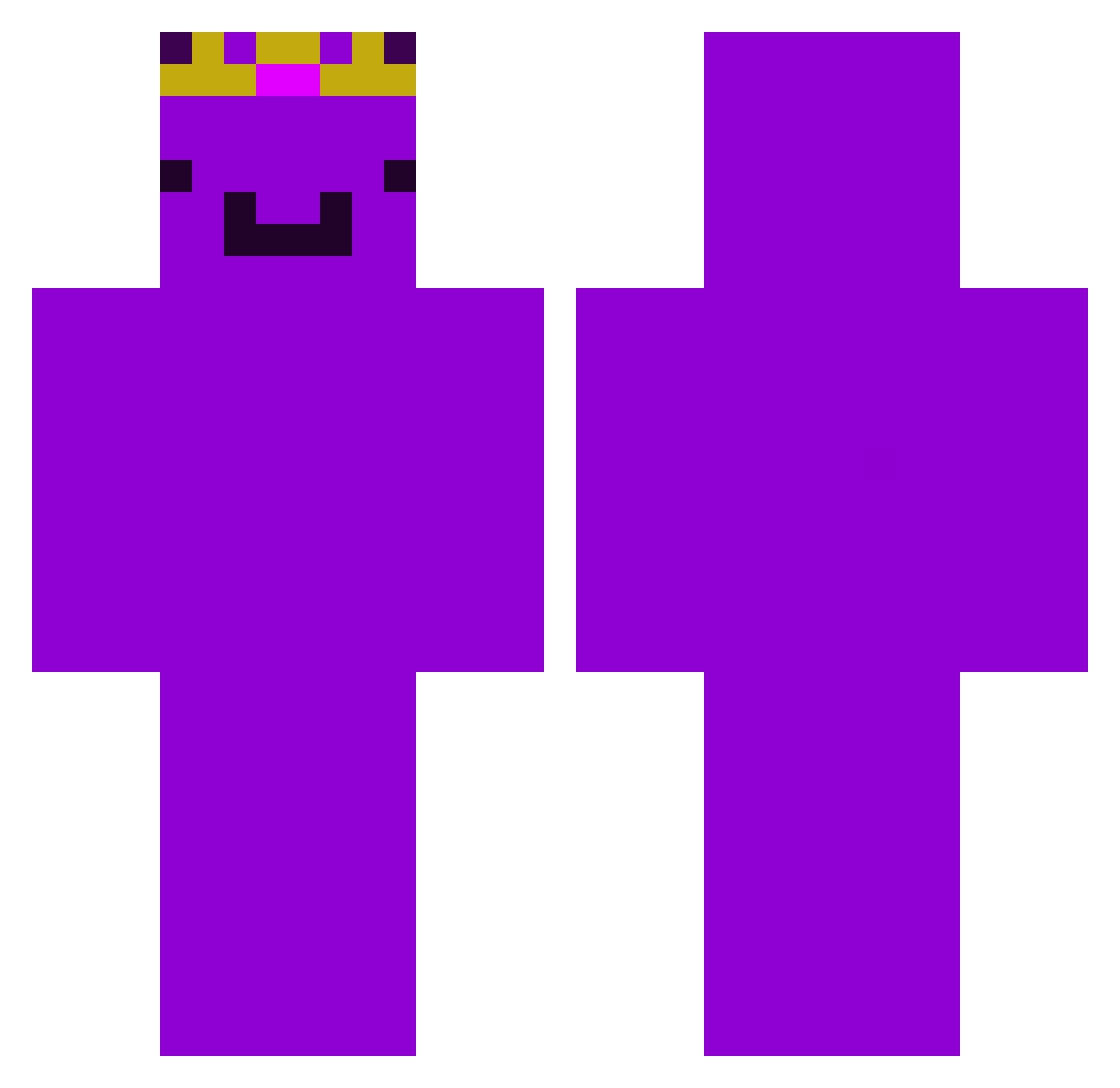
Current Minecraft skin of the player wemmbuTHAgoat, loaded from the official Mojang API. Rotate the 3D model with your mouse or finger, then download the skin as a PNG file and use it in Minecraft: Bedrock Edition or Java Edition for free. When wemmbuTHAgoat changes their skin, this page updates automatically and the old skin stays in the history below.
Other players with this skin (450)
wemmbuTHAgoat was the 261st player we have seen with this skin, first spotted on 25.09.2026. The same skin was seen on these players. Open a nickname to see their current skin and skin history.
 MGTHORR its3eal4me_ wlgns3885 TB_Krithik ttushi DamyX__ Ziru2012 ScoodyDo TheOrangeLunatic yess_denim_yesss bananaboy6761 Shadow895 FlorezzMC BowTeddy strats_jUeqp lomexxx CrashotheCool ScratcherJ Maxiistcool111 070278318095 xXKlopsyXx GodCzr Kempzz neefox SilverMarrow792 TheMacer_01 Andr3yCrysty001 localguy644 vedesh PlotRelevent Axolotalot Fedor_2011 M4T1SK4 Metho_DX NimaIsCool SharkLord_ a320_ scissr Franziskus_ BubbleMan0509 Rogie314 skelleymc Vlaykoo Freddle macezenox NotLuanlol N0T_L3M0N AxelF5 Shinydream777 Master9milo9 ATAPSO cavi_00 kananmuna90 Edin15x magueflor26 Ecaspe14 stixx__ Suomenisoin15 xyzzX_000 Johngzo
More Crown Minecraft skins
How to install the wemmbuTHAgoat skin
- Press the Download button above to save the skin as a PNG file.
- Minecraft: Bedrock Edition (PE): open the Dressing Room from the main menu (or tap your character → Edit Character), go to Classic Skins → Owned, press the + (new skin) button, choose the downloaded PNG and pick the Classic (Steve) model. Works on PC and mobile; consoles cannot import custom skins.
- Minecraft: Java Edition: open the Minecraft Launcher, go to the Skins tab, click New Skin, load the PNG, pick the Classic (Steve) model and press Save & Use. You can also upload it at minecraft.net → Profile → Change Skin.
The skin does not show up after import - what should I do?
Restart Minecraft and open the Dressing Room again - imported skins sometimes appear only after a restart. Also make sure you selected the imported skin and picked the Classic (Steve) model.
Which model should I choose, Classic or Slim?
This skin is designed for the Classic (Steve) model. If you pick the wrong model, the arms of the skin will look stretched or squeezed.
Is the skin of wemmbuTHAgoat free to download?
Yes. Press Download, save the PNG file and use it in Minecraft: Bedrock Edition or Java Edition - no payment or registration needed. The skin also works on multiplayer servers and Realms.
More skins
Looking for more? Go back to all Minecraft skins and check the top skins of the week, month and all time, or find any player's skin by nickname.