
viixuu - Minecraft Skins & Skin History
Current Minecraft skin of the player viixuu, loaded from the official Mojang API. Rotate the 3D model with your mouse or finger, then download the skin as a PNG file and use it in Minecraft: Bedrock Edition or Java Edition for free. When viixuu changes their skin, this page updates automatically and the old skin stays in the history below.
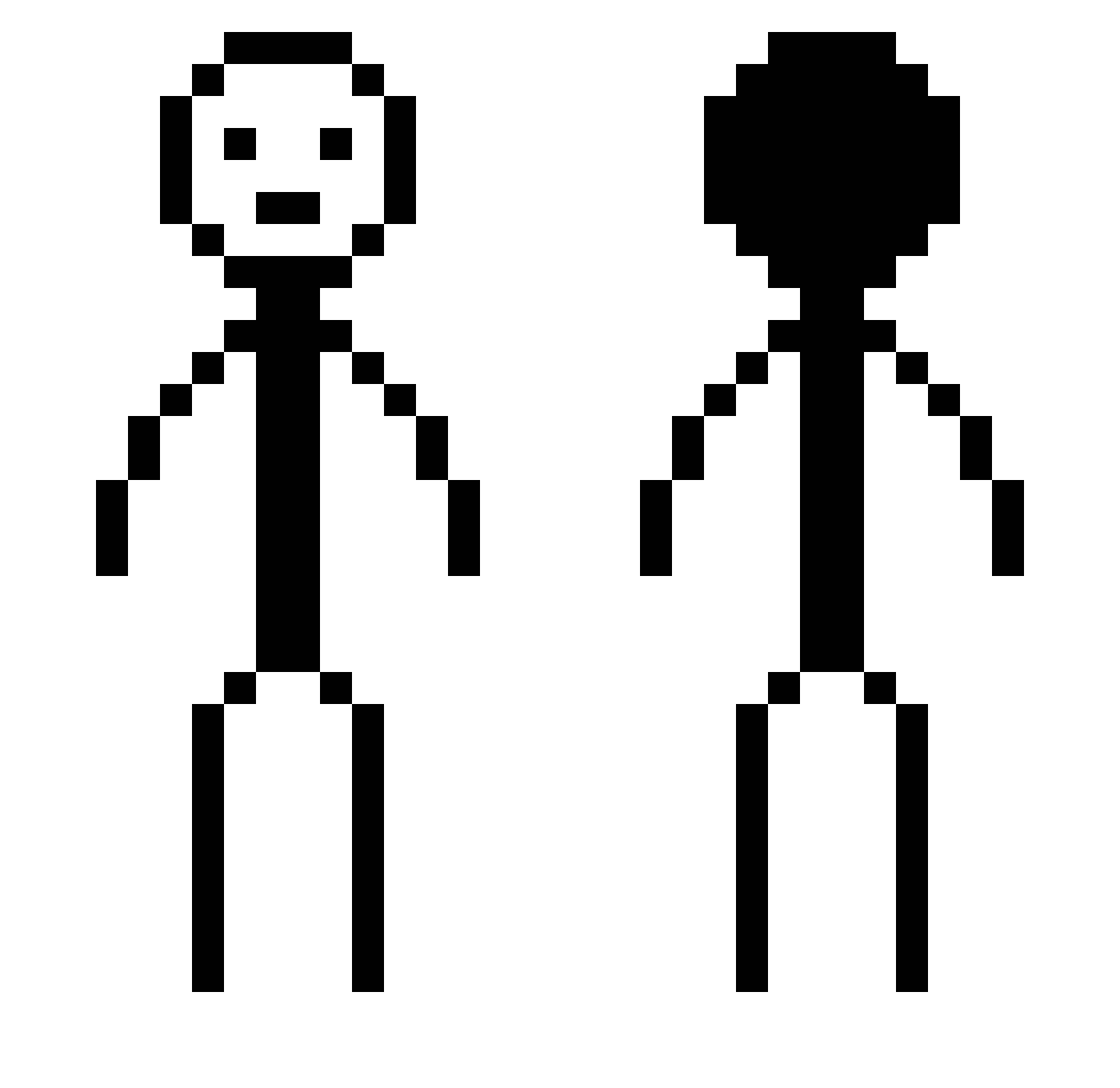
Other players with this skin (377)
viixuu was the 27th player we have seen with this skin, first spotted on 29.07.2026. The same skin was seen on these players. Open a nickname to see their current skin and skin history.
 MakuroSeiker Cipriano25 morenazo12222 reeemmmaaa adwyyds HiItsNy cashywashy17 boblene007 i0vo BigBusiness27 OnsRa78 StryderSlayer iserthem28 DD_sty _lfish_ Hyacrix Mon_Rosko 1NESW JACKgamesYT1499 Kartoffelaim2407 enn0902 lanesm hyeanmin_kaiser
 thedoritoman69 KiichiKatsu peeinsinkss SpaghettiMan445 littlemonkey420 Matc17 Press2skip Tikertz soapsplash AKA_Rhine Auretic Solarview chalijt Quazkll sashazaut dandadann Elka9 ylenol_ monster91711 TranquilGod MrSjarel12345678 SuMTlnGWOng_ pickmeup_ ZainAnak_ c3z4r9 eErska Stolzm0nat moy223 Alekseyevka bdrdy ampatrick_ MrxAnarchy CrustyNarwhal SchuelerG DABMoya jayyargee J0_1030
More Stick Figure Minecraft skins
How to install the viixuu skin
- Press the Download button above to save the skin as a PNG file.
- Minecraft: Bedrock Edition (PE): open the Dressing Room from the main menu (or tap your character → Edit Character), go to Classic Skins → Owned, press the + (new skin) button, choose the downloaded PNG and pick the Classic (Steve) model. Works on PC and mobile; consoles cannot import custom skins.
- Minecraft: Java Edition: open the Minecraft Launcher, go to the Skins tab, click New Skin, load the PNG, pick the Classic (Steve) model and press Save & Use. You can also upload it at minecraft.net → Profile → Change Skin.
The skin does not show up after import - what should I do?
Restart Minecraft and open the Dressing Room again - imported skins sometimes appear only after a restart. Also make sure you selected the imported skin and picked the Classic (Steve) model.
Which model should I choose, Classic or Slim?
This skin is designed for the Classic (Steve) model. If you pick the wrong model, the arms of the skin will look stretched or squeezed.
Is the skin of viixuu free to download?
Yes. Press Download, save the PNG file and use it in Minecraft: Bedrock Edition or Java Edition - no payment or registration needed. The skin also works on multiplayer servers and Realms.
More skins
Looking for more? Go back to all Minecraft skins and check the top skins of the week, month and all time, or find any player's skin by nickname.