
urfavstar444 - Minecraft Skins & Skin History
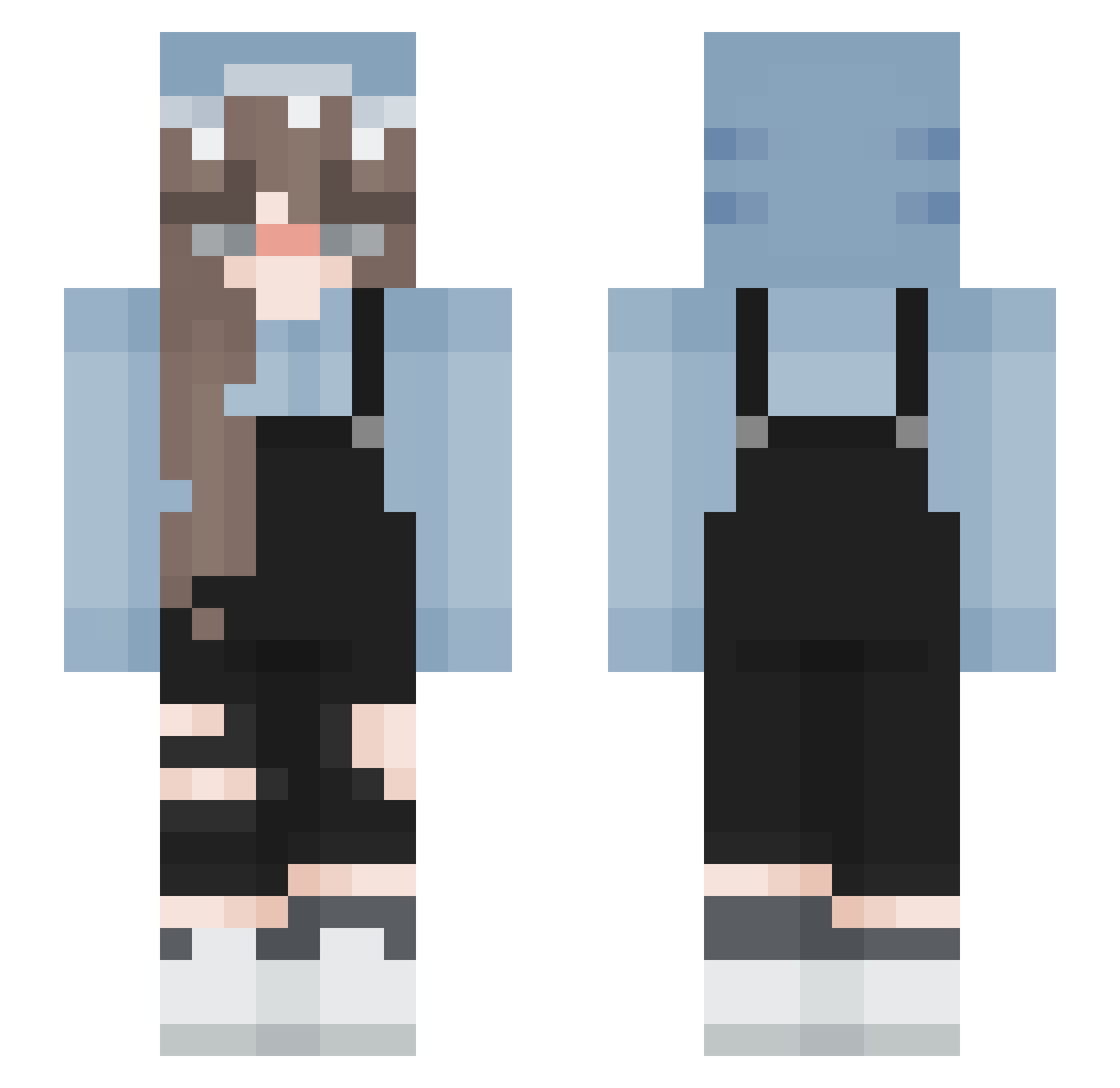
Current Minecraft skin of the player urfavstar444, loaded from the official Mojang API. Rotate the 3D model with your mouse or finger, then download the skin as a PNG file and use it in Minecraft: Bedrock Edition or Java Edition for free. When urfavstar444 changes their skin, this page updates automatically and the old skin stays in the history below.
Other players with this skin (193)
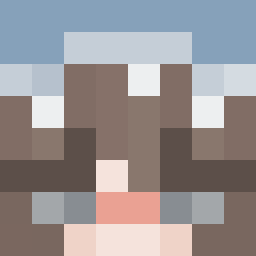
urfavstar444 was the 93rd player we have seen with this skin, first spotted on 19.09.2026. The same skin was seen on these players. Open a nickname to see their current skin and skin history.
 _jolly06_ Coffee_Toffee4 Dilan2208 CarlaML nyangs Lollipop3110 AntosiaMisia Yosha_LGBT rNine_ CoachC0ck Lorduss Chris_94_jop Layjo413 naughtypuppy Reekka Luvctzen The_Giig Aichaaa btshzy kajmik122 Montse1521 Fangadir DogLover98765 Quder Chiyoxin smol_nabi bloodymango _cqmoe De_Smol_Bean RileyRamen13 MsRubberDucky BIue3000 GojisBuster Applepie1026 Im_not_Jenny kristinazako _k4ssy_ _Matrixi_ trawngs gabidudab Naahiaa Azanti aaaaayue CuzImCara IStarlightI Dodum Blonde_Bug sophliz_ blueberryyshark VorticalBongo84 KANISANNOISI DJ_RedWolf lazeryia LilUziZez HuiNa0604 cheerleader4eva1 miniverse_ Valezkitauaua xHoney_234 seungyeon3057
More Girl Minecraft skins
How to install the urfavstar444 skin
- Press the Download button above to save the skin as a PNG file.
- Minecraft: Bedrock Edition (PE): open the Dressing Room from the main menu (or tap your character → Edit Character), go to Classic Skins → Owned, press the + (new skin) button, choose the downloaded PNG and pick the Slim (Alex) model. Works on PC and mobile; consoles cannot import custom skins.
- Minecraft: Java Edition: open the Minecraft Launcher, go to the Skins tab, click New Skin, load the PNG, pick the Slim (Alex) model and press Save & Use. You can also upload it at minecraft.net → Profile → Change Skin.
The skin does not show up after import - what should I do?
Restart Minecraft and open the Dressing Room again - imported skins sometimes appear only after a restart. Also make sure you selected the imported skin and picked the Slim (Alex) model.
Which model should I choose, Classic or Slim?
This skin is designed for the Slim (Alex) model. If you pick the wrong model, the arms of the skin will look stretched or squeezed.
Is the skin of urfavstar444 free to download?
Yes. Press Download, save the PNG file and use it in Minecraft: Bedrock Edition or Java Edition - no payment or registration needed. The skin also works on multiplayer servers and Realms.
More skins
Looking for more? Go back to all Minecraft skins and check the top skins of the week, month and all time, or find any player's skin by nickname.