
tubasbebe - Minecraft Skins & Skin History
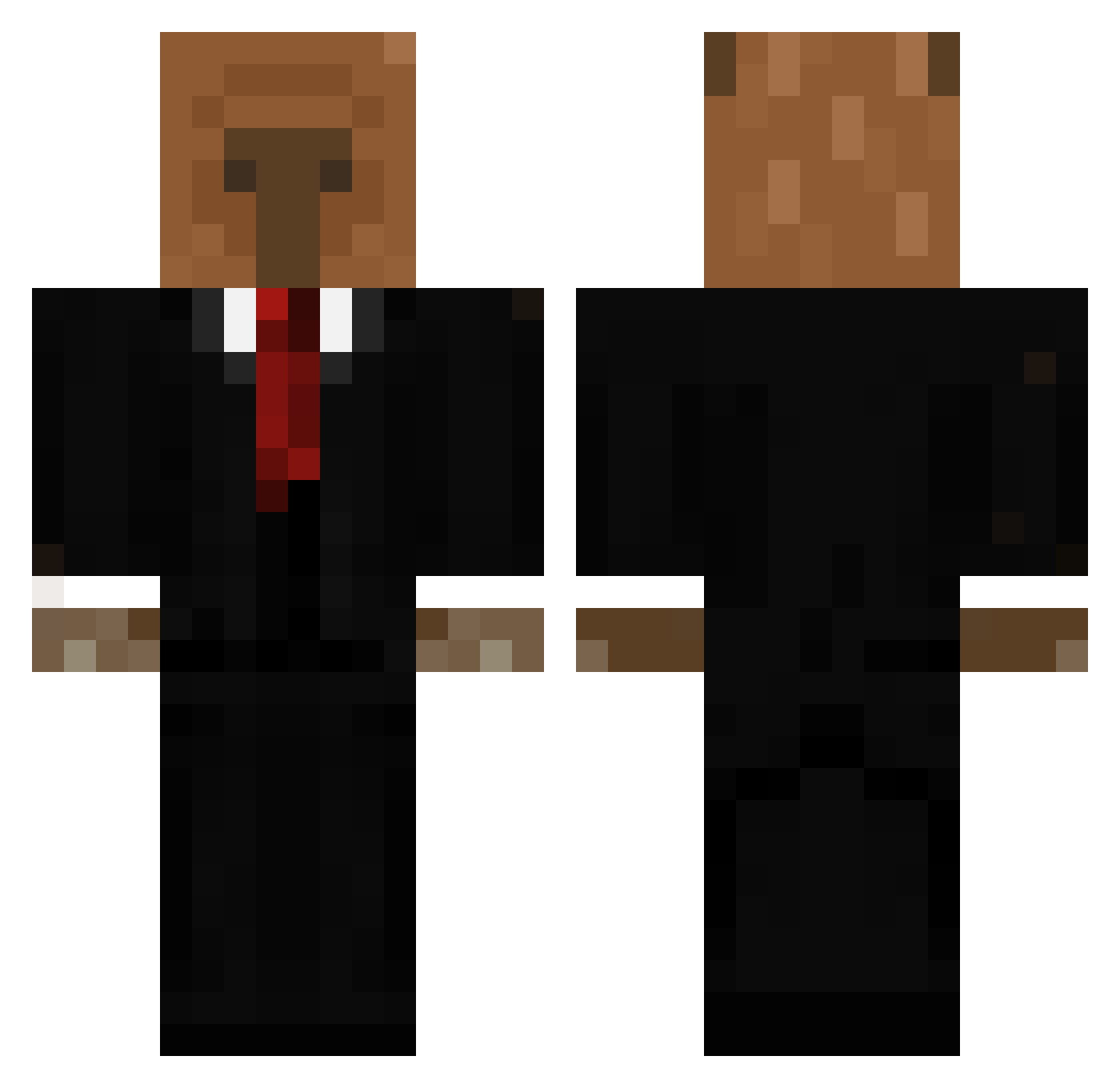
Current Minecraft skin of the player tubasbebe, loaded from the official Mojang API. Rotate the 3D model with your mouse or finger, then download the skin as a PNG file and use it in Minecraft: Bedrock Edition or Java Edition for free. When tubasbebe changes their skin, this page updates automatically and the old skin stays in the history below.
Other players with this skin (656)
tubasbebe was the 481st player we have seen with this skin, first spotted on 12.10.2026. The same skin was seen on these players. Open a nickname to see their current skin and skin history.
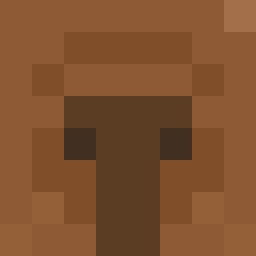 Sopal1_Div1 _Vacex KingSK yona_1607 onetwothree12 AthenaGoddesss TresholdofPain Matador333 JussttttDoIt Mannerno5 Frostyy616 elitegi Extrems21 gabus420 Chow507 PSETA AxRod17 oDrLecter IorgAA yardimedin CalledTroco LilGibbs267 Daargon JADzzz WGQ520 capybara1104 HEUEN2 beinglight bicycle25 Lankoff cupcakkecapybara Lalalupee Lvsia111 BigMommyLover wyxxz iVages Koryishere RooSs911 TeCrostatina10 CauFernandes Thiagoklk themicha1977 Diegol200554 Optic313 kirikiri1027 Jefferlap thaguccii Campidi bellaaaa010 thomas342 slyme4life Jungly Daantjebana KNedlo03 Neeark Farka006 Tenro_ t1mp Ig0rEZ17 Capivara1812
More Business Bear Minecraft skins
See all 11 Business Bear skins
How to install the tubasbebe skin
- Press the Download button above to save the skin as a PNG file.
- Minecraft: Bedrock Edition (PE): open the Dressing Room from the main menu (or tap your character → Edit Character), go to Classic Skins → Owned, press the + (new skin) button, choose the downloaded PNG and pick the Classic (Steve) model. Works on PC and mobile; consoles cannot import custom skins.
- Minecraft: Java Edition: open the Minecraft Launcher, go to the Skins tab, click New Skin, load the PNG, pick the Classic (Steve) model and press Save & Use. You can also upload it at minecraft.net → Profile → Change Skin.
The skin does not show up after import - what should I do?
Restart Minecraft and open the Dressing Room again - imported skins sometimes appear only after a restart. Also make sure you selected the imported skin and picked the Classic (Steve) model.
Which model should I choose, Classic or Slim?
This skin is designed for the Classic (Steve) model. If you pick the wrong model, the arms of the skin will look stretched or squeezed.
Is the skin of tubasbebe free to download?
Yes. Press Download, save the PNG file and use it in Minecraft: Bedrock Edition or Java Edition - no payment or registration needed. The skin also works on multiplayer servers and Realms.
More skins
Looking for more? Go back to all Minecraft skins and check the top skins of the week, month and all time, or find any player's skin by nickname.