
 SansyBurger ghego_ leTangoMango Jhoni_2091 NoahBoiii18 OdioSocial BasTikoL69 JoshLifting Arahat0 karol324 pancakes601 Cazpyn DarkNanoDragon0 Nellow8 eaaaetrr Jennet1234 Sussie_Bakka_007 DaBiggestBird069 JadrixMC rubinhox12 Okarynx chupao byyNick HTXP Blockybara keymiixs Gorani01 AKAME555 zippzapped Ricardou0505 ElDiegorongo swissmelih Agustinini AcuaFeur FiltraTedy VESFRY slayerenji Shortyb4ey wildghost00 Kauzex Suomipulu29 OmeletteCuite Ulubayy Dulishcape25 Clooier ninni1337 Finalbossduque Zantoz Mantz12 Leon10000xd Benuek Hermite1111 Tyaidai Master0Bruh Mura5578 Batmu Nystrom15 LastSh0ts clemont_boy Guizera01
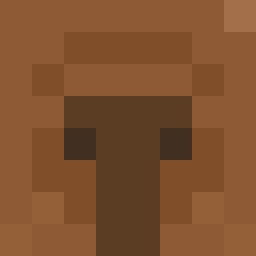
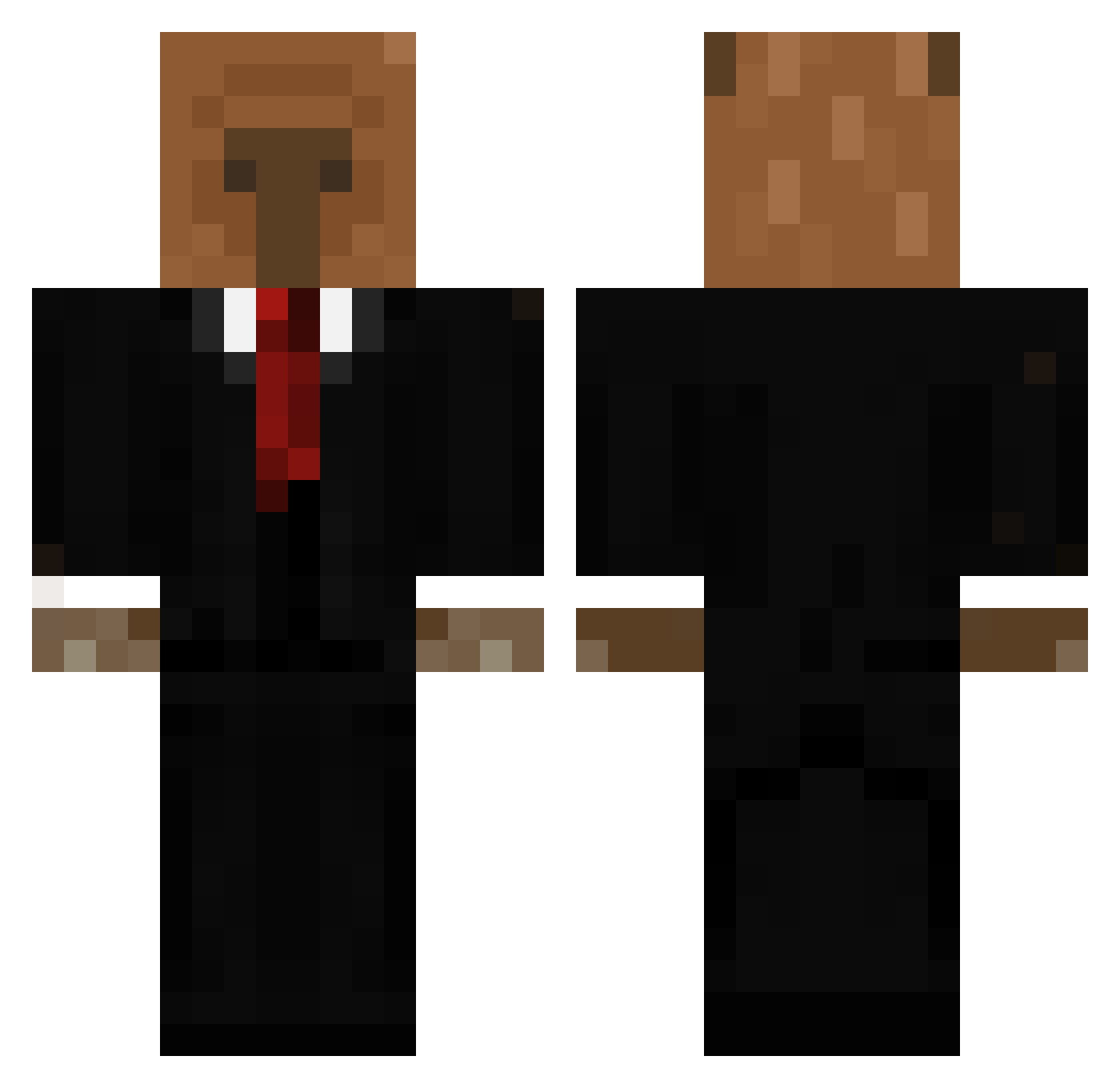
Minecraft skin of joao2312. Rotate the 3D model with your mouse or finger to view the skin from every angle, then download it as a PNG file and use it in Minecraft: Bedrock Edition or Java Edition for free. Rate the skin with stars to help other players find the best skins in our collection.
How to install the joao2312 skin
- Press the Download button above to save the skin as a PNG file.
- Minecraft: Bedrock Edition (PE): open the Dressing Room from the main menu (or tap your character → Edit Character), go to Classic Skins → Owned, press the + (new skin) button, choose the downloaded PNG and pick the Classic (Steve) model. Works on PC and mobile; consoles cannot import custom skins.
- Minecraft: Java Edition: open the Minecraft Launcher, go to the Skins tab, click New Skin, load the PNG, pick the Classic (Steve) model and press Save & Use. You can also upload it at minecraft.net → Profile → Change Skin.
The skin does not show up after import - what should I do?
Restart Minecraft and open the Dressing Room again - imported skins sometimes appear only after a restart. Also make sure you selected the imported skin and picked the Classic (Steve) model.
Which model should I choose, Classic or Slim?
This skin is designed for the Classic (Steve) model. If you pick the wrong model, the arms of the skin will look stretched or squeezed.
Is this skin free to use?
Yes. Press Download, save the PNG file and use it in Minecraft: Bedrock Edition or Java Edition - no payment or registration needed. The skin also works on multiplayer servers and Realms.
More Business Bear Minecraft skins
See all 11 Business Bear skins
More skins
Looking for more? Go back to all Minecraft skins and check the top skins of the week, month and all time, or find any player's skin by nickname.