
thinkingspaace - Minecraft Skins & Skin History
Current Minecraft skin of the player thinkingspaace, loaded from the official Mojang API. Rotate the 3D model with your mouse or finger, then download the skin as a PNG file and use it in Minecraft: Bedrock Edition or Java Edition for free. When thinkingspaace changes their skin, this page updates automatically and the old skin stays in the history below.
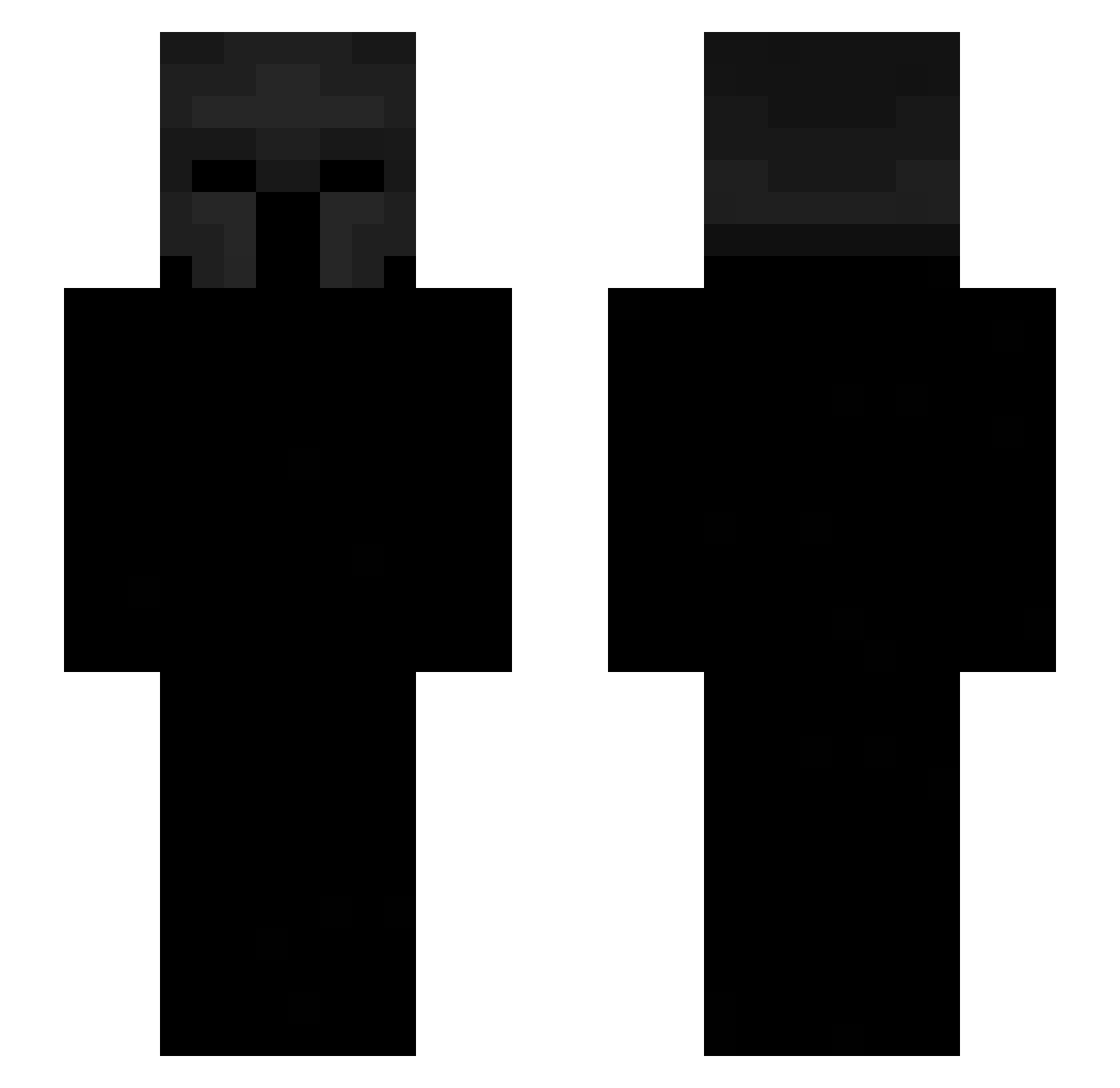
Other players with this skin (442)
thinkingspaace was the 25th player we have seen with this skin, first spotted on 28.07.2026. The same skin was seen on these players. Open a nickname to see their current skin and skin history.
 Andeliss
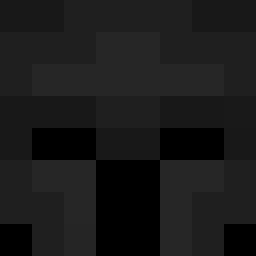 Laaaadi96
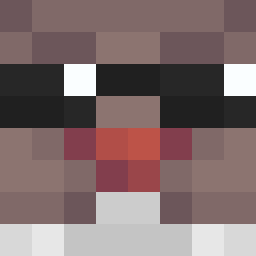 yukxnows Godmonkeys2 spongee_exe wNaoL MrGatoMc al305 furko0 natur4lly MapleLucas Chellkryt Tchoupie_tchoup desconfiada1 ABO_DA7M_M_D_H ElJoowel BillyBoy2659 Thxrge7 Mrchoupiwete xapaew67 SteroX69 mahdiokto mccash_ THME69
 alekssih Jxkkee Dani_the_Demon
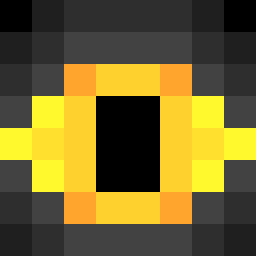 dragoneil spring139 Jos3sh Reactedd hoptile_ allanado jozufr Abdu1423 RomanTheDeadly Rhearie MysticCage ulkpay gg777ik Scrvby Eliot208 Exilepath
 mtsmpy_ Carnarius
 Zterapz_ cooldude7441
 saperspas
 som1M6 pmkhanh somethingsimple4
 SemPiedaDes Zeronicx m4yB Perroroncino shrln 2vas JacketChicken rebdd
 W0lfram_
More Spartan Minecraft skins
How to install the thinkingspaace skin
- Press the Download button above to save the skin as a PNG file.
- Minecraft: Bedrock Edition (PE): open the Dressing Room from the main menu (or tap your character → Edit Character), go to Classic Skins → Owned, press the + (new skin) button, choose the downloaded PNG and pick the Slim (Alex) model. Works on PC and mobile; consoles cannot import custom skins.
- Minecraft: Java Edition: open the Minecraft Launcher, go to the Skins tab, click New Skin, load the PNG, pick the Slim (Alex) model and press Save & Use. You can also upload it at minecraft.net → Profile → Change Skin.
The skin does not show up after import - what should I do?
Restart Minecraft and open the Dressing Room again - imported skins sometimes appear only after a restart. Also make sure you selected the imported skin and picked the Slim (Alex) model.
Which model should I choose, Classic or Slim?
This skin is designed for the Slim (Alex) model. If you pick the wrong model, the arms of the skin will look stretched or squeezed.
Is the skin of thinkingspaace free to download?
Yes. Press Download, save the PNG file and use it in Minecraft: Bedrock Edition or Java Edition - no payment or registration needed. The skin also works on multiplayer servers and Realms.
More skins
Looking for more? Go back to all Minecraft skins and check the top skins of the week, month and all time, or find any player's skin by nickname.