
thecreepypastas - Minecraft Skins & Skin History
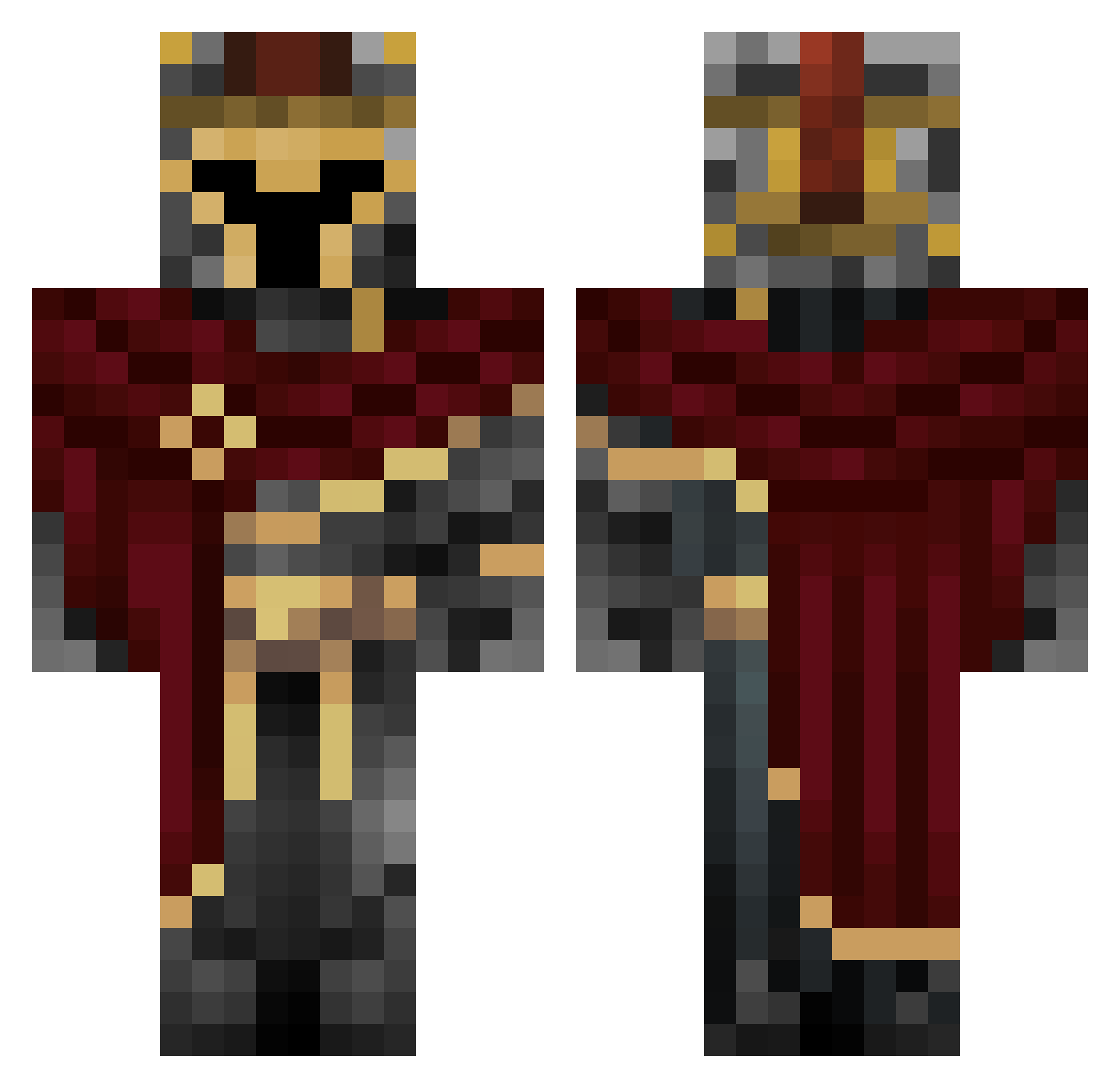
Current Minecraft skin of the player thecreepypastas, loaded from the official Mojang API. Rotate the 3D model with your mouse or finger, then download the skin as a PNG file and use it in Minecraft: Bedrock Edition or Java Edition for free. When thecreepypastas changes their skin, this page updates automatically and the old skin stays in the history below.
Other players with this skin (660)
thecreepypastas was the 14th player we have seen with this skin, first spotted on 25.07.2026. The same skin was seen on these players. Open a nickname to see their current skin and skin history.
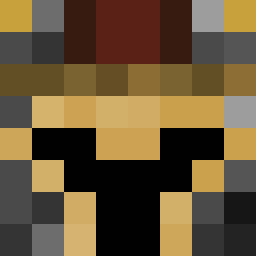 vertigo_red87 CODsDisciple Cisbrunzo Ronkua Richard_YTZ
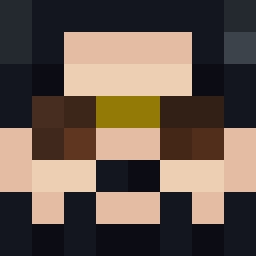 insaneriot09 unknow911 Vaysen
 sisterclover23 TREES_HATE_YOU2 DarkCrusadex SpiritEmbers cipollasecca1 TommasoCrociera CapriSun20 xX_Blazing_Xx Zende01 Ironside_11 tuna954 Riskybuster beau2456 InfernoZorpian13 Relampago67 Kiana101 GoblinCleave Nazo15345 Overlord9611 Eaglesr700 Lt_Apollo Damatinha10 Asrantios99
 Marco_Devs SunRakuS2 Godders10 HerrApolo CT1415 JemJemFace Wdcraver cronatus lameyninja Toto85200 stanis6969 Nitzeh_
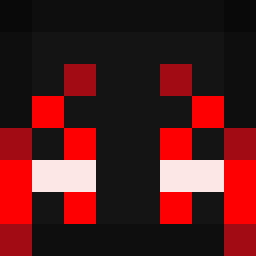 qmam10 DanosBananos sikriki Bhall545 Nicolabellesia cesur2609 keatem TheVillageKeeper
 goldenninja133YT regenboogman Sp33dorz1012
 nthn0 TimonT5 Morin0 xAlex1906 tostbrot_09 Mota32
More Spartan Minecraft skins
How to install the thecreepypastas skin
- Press the Download button above to save the skin as a PNG file.
- Minecraft: Bedrock Edition (PE): open the Dressing Room from the main menu (or tap your character → Edit Character), go to Classic Skins → Owned, press the + (new skin) button, choose the downloaded PNG and pick the Classic (Steve) model. Works on PC and mobile; consoles cannot import custom skins.
- Minecraft: Java Edition: open the Minecraft Launcher, go to the Skins tab, click New Skin, load the PNG, pick the Classic (Steve) model and press Save & Use. You can also upload it at minecraft.net → Profile → Change Skin.
The skin does not show up after import - what should I do?
Restart Minecraft and open the Dressing Room again - imported skins sometimes appear only after a restart. Also make sure you selected the imported skin and picked the Classic (Steve) model.
Which model should I choose, Classic or Slim?
This skin is designed for the Classic (Steve) model. If you pick the wrong model, the arms of the skin will look stretched or squeezed.
Is the skin of thecreepypastas free to download?
Yes. Press Download, save the PNG file and use it in Minecraft: Bedrock Edition or Java Edition - no payment or registration needed. The skin also works on multiplayer servers and Realms.
More skins
Looking for more? Go back to all Minecraft skins and check the top skins of the week, month and all time, or find any player's skin by nickname.