
tezzah137 - Minecraft Skins & Skin History
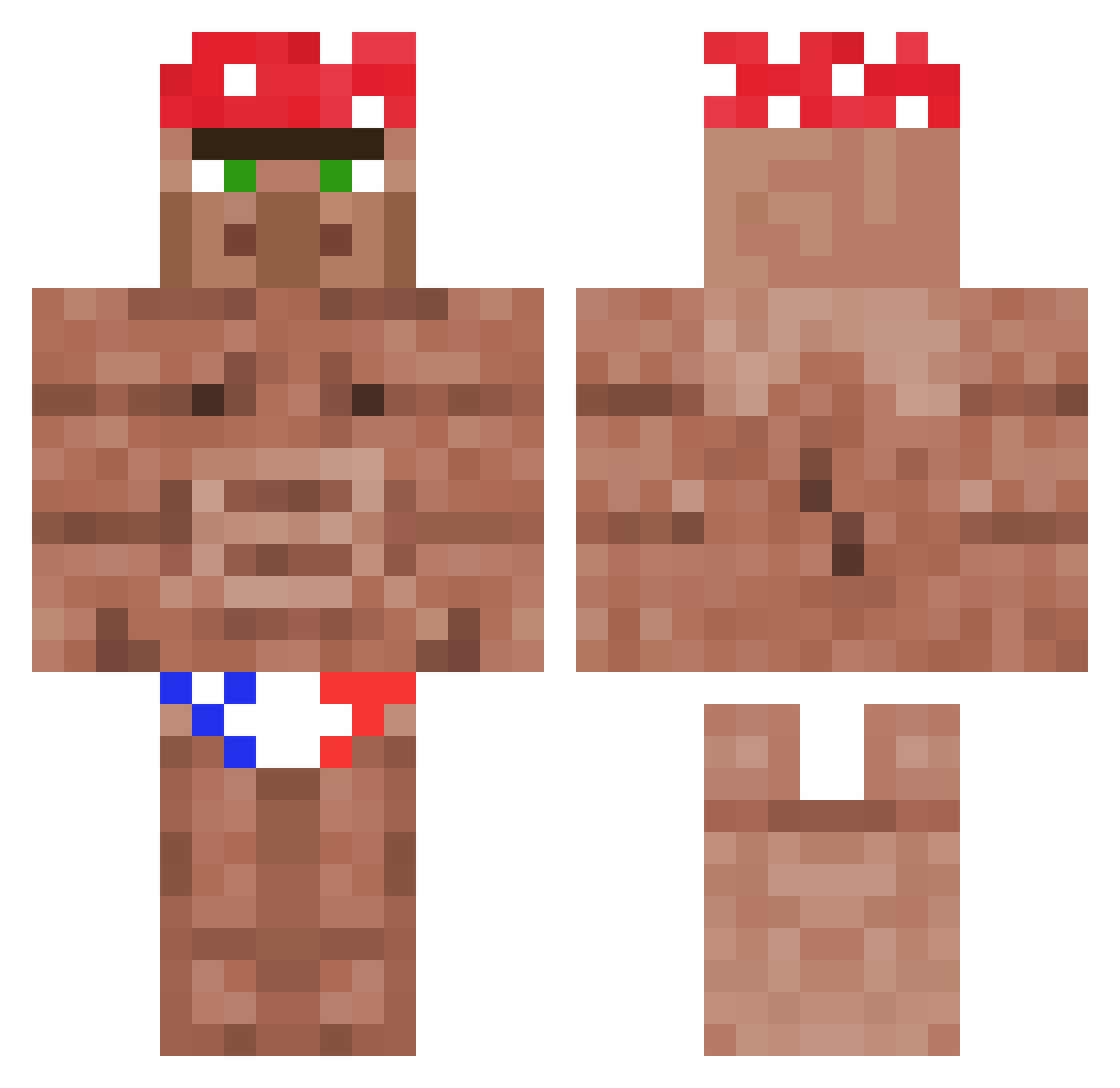
Current Minecraft skin of the player tezzah137, loaded from the official Mojang API. Rotate the 3D model with your mouse or finger, then download the skin as a PNG file and use it in Minecraft: Bedrock Edition or Java Edition for free. When tezzah137 changes their skin, this page updates automatically and the old skin stays in the history below.
Other players with this skin (1118)
tezzah137 was the 821st player we have seen with this skin, first spotted on 11.10.2026. The same skin was seen on these players. Open a nickname to see their current skin and skin history.
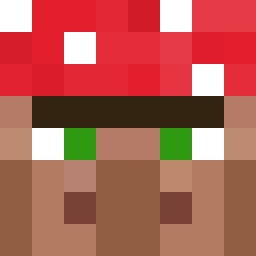 Tussemann EXOTTIC_27 Fleeboe XxDead_SpacexX AmigueroGOOD musampa DonDonLongJohn maicofrone HimarroneVS papi_le_morice julikki hddjp chudede Monteinolobato DerOberFlicker bzxxandy Zeppi65 aceking4 gugolas22 Joaovec Mead_and_Bee morbius33 Cukel Downtown_Alpaca Boland420 godyixin Sl1ppyJoe daddybewind DownoZGopy Nhiyx ArcanzE GinjaMing3 KRYTOILOX monster755 Maniek1254 MiniKirito1996 Masked_Pirate GrandDiscoboy jampot1 Sentinel608 Vandepotter SaulGoodman154 BlondeHalfling Harlino2704 kreuzotter SNEK_EGE JerryLin123456 drippydrip69 MparmpaTeo pelleboi69 theTr1fecta BMan2505 Holoklaus_88 MinecrafterYEAHH SalveKiller jojokaka112 LeeSeongH Dr_Mr_White Polat_abi40 fatobeselizard
More Ricardo Milos Minecraft skins
See all 96 Ricardo Milos skins
How to install the tezzah137 skin
- Press the Download button above to save the skin as a PNG file.
- Minecraft: Bedrock Edition (PE): open the Dressing Room from the main menu (or tap your character → Edit Character), go to Classic Skins → Owned, press the + (new skin) button, choose the downloaded PNG and pick the Classic (Steve) model. Works on PC and mobile; consoles cannot import custom skins.
- Minecraft: Java Edition: open the Minecraft Launcher, go to the Skins tab, click New Skin, load the PNG, pick the Classic (Steve) model and press Save & Use. You can also upload it at minecraft.net → Profile → Change Skin.
The skin does not show up after import - what should I do?
Restart Minecraft and open the Dressing Room again - imported skins sometimes appear only after a restart. Also make sure you selected the imported skin and picked the Classic (Steve) model.
Which model should I choose, Classic or Slim?
This skin is designed for the Classic (Steve) model. If you pick the wrong model, the arms of the skin will look stretched or squeezed.
Is the skin of tezzah137 free to download?
Yes. Press Download, save the PNG file and use it in Minecraft: Bedrock Edition or Java Edition - no payment or registration needed. The skin also works on multiplayer servers and Realms.
More skins
Looking for more? Go back to all Minecraft skins and check the top skins of the week, month and all time, or find any player's skin by nickname.