
sunkid_jr - Minecraft Skins & Skin History
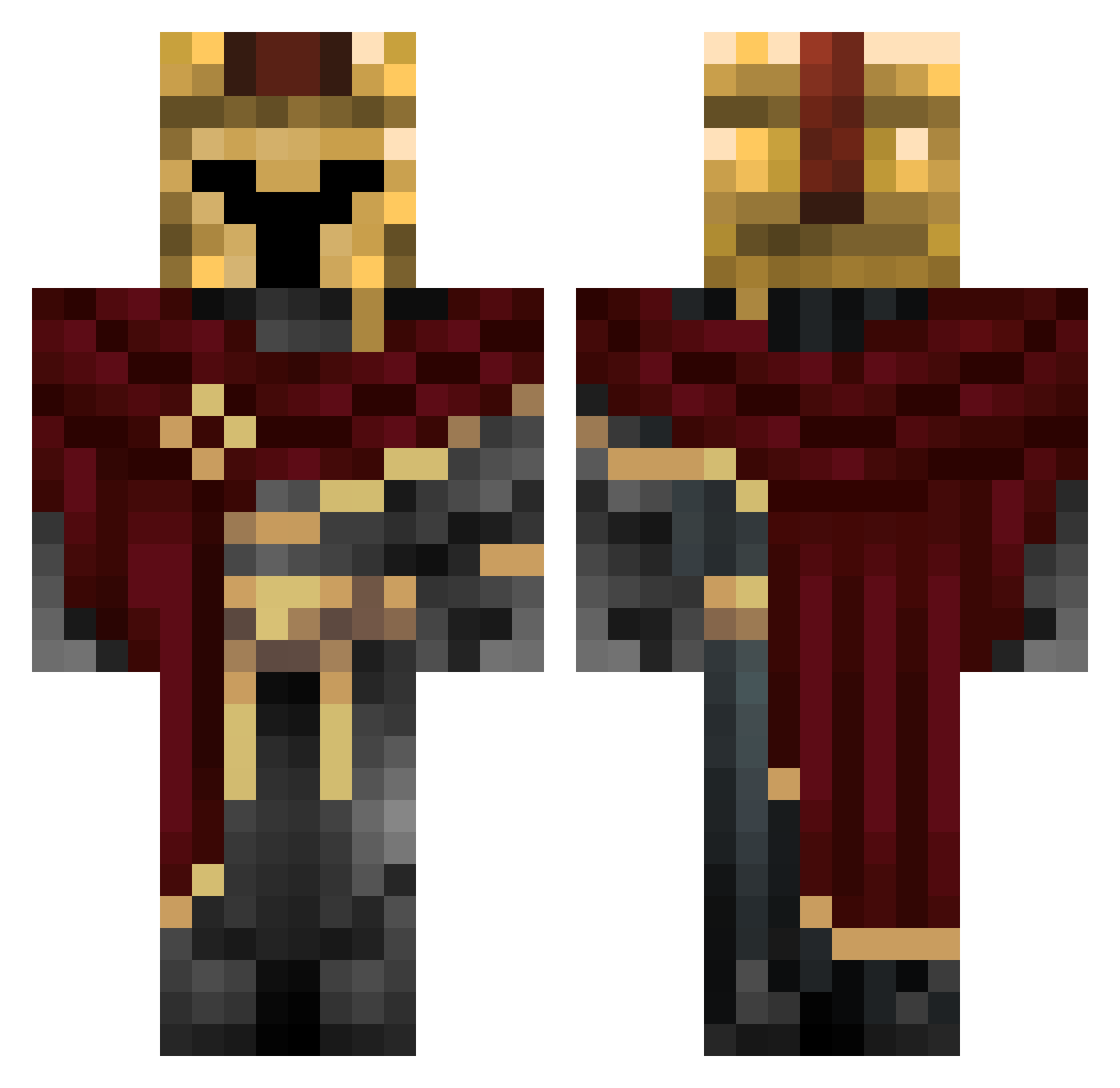
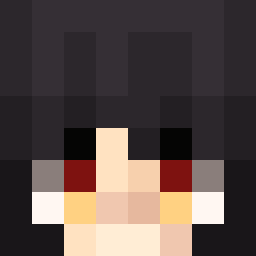
Current Minecraft skin of the player sunkid_jr, loaded from the official Mojang API. Rotate the 3D model with your mouse or finger, then download the skin as a PNG file and use it in Minecraft: Bedrock Edition or Java Edition for free. When sunkid_jr changes their skin, this page updates automatically and the old skin stays in the history below.
Other players with this skin (62)
sunkid_jr was the 32nd player we have seen with this skin, first spotted on 19.09.2026. The same skin was seen on these players. Open a nickname to see their current skin and skin history.
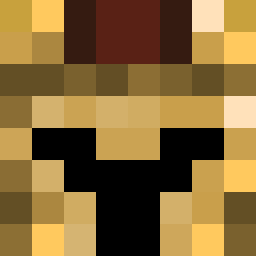 Akilles2312 Nexify_ Burntsausage15 Noddy1820 TertianBreak41 MaceOfSpades5 Smileleee vRyze999 Nonogaut RileyMckeown herobrine2326 Striker3506 Soma_Yume Pere_Gil27 henko342 idislikethis TyTheTerrible VoxelAcademy8 Hummerluca3640 AliaBv Teodorr1 LEGENDARYGAMER84 HeinzoRocks clansp4 Enderhai77 C00KIEeee Reaper69GetRekt hambone29er LosBetonoS Lamefurtive Dubs39 Ro0v rysiek2334 pokeninjaverde NACHITOW2 1INvis MoyMoyGG Aragorn5056234 JeffPapi99_ Noel010209 DungeonGamerYT IncredableM0D HogJohnson_ hurricaneboy5 beastborger hgl_kyrnox Nono000 Viiceentee gaddeyum Gaelll0202
 FellowAlpaca648 Konkixander Moonbreon_XD
 Igr1t
Igr1t Old_Fisherman PurpleMoney134 SoosmannDerEchte Neo_Pro112 kvsjxr
 MaracujaAmarelo
More Spartan Minecraft skins
How to install the sunkid_jr skin
- Press the Download button above to save the skin as a PNG file.
- Minecraft: Bedrock Edition (PE): open the Dressing Room from the main menu (or tap your character → Edit Character), go to Classic Skins → Owned, press the + (new skin) button, choose the downloaded PNG and pick the Classic (Steve) model. Works on PC and mobile; consoles cannot import custom skins.
- Minecraft: Java Edition: open the Minecraft Launcher, go to the Skins tab, click New Skin, load the PNG, pick the Classic (Steve) model and press Save & Use. You can also upload it at minecraft.net → Profile → Change Skin.
The skin does not show up after import - what should I do?
Restart Minecraft and open the Dressing Room again - imported skins sometimes appear only after a restart. Also make sure you selected the imported skin and picked the Classic (Steve) model.
Which model should I choose, Classic or Slim?
This skin is designed for the Classic (Steve) model. If you pick the wrong model, the arms of the skin will look stretched or squeezed.
Is the skin of sunkid_jr free to download?
Yes. Press Download, save the PNG file and use it in Minecraft: Bedrock Edition or Java Edition - no payment or registration needed. The skin also works on multiplayer servers and Realms.
More skins
Looking for more? Go back to all Minecraft skins and check the top skins of the week, month and all time, or find any player's skin by nickname.