
stephenP62 - Minecraft Skins & Skin History
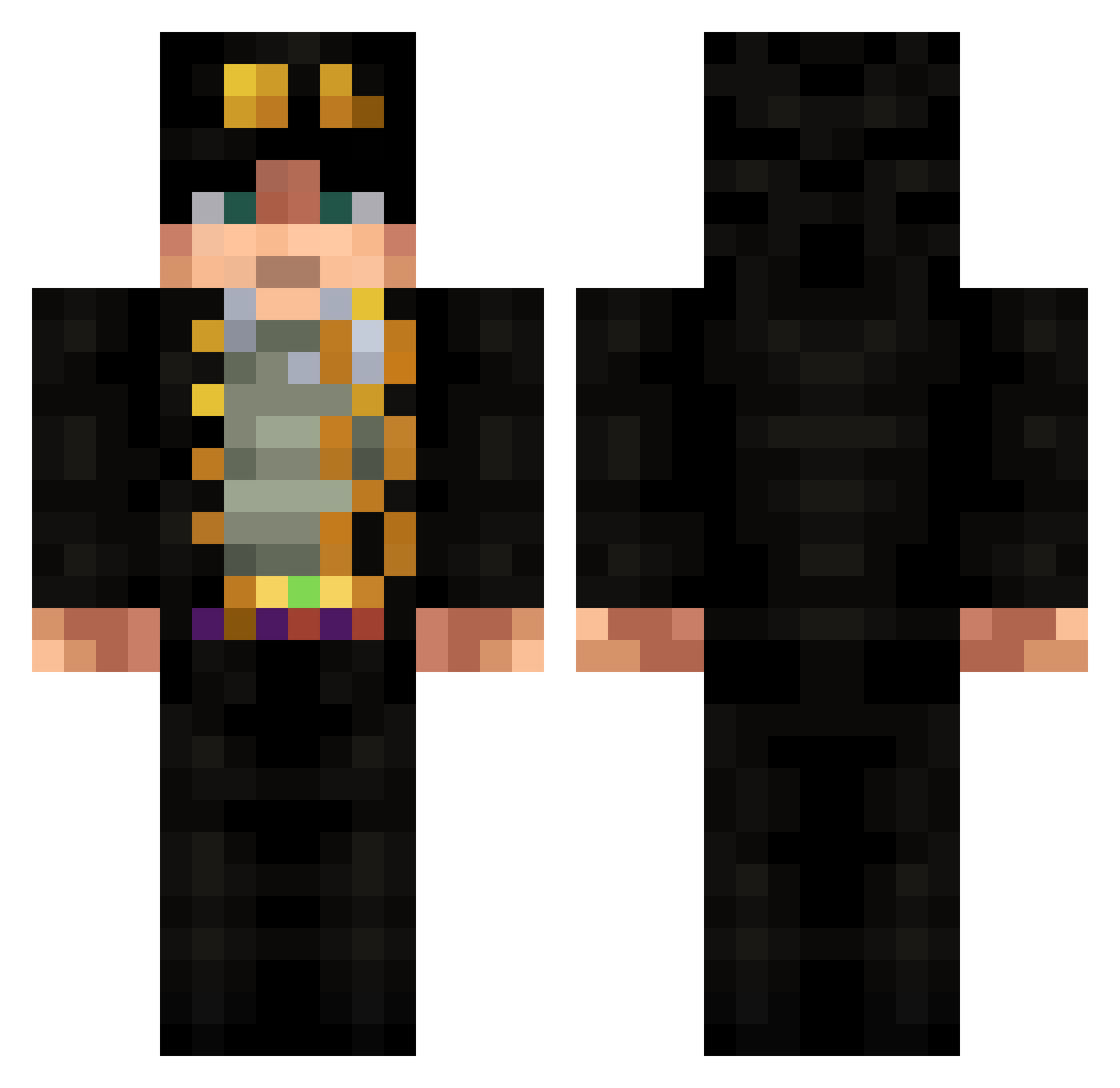
Current Minecraft skin of the player stephenP62, loaded from the official Mojang API. Rotate the 3D model with your mouse or finger, then download the skin as a PNG file and use it in Minecraft: Bedrock Edition or Java Edition for free. When stephenP62 changes their skin, this page updates automatically and the old skin stays in the history below.
Other players with this skin (687)
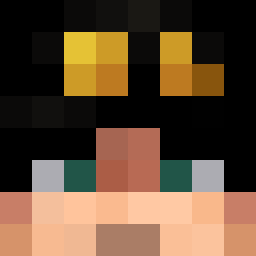
stephenP62 was the 553rd player we have seen with this skin, first spotted on 20.10.2026. The same skin was seen on these players. Open a nickname to see their current skin and skin history.
 Eduu_Diaas Dark_Kujoh Lksz lukixd225 Rust117 llAce Old_Yogurt letruc The_Warbaker MrMakinola letstiziano cherry1234567 TKpig PF1316 Bossgt07 shir0u1 QDoMineCraft Fenras ttwinter DosCinco25x Tetefee Greency shushu405 Extrememiki alexander20cool MCsgs deisui3 lilbaggy444 LuigiLiker LafaetO1 Miwio Dominatorius KALDESTRO Wholfx Nick_1221 ktoktokto Gusseh stackup Z_RoCK24 Jonzaka kansei0926 Redbird0011 Aellset Annocholik a1gbr Zeerax_ Liade_16 JJ_Nery223 RedSunx MrMiseeks CardiacArrestL Doujyo LeeBlanc UnderatedMiggins KotaroHarada AOZEN17 Nems_69 EdwardVR Life11703 susanoo_joe
More Jotaro Kujo Minecraft skins
How to install the stephenP62 skin
- Press the Download button above to save the skin as a PNG file.
- Minecraft: Bedrock Edition (PE): open the Dressing Room from the main menu (or tap your character → Edit Character), go to Classic Skins → Owned, press the + (new skin) button, choose the downloaded PNG and pick the Classic (Steve) model. Works on PC and mobile; consoles cannot import custom skins.
- Minecraft: Java Edition: open the Minecraft Launcher, go to the Skins tab, click New Skin, load the PNG, pick the Classic (Steve) model and press Save & Use. You can also upload it at minecraft.net → Profile → Change Skin.
The skin does not show up after import - what should I do?
Restart Minecraft and open the Dressing Room again - imported skins sometimes appear only after a restart. Also make sure you selected the imported skin and picked the Classic (Steve) model.
Which model should I choose, Classic or Slim?
This skin is designed for the Classic (Steve) model. If you pick the wrong model, the arms of the skin will look stretched or squeezed.
Is the skin of stephenP62 free to download?
Yes. Press Download, save the PNG file and use it in Minecraft: Bedrock Edition or Java Edition - no payment or registration needed. The skin also works on multiplayer servers and Realms.
More skins
Looking for more? Go back to all Minecraft skins and check the top skins of the week, month and all time, or find any player's skin by nickname.