
snakesolidus - Minecraft Skins & Skin History
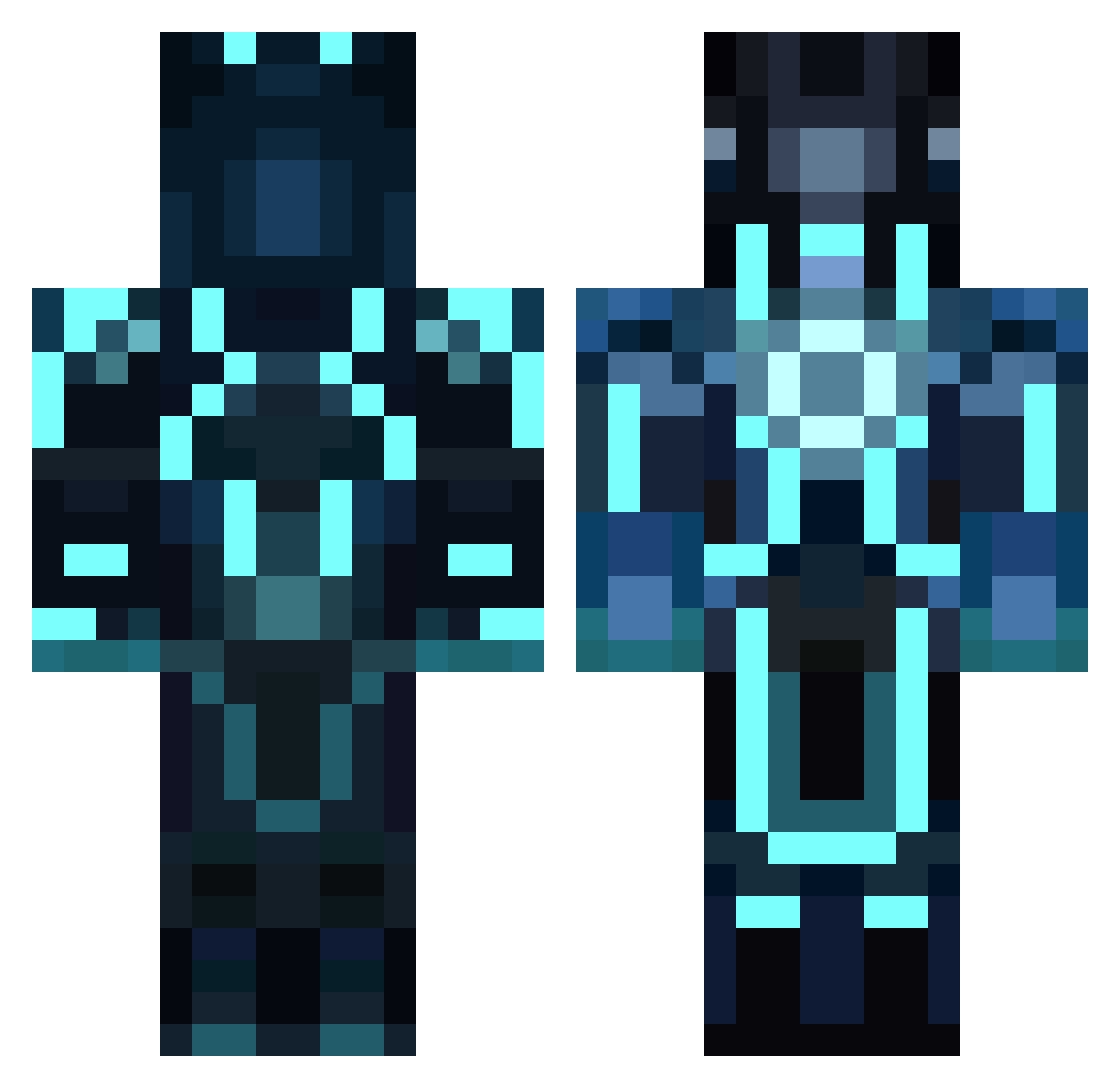
Current Minecraft skin of the player snakesolidus, loaded from the official Mojang API. Rotate the 3D model with your mouse or finger, then download the skin as a PNG file and use it in Minecraft: Bedrock Edition or Java Edition for free. When snakesolidus changes their skin, this page updates automatically and the old skin stays in the history below.
Other players with this skin (856)
snakesolidus was the 803rd player we have seen with this skin, first spotted on 27.10.2026. The same skin was seen on these players. Open a nickname to see their current skin and skin history.
 Seranyx sillygoosegamin UnwantedMexican yaboifreddy Killerbabe8 kallajac Troncraft SakaiYuuji97 BossTalon phat_m8 Novean JCrombie Lost_Dream justinmyersm Badasia funnymorten morganic26 Miroatminecraft eaZyflash WhoDidWhatWitIt ULTRONIIIX remymite19 OLF4000 SashaBae Nivolem Y0urEscape drooster2014 5nred2ii N3xtdead SAMMYSALSA101 Sandra991230 x2Zero7 wat_fr emeraldglas1 Vertigo94140 Corover13 DiamondLegoMastr nikolaiaur disneykid777 Citational curmas FIRESUKKER chocapic32 s26fam Silte78 ActuallyMike doctorwho24 pilivesey RefutedGb HKSGAMING LoneyBear Zelaerix jackal128 ViiRuS_2k12 DylanPollo Cave76 BenandJess0 fireballX7 Daniel135810 Wolfiegoth
More Glowing Armor Minecraft skins
See all 60 Glowing Armor skins
How to install the snakesolidus skin
- Press the Download button above to save the skin as a PNG file.
- Minecraft: Bedrock Edition (PE): open the Dressing Room from the main menu (or tap your character → Edit Character), go to Classic Skins → Owned, press the + (new skin) button, choose the downloaded PNG and pick the Classic (Steve) model. Works on PC and mobile; consoles cannot import custom skins.
- Minecraft: Java Edition: open the Minecraft Launcher, go to the Skins tab, click New Skin, load the PNG, pick the Classic (Steve) model and press Save & Use. You can also upload it at minecraft.net → Profile → Change Skin.
The skin does not show up after import - what should I do?
Restart Minecraft and open the Dressing Room again - imported skins sometimes appear only after a restart. Also make sure you selected the imported skin and picked the Classic (Steve) model.
Which model should I choose, Classic or Slim?
This skin is designed for the Classic (Steve) model. If you pick the wrong model, the arms of the skin will look stretched or squeezed.
Is the skin of snakesolidus free to download?
Yes. Press Download, save the PNG file and use it in Minecraft: Bedrock Edition or Java Edition - no payment or registration needed. The skin also works on multiplayer servers and Realms.
More skins
Looking for more? Go back to all Minecraft skins and check the top skins of the week, month and all time, or find any player's skin by nickname.