
singsong001 - Minecraft Skins & Skin History
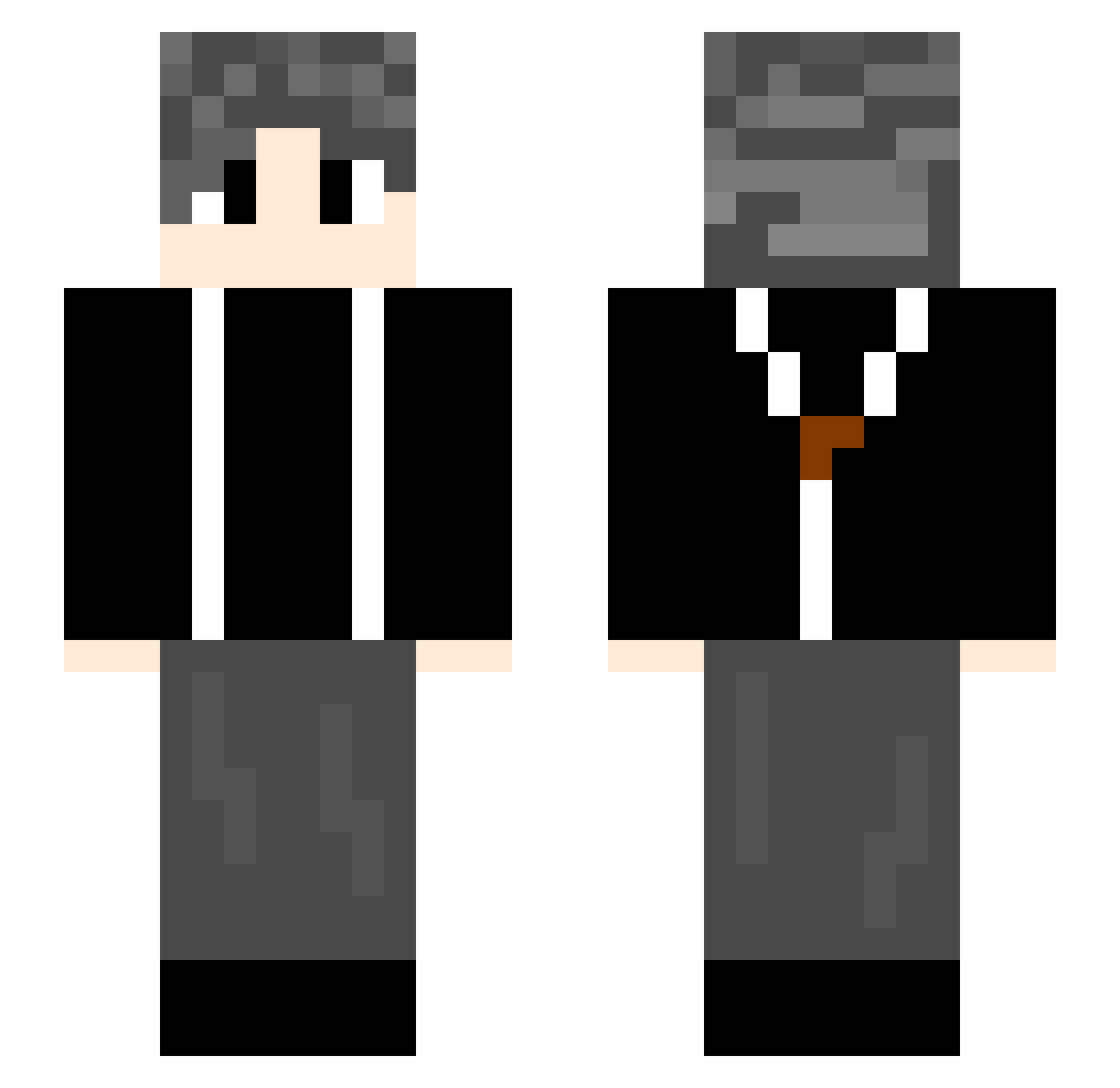
Current Minecraft skin of the player singsong001, loaded from the official Mojang API. Rotate the 3D model with your mouse or finger, then download the skin as a PNG file and use it in Minecraft: Bedrock Edition or Java Edition for free. When singsong001 changes their skin, this page updates automatically and the old skin stays in the history below.
Other players with this skin (739)
singsong001 was the 35th player we have seen with this skin, first spotted on 29.07.2026. The same skin was seen on these players. Open a nickname to see their current skin and skin history.
 crisis145 UirFan Xiamo0 fgd169 KeyKza lovone ifluck gaoking33 qiuet dinyuqi plryer C1N17 MR1009 Aumin11 xiaoxiaosu131 ste2138 Lvory_Tower GGBond6666 ALEXWASD Satt777 jia0210 Loong1315 WwW0W HR66 Leonardo_72 Downs666 Z_JQ federico102 x9x9x9x AuroraStarry bilibilicoin_233 Hypnot1czzz TwoYearHalf langxiong Baldorange zjz1 DF964
 zrk2003 xinghui123 Yeccc Little2004 Janpuse shunzi2005 741852963 Tom4869 ziye66 just1nSavage Yuuki5213 zhan2003 Liu_Xuande
 ZT222 maomao8038 ilusom TangTang9933 IYFYO myzyt FunnyBai th128 overth1nking Ayaka9818
How to install the singsong001 skin
- Press the Download button above to save the skin as a PNG file.
- Minecraft: Bedrock Edition (PE): open the Dressing Room from the main menu (or tap your character → Edit Character), go to Classic Skins → Owned, press the + (new skin) button, choose the downloaded PNG and pick the Slim (Alex) model. Works on PC and mobile; consoles cannot import custom skins.
- Minecraft: Java Edition: open the Minecraft Launcher, go to the Skins tab, click New Skin, load the PNG, pick the Slim (Alex) model and press Save & Use. You can also upload it at minecraft.net → Profile → Change Skin.
The skin does not show up after import - what should I do?
Restart Minecraft and open the Dressing Room again - imported skins sometimes appear only after a restart. Also make sure you selected the imported skin and picked the Slim (Alex) model.
Which model should I choose, Classic or Slim?
This skin is designed for the Slim (Alex) model. If you pick the wrong model, the arms of the skin will look stretched or squeezed.
Is the skin of singsong001 free to download?
Yes. Press Download, save the PNG file and use it in Minecraft: Bedrock Edition or Java Edition - no payment or registration needed. The skin also works on multiplayer servers and Realms.
More skins
Looking for more? Go back to all Minecraft skins and check the top skins of the week, month and all time, or find any player's skin by nickname.