
sethdo - Minecraft Skins & Skin History
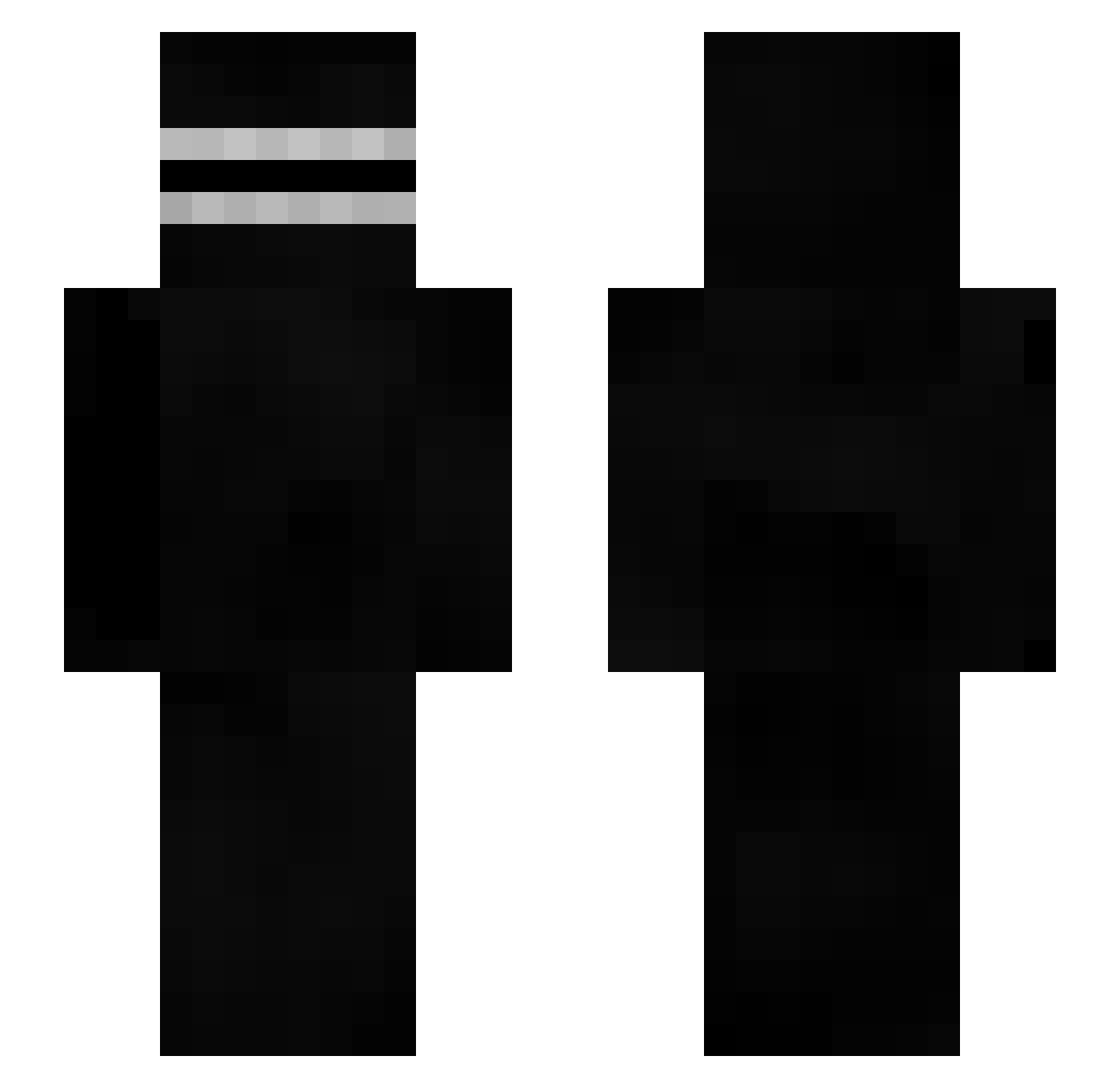
Current Minecraft skin of the player sethdo, loaded from the official Mojang API. Rotate the 3D model with your mouse or finger, then download the skin as a PNG file and use it in Minecraft: Bedrock Edition or Java Edition for free. When sethdo changes their skin, this page updates automatically and the old skin stays in the history below.
Other players with this skin (414)
sethdo was the 28th player we have seen with this skin, first spotted on 31.07.2026. The same skin was seen on these players. Open a nickname to see their current skin and skin history.
 Tortxs GoodDudeMoney Akomithy LordAutismo winston17 M1gize Ullibar DexoCZ XIOUPENG Blanch2121 Einhornfee3001 Kozm_ Sunphoenix21 AbbieCraftt TrollForALiving jie1028 pyreneanibex zWrongTeam01 Hecker_2010 Iceman_0 Tosya2ch the_sans0726_ Delos04 JE_destructor ImNixios ExpiredJoke hahashush Julasty Felipersol Chobotnica Cagattay HeyyAshy Rocco2point0 Kingtotan srhydr0 _joosie Darkthology CannedCliche Toharu redonkey WizenLamp65082 catatau155 soviet_puppy
 Aston_0056 bongslurper42O hawkhawk biodizel112 ZenWallop Sparse57 VirtualRiots Pebble_034 Knx__ Holzkopf_THG MounirYvaBien Malevolenc3 Giasko GagDrag JoshuaSo1100 The_Teeth_Shower Amalita
More Creepypasta Minecraft skins
How to install the sethdo skin
- Press the Download button above to save the skin as a PNG file.
- Minecraft: Bedrock Edition (PE): open the Dressing Room from the main menu (or tap your character → Edit Character), go to Classic Skins → Owned, press the + (new skin) button, choose the downloaded PNG and pick the Slim (Alex) model. Works on PC and mobile; consoles cannot import custom skins.
- Minecraft: Java Edition: open the Minecraft Launcher, go to the Skins tab, click New Skin, load the PNG, pick the Slim (Alex) model and press Save & Use. You can also upload it at minecraft.net → Profile → Change Skin.
The skin does not show up after import - what should I do?
Restart Minecraft and open the Dressing Room again - imported skins sometimes appear only after a restart. Also make sure you selected the imported skin and picked the Slim (Alex) model.
Which model should I choose, Classic or Slim?
This skin is designed for the Slim (Alex) model. If you pick the wrong model, the arms of the skin will look stretched or squeezed.
Is the skin of sethdo free to download?
Yes. Press Download, save the PNG file and use it in Minecraft: Bedrock Edition or Java Edition - no payment or registration needed. The skin also works on multiplayer servers and Realms.
More skins
Looking for more? Go back to all Minecraft skins and check the top skins of the week, month and all time, or find any player's skin by nickname.