
 MasterRahul benji9295 _RuFiD Karas0 Emapier0873 Blixhy KillerJ1 x__NARI__x Nixxck Pig0303 McAZA Ike5195 MorriganIsGay inimitable_ Pong_tai INVINCIBLE7464 Crying_Krylin paulgamesnl bones556 NotNicotine Godels JBring __Arlecchino__ Sans0219 Simone33 mvndtot Apokarion Salty_Bread_ ivanna_01 vntiq1015 crazzyB0bb pitufain LarryKwt ahmed1YT okjaysson amarylias CircuiT0961 Roro_49 hxxic LividCelery8418 _joosie MeNaMeJeFf21051 MiniStatic_ROX hahawassup Kykyb0y21 JE97 lrnz909 ToiletDri nmsl87 Neero98 lliZEDMASTERill f3asttree hELmUmu gatorade777 ancientberry3 Ankenem iilf BakerBlunt sninjax Major_Bey
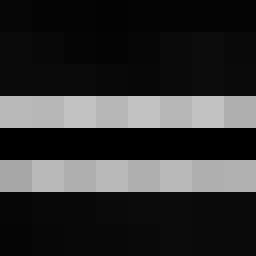
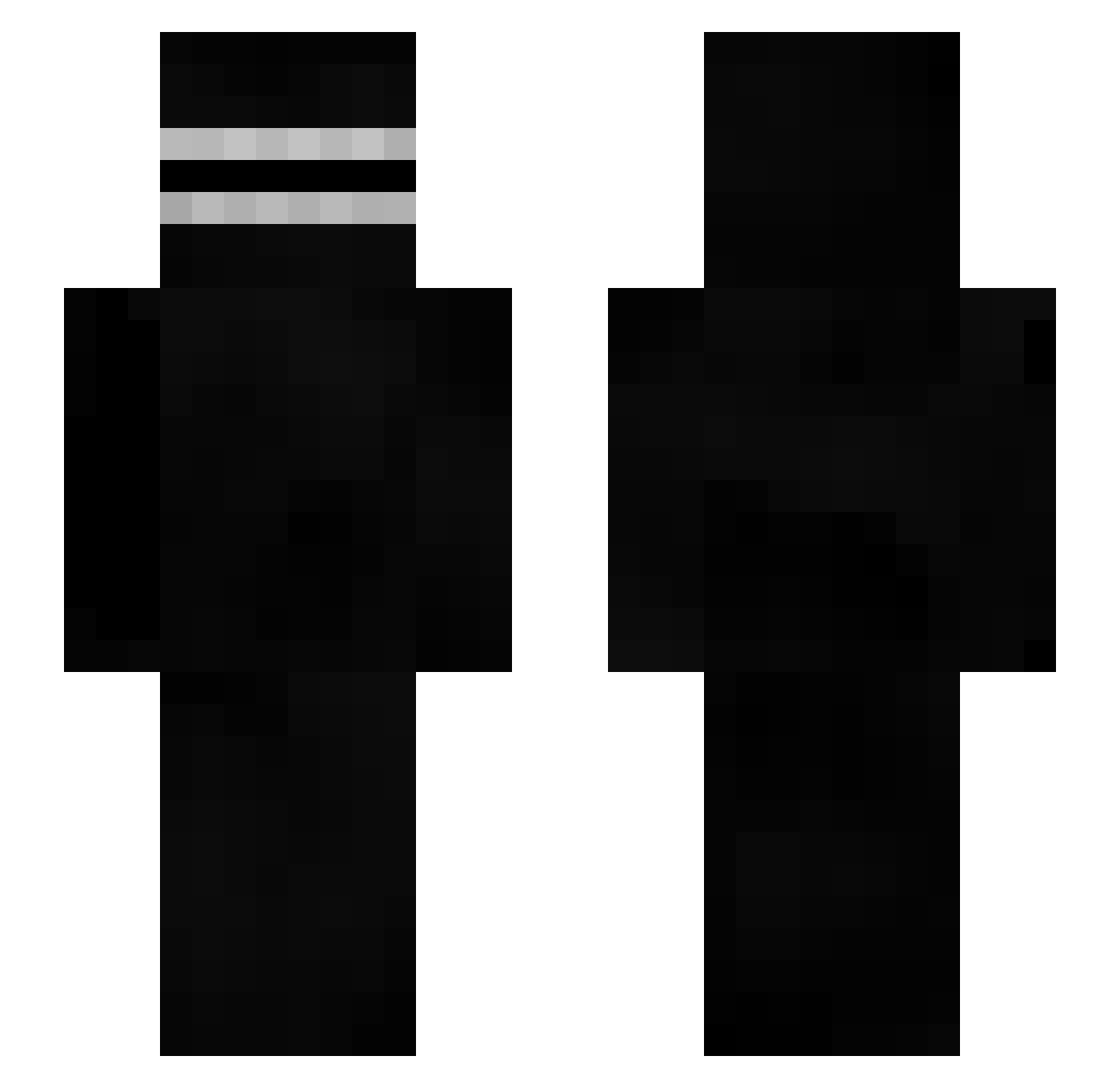
Minecraft skin of Amalita. Rotate the 3D model with your mouse or finger to view the skin from every angle, then download it as a PNG file and use it in Minecraft: Bedrock Edition or Java Edition for free. Rate the skin with stars to help other players find the best skins in our collection.
How to install the Amalita skin
- Press the Download button above to save the skin as a PNG file.
- Minecraft: Bedrock Edition (PE): open the Dressing Room from the main menu (or tap your character → Edit Character), go to Classic Skins → Owned, press the + (new skin) button, choose the downloaded PNG and pick the Slim (Alex) model. Works on PC and mobile; consoles cannot import custom skins.
- Minecraft: Java Edition: open the Minecraft Launcher, go to the Skins tab, click New Skin, load the PNG, pick the Slim (Alex) model and press Save & Use. You can also upload it at minecraft.net → Profile → Change Skin.
The skin does not show up after import - what should I do?
Restart Minecraft and open the Dressing Room again - imported skins sometimes appear only after a restart. Also make sure you selected the imported skin and picked the Slim (Alex) model.
Which model should I choose, Classic or Slim?
This skin is designed for the Slim (Alex) model. If you pick the wrong model, the arms of the skin will look stretched or squeezed.
Is this skin free to use?
Yes. Press Download, save the PNG file and use it in Minecraft: Bedrock Edition or Java Edition - no payment or registration needed. The skin also works on multiplayer servers and Realms.
More Creepypasta Minecraft skins
More skins
Looking for more? Go back to all Minecraft skins and check the top skins of the week, month and all time, or find any player's skin by nickname.