
riilu865 - Minecraft Skins & Skin History
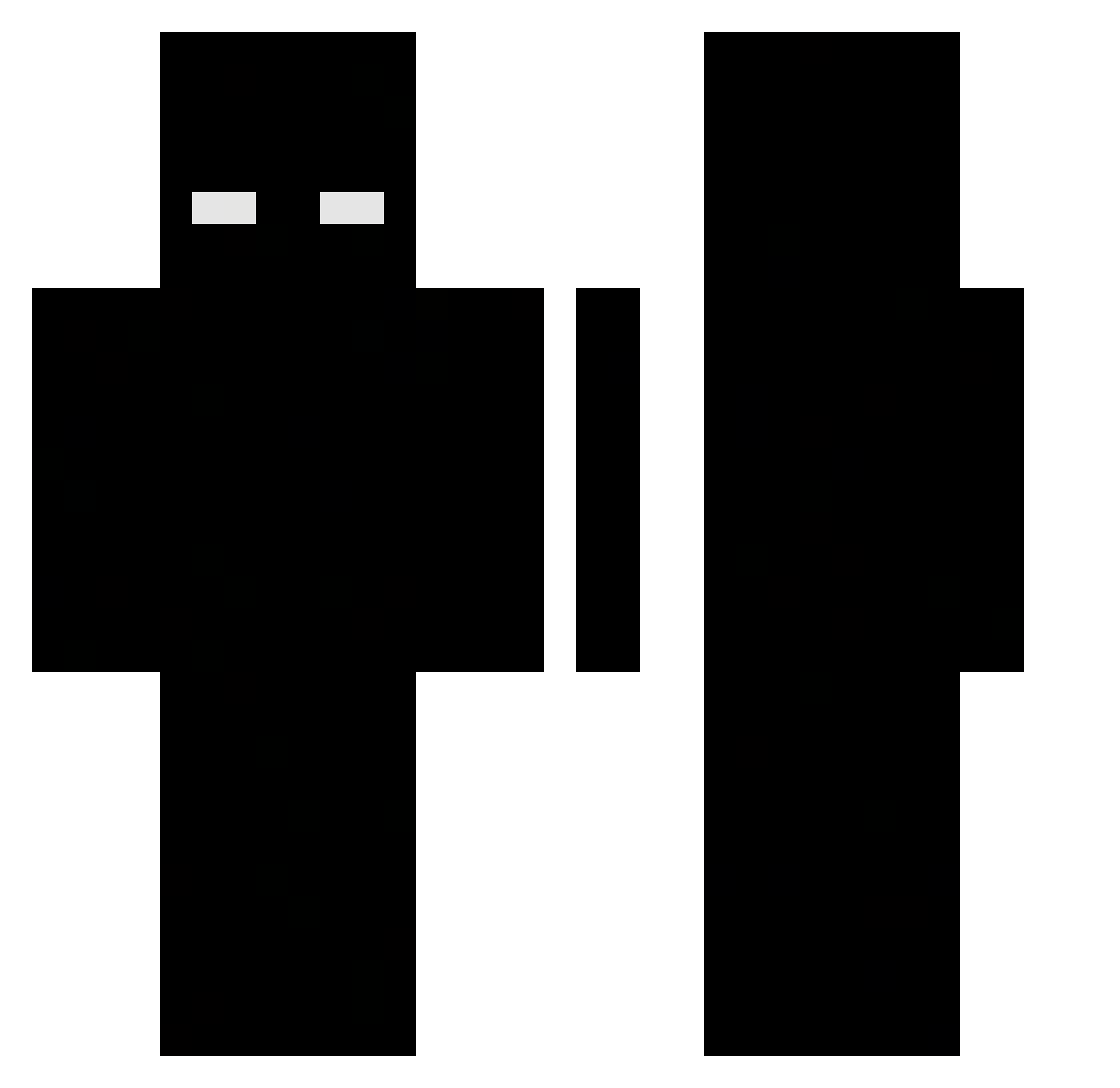
Current Minecraft skin of the player riilu865, loaded from the official Mojang API. Rotate the 3D model with your mouse or finger, then download the skin as a PNG file and use it in Minecraft: Bedrock Edition or Java Edition for free. When riilu865 changes their skin, this page updates automatically and the old skin stays in the history below.
Other players with this skin (498)
riilu865 was the 473rd player we have seen with this skin, first spotted on 06.11.2026. The same skin was seen on these players. Open a nickname to see their current skin and skin history.
 eltibu123 kzmf sutoberi yxnnxc67 anthqnys InfinitY_001 Elasti33 gabbyok fileontop Loxi7 FakeDan4o LCfrmRP Wikolprim3 OFA_Jackchen_TW Hazer75 lettvekt Treyy LifesFair SY_HENG Unheimlicher el_sueko KOF98 Grey12312 aphemoral zoyue Kidou396 batebolo123 lowy___ tecca1k PATRIOTq karolak1 kesh_xrp Cryxz__ Karl_99 Dboyyy1 capossi KometPL SteveNinja34Jr copper1233 J3ic0s Owendor d0md0k JUAAAANpvp fettieverlasting CCCZZZ777 Itz_Ryz3n Pan_InterHUB GetRichOrDiee NormalBlueLight nono7101 INTOUNIVERSE NoxorGhost jednorazuwka 1337vein Raptordude190 MUZQT blackninja960 Rikka0_o Ba7m4n_ vses7
More Herobrine Minecraft skins
How to install the riilu865 skin
- Press the Download button above to save the skin as a PNG file.
- Minecraft: Bedrock Edition (PE): open the Dressing Room from the main menu (or tap your character → Edit Character), go to Classic Skins → Owned, press the + (new skin) button, choose the downloaded PNG and pick the Classic (Steve) model. Works on PC and mobile; consoles cannot import custom skins.
- Minecraft: Java Edition: open the Minecraft Launcher, go to the Skins tab, click New Skin, load the PNG, pick the Classic (Steve) model and press Save & Use. You can also upload it at minecraft.net → Profile → Change Skin.
The skin does not show up after import - what should I do?
Restart Minecraft and open the Dressing Room again - imported skins sometimes appear only after a restart. Also make sure you selected the imported skin and picked the Classic (Steve) model.
Which model should I choose, Classic or Slim?
This skin is designed for the Classic (Steve) model. If you pick the wrong model, the arms of the skin will look stretched or squeezed.
Is the skin of riilu865 free to download?
Yes. Press Download, save the PNG file and use it in Minecraft: Bedrock Edition or Java Edition - no payment or registration needed. The skin also works on multiplayer servers and Realms.
More skins
Looking for more? Go back to all Minecraft skins and check the top skins of the week, month and all time, or find any player's skin by nickname.