
rh27un_ - Minecraft Skins & Skin History
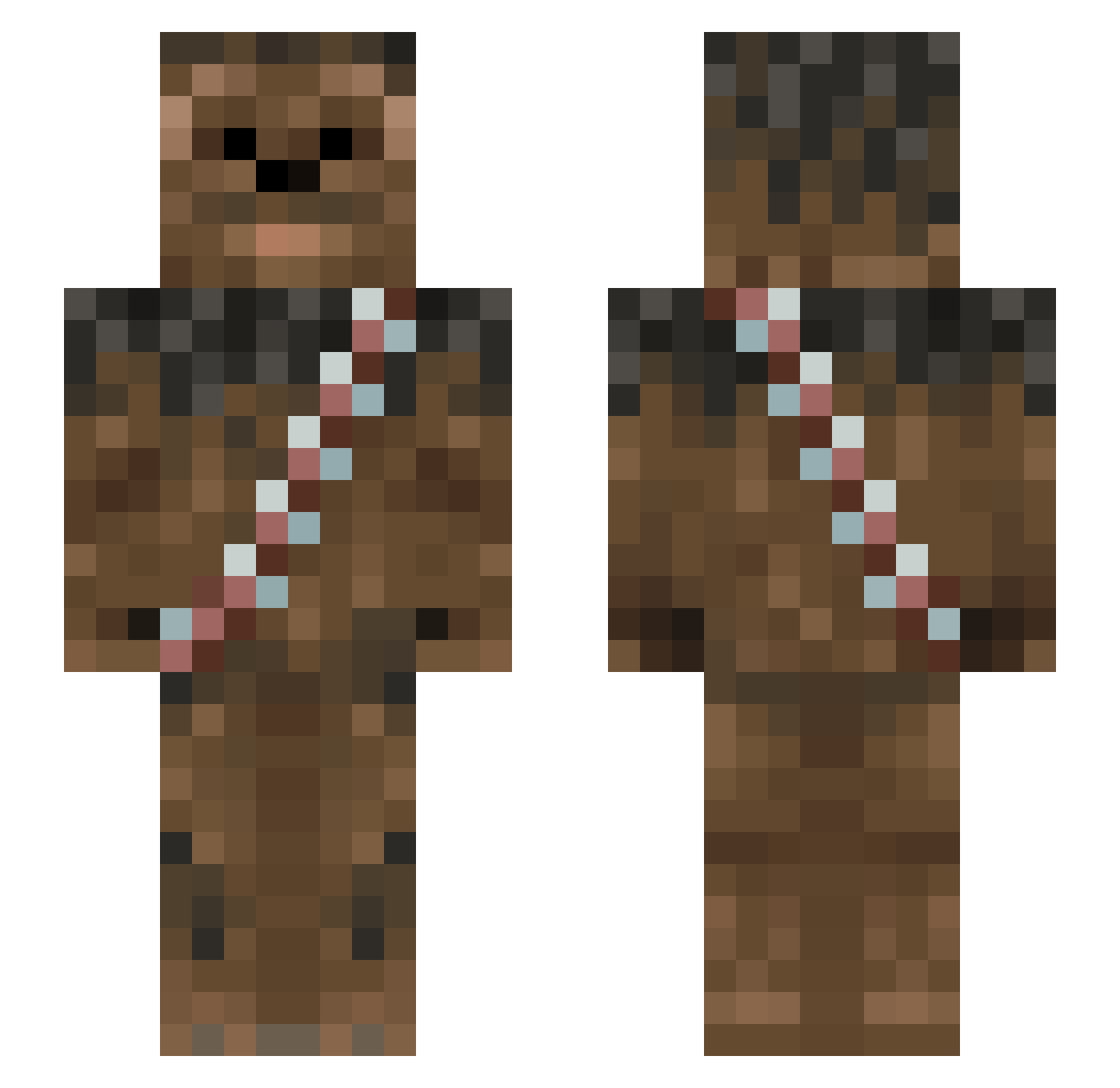
Current Minecraft skin of the player rh27un_, loaded from the official Mojang API. Rotate the 3D model with your mouse or finger, then download the skin as a PNG file and use it in Minecraft: Bedrock Edition or Java Edition for free. When rh27un_ changes their skin, this page updates automatically and the old skin stays in the history below.
Other players with this skin (1013)
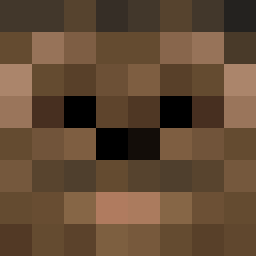
rh27un_ was the 703rd player we have seen with this skin, first spotted on 10.10.2026. The same skin was seen on these players. Open a nickname to see their current skin and skin history.
 Bigfootb123 Hazlan Jack_aroo Gandalf_301 Dralen32 Banane1401 EBenz Dorty Butt_Pirate Alfieman99 AlexTheGamer650 CrustyWafflez ImJustAlmighty elijahgibbs Snacktown Koultron vietboy007 BastianFalk Dragon_Slayervx2 cirquektv HaRvEsTaRe Thelegendaryhero _tiffi_ ChewyAG Dain1992 metalaxe64 Michi_progamer BTTE_Wolff NASBIA MCskyarmy Spider_Monkey8 Anresh beggarsoutpost sethypookins DrPhro sharkjake24 DaMinerDevin swemaster11 Jackle_Brothers _Nitro_Bakka_ PortBorn littleman14x mankatolebeaux22 EskimoSoldier1 jakesuckseggs nettkill gsg_Chewbacca Tmann47 Myyskatten willjados ZombieKai123 WYRY9033 rogaf PinballWizard5 ShakesKate Vikraam gee7aw Burliest emptyshark AZinMT
More Wookiee Minecraft skins
How to install the rh27un_ skin
- Press the Download button above to save the skin as a PNG file.
- Minecraft: Bedrock Edition (PE): open the Dressing Room from the main menu (or tap your character → Edit Character), go to Classic Skins → Owned, press the + (new skin) button, choose the downloaded PNG and pick the Slim (Alex) model. Works on PC and mobile; consoles cannot import custom skins.
- Minecraft: Java Edition: open the Minecraft Launcher, go to the Skins tab, click New Skin, load the PNG, pick the Slim (Alex) model and press Save & Use. You can also upload it at minecraft.net → Profile → Change Skin.
The skin does not show up after import - what should I do?
Restart Minecraft and open the Dressing Room again - imported skins sometimes appear only after a restart. Also make sure you selected the imported skin and picked the Slim (Alex) model.
Which model should I choose, Classic or Slim?
This skin is designed for the Slim (Alex) model. If you pick the wrong model, the arms of the skin will look stretched or squeezed.
Is the skin of rh27un_ free to download?
Yes. Press Download, save the PNG file and use it in Minecraft: Bedrock Edition or Java Edition - no payment or registration needed. The skin also works on multiplayer servers and Realms.
More skins
Looking for more? Go back to all Minecraft skins and check the top skins of the week, month and all time, or find any player's skin by nickname.