
 jonl2992 zaxzyyy Hunty27 MoinMirko OldSasquatch Tookins Cameron__ JaneH20 CurranBry keynnijr GANGMEMBERTEACHY NicoPlay7 SuperTofsen Jep12444 Kjelle__ Narpion tRoySniFF MrTowJam DeathJoker26 WavySander Azzy0126 HaydenBowler exodit911 vN30N 2309 Nakashimasuk po0piehe4d TrivSaucee jongun11 Lito09 ChefLASaint BlueNinjaShark5 Koen482 MadikIzichi MaineGuide guillefsz Aleurus Ja42004 rs343 Jezeth Hund_5000 JemeryQuezada Marconni mahisasurmardini Virotes aron2605 mxmerce HoganEcrux Sir_Whispers Kane8790 DariOrc LZYQ JAC0B1AN MMoouussSS Fritzli CmonS0n Obelix2000 Pluttrya Rez4u Niziol
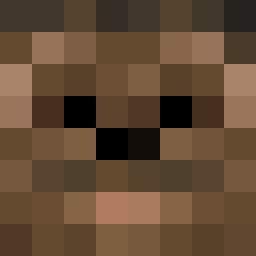
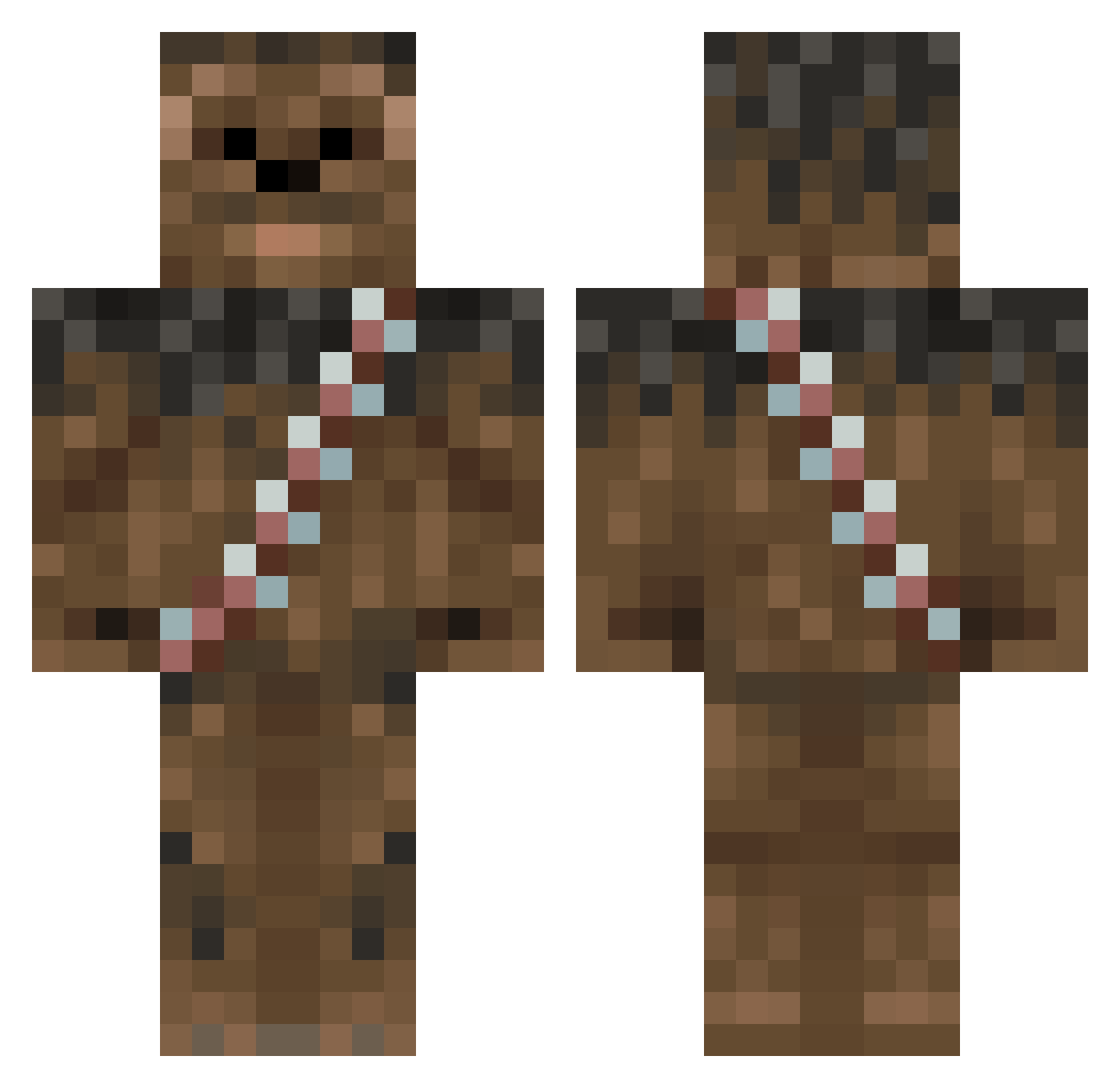
Minecraft skin of MarlboroRed2001. Rotate the 3D model with your mouse or finger to view the skin from every angle, then download it as a PNG file and use it in Minecraft: Bedrock Edition or Java Edition for free. Rate the skin with stars to help other players find the best skins in our collection.
How to install the MarlboroRed2001 skin
- Press the Download button above to save the skin as a PNG file.
- Minecraft: Bedrock Edition (PE): open the Dressing Room from the main menu (or tap your character → Edit Character), go to Classic Skins → Owned, press the + (new skin) button, choose the downloaded PNG and pick the Classic (Steve) model. Works on PC and mobile; consoles cannot import custom skins.
- Minecraft: Java Edition: open the Minecraft Launcher, go to the Skins tab, click New Skin, load the PNG, pick the Classic (Steve) model and press Save & Use. You can also upload it at minecraft.net → Profile → Change Skin.
The skin does not show up after import - what should I do?
Restart Minecraft and open the Dressing Room again - imported skins sometimes appear only after a restart. Also make sure you selected the imported skin and picked the Classic (Steve) model.
Which model should I choose, Classic or Slim?
This skin is designed for the Classic (Steve) model. If you pick the wrong model, the arms of the skin will look stretched or squeezed.
Is this skin free to use?
Yes. Press Download, save the PNG file and use it in Minecraft: Bedrock Edition or Java Edition - no payment or registration needed. The skin also works on multiplayer servers and Realms.
More Wookiee Minecraft skins
More skins
Looking for more? Go back to all Minecraft skins and check the top skins of the week, month and all time, or find any player's skin by nickname.