
 valdemarorkild JewishLust KaidoKenbu Sheedy30 a1hpos eggi19 IceSlayer182 scythe3742 WhiteKnight99 KingFAZE ScriptsInJava patrickR1990 GabrielHak microshnee UTEXFAN F03HAMMER greayham maxaggie FioreFIRE Yanakin _Xerosis_ MarcVerbie007 vullus mray190 clbzz jorsini44 bendizzels MastaChippa McShizzle110 maxtaylor2006 darkmandy6 Housecity calum_the_bold Scaria95 blockbusterv SytekLP n30p1r4t3 KevH_ pickleguyy StormDazz Putetatten bisbo281 Soccer1756 TheHiddenLife McMersh nCube patrick4327 xhoustonx123 TheGunner2504 Evenhouse4 SixtyOneSi lilbro4321 superfiremonkey1 Egebond GinGerJoe159 captainlinky TheAceofSpades12 SpargelHomo Paf666 kais04
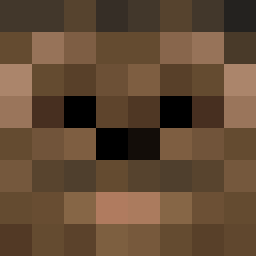
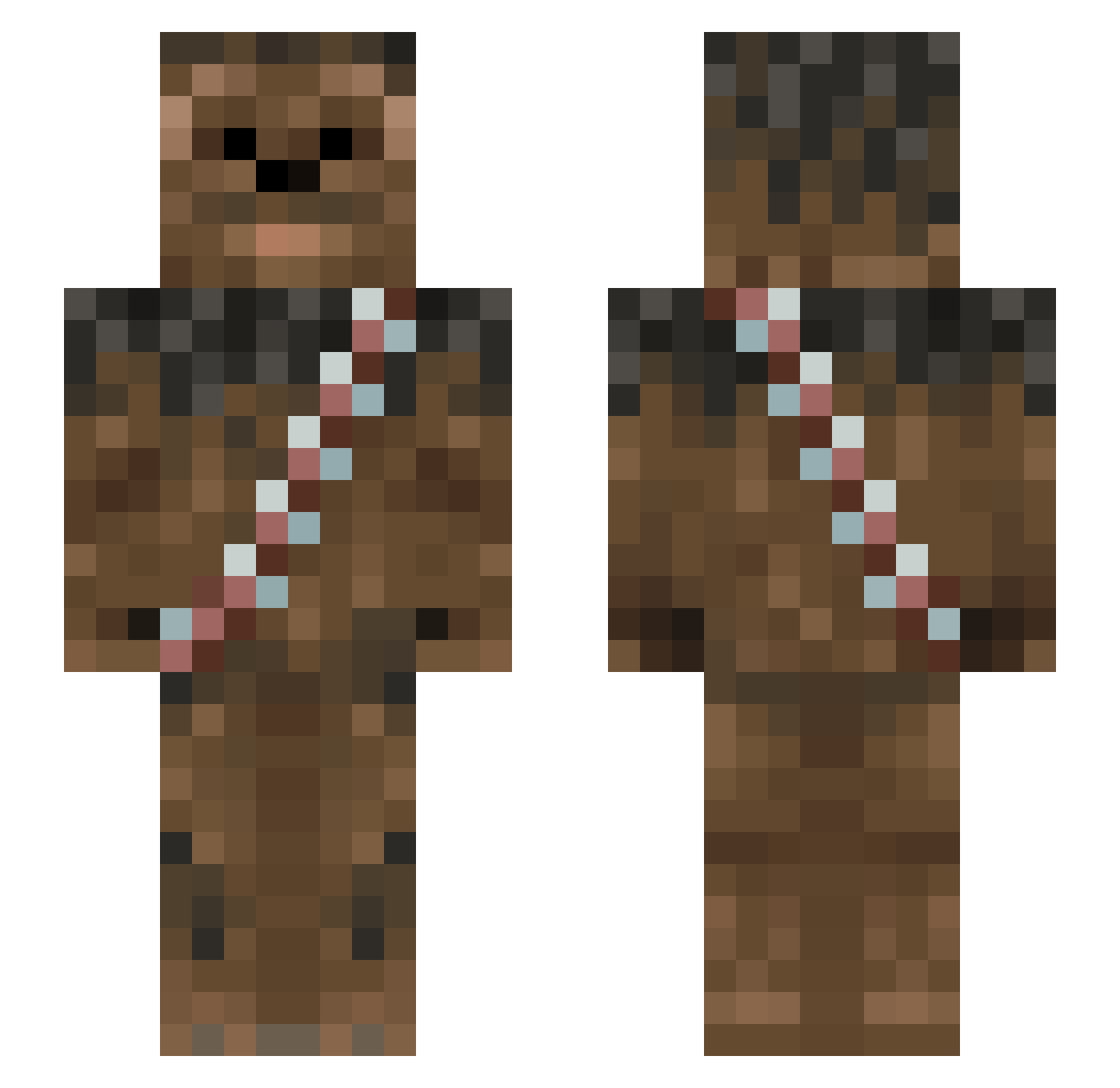
Minecraft skin of Alexfry. Rotate the 3D model with your mouse or finger to view the skin from every angle, then download it as a PNG file and use it in Minecraft: Bedrock Edition or Java Edition for free. Rate the skin with stars to help other players find the best skins in our collection.
How to install the Alexfry skin
- Press the Download button above to save the skin as a PNG file.
- Minecraft: Bedrock Edition (PE): open the Dressing Room from the main menu (or tap your character → Edit Character), go to Classic Skins → Owned, press the + (new skin) button, choose the downloaded PNG and pick the Slim (Alex) model. Works on PC and mobile; consoles cannot import custom skins.
- Minecraft: Java Edition: open the Minecraft Launcher, go to the Skins tab, click New Skin, load the PNG, pick the Slim (Alex) model and press Save & Use. You can also upload it at minecraft.net → Profile → Change Skin.
The skin does not show up after import - what should I do?
Restart Minecraft and open the Dressing Room again - imported skins sometimes appear only after a restart. Also make sure you selected the imported skin and picked the Slim (Alex) model.
Which model should I choose, Classic or Slim?
This skin is designed for the Slim (Alex) model. If you pick the wrong model, the arms of the skin will look stretched or squeezed.
Is this skin free to use?
Yes. Press Download, save the PNG file and use it in Minecraft: Bedrock Edition or Java Edition - no payment or registration needed. The skin also works on multiplayer servers and Realms.
More Wookiee Minecraft skins
More skins
Looking for more? Go back to all Minecraft skins and check the top skins of the week, month and all time, or find any player's skin by nickname.