
r4hlr - Minecraft Skins & Skin History
Current Minecraft skin of the player r4hlr, loaded from the official Mojang API. Rotate the 3D model with your mouse or finger, then download the skin as a PNG file and use it in Minecraft: Bedrock Edition or Java Edition for free. When r4hlr changes their skin, this page updates automatically and the old skin stays in the history below.
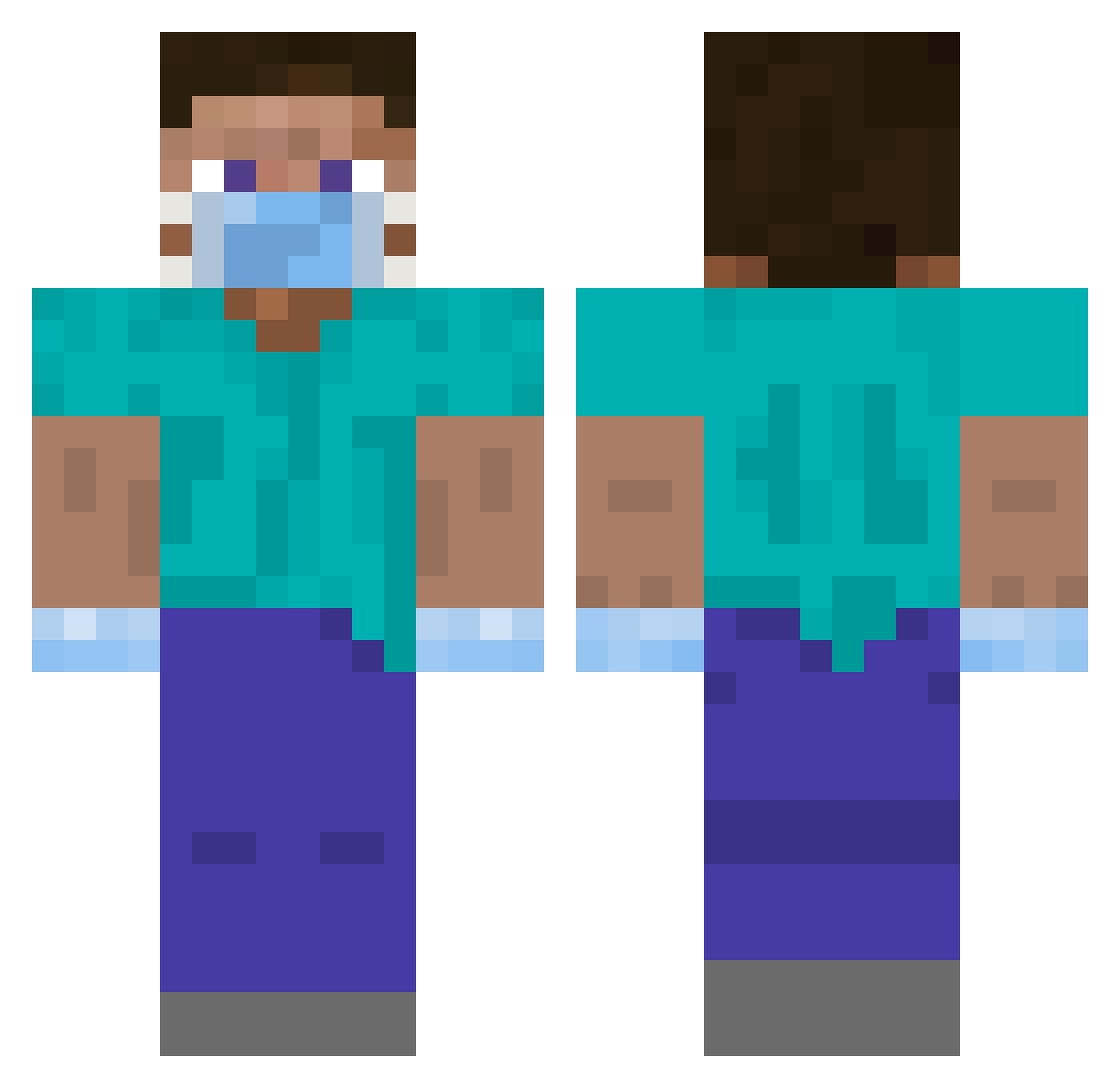
Other players with this skin (375)
r4hlr was the 162nd player we have seen with this skin, first spotted on 08.09.2026. The same skin was seen on these players. Open a nickname to see their current skin and skin history.
 radlibitum uccu0079 vl4dim1r_ sdpaninf Ferry1203 WolfTail019 AirFox96 DaddyHoneyBear Meta_Name nick9000 super10099 Andy5477 NoName_Play_ _Stubbs_ Mike_ZiN hugerobot ManMauzer YanIDK SmxQyv kirillko_klimko Mpineda92 Jeppe3320 Balko12345 Asian_Thunder T1nybone Lankyboi069 aleiacopo03 Callaghan_Homes LoaderFR CaptainJehu DEQUAVIOUZ brxdxrz gta45404 GOLDMINER26 McCloudNine ZumZoomZum Izan_4K Corpschaud ParovozZ Moon_KwangTae Doomboo WuYv Thats_Bad_Juju caulmseh IICloroxII miguelOIE judo1911 mulia Raiinbowz7 SmoothRose CoronaVirusTV TheKazoooKid Veraklym FieryShaman ssolve_ DerKuhno1 G3tR3ktByTires LucaMagLamas vipercopter SkyRixs
More Surgeon Minecraft skins
How to install the r4hlr skin
- Press the Download button above to save the skin as a PNG file.
- Minecraft: Bedrock Edition (PE): open the Dressing Room from the main menu (or tap your character → Edit Character), go to Classic Skins → Owned, press the + (new skin) button, choose the downloaded PNG and pick the Classic (Steve) model. Works on PC and mobile; consoles cannot import custom skins.
- Minecraft: Java Edition: open the Minecraft Launcher, go to the Skins tab, click New Skin, load the PNG, pick the Classic (Steve) model and press Save & Use. You can also upload it at minecraft.net → Profile → Change Skin.
The skin does not show up after import - what should I do?
Restart Minecraft and open the Dressing Room again - imported skins sometimes appear only after a restart. Also make sure you selected the imported skin and picked the Classic (Steve) model.
Which model should I choose, Classic or Slim?
This skin is designed for the Classic (Steve) model. If you pick the wrong model, the arms of the skin will look stretched or squeezed.
Is the skin of r4hlr free to download?
Yes. Press Download, save the PNG file and use it in Minecraft: Bedrock Edition or Java Edition - no payment or registration needed. The skin also works on multiplayer servers and Realms.
More skins
Looking for more? Go back to all Minecraft skins and check the top skins of the week, month and all time, or find any player's skin by nickname.