
qw3er - Minecraft Skins & Skin History
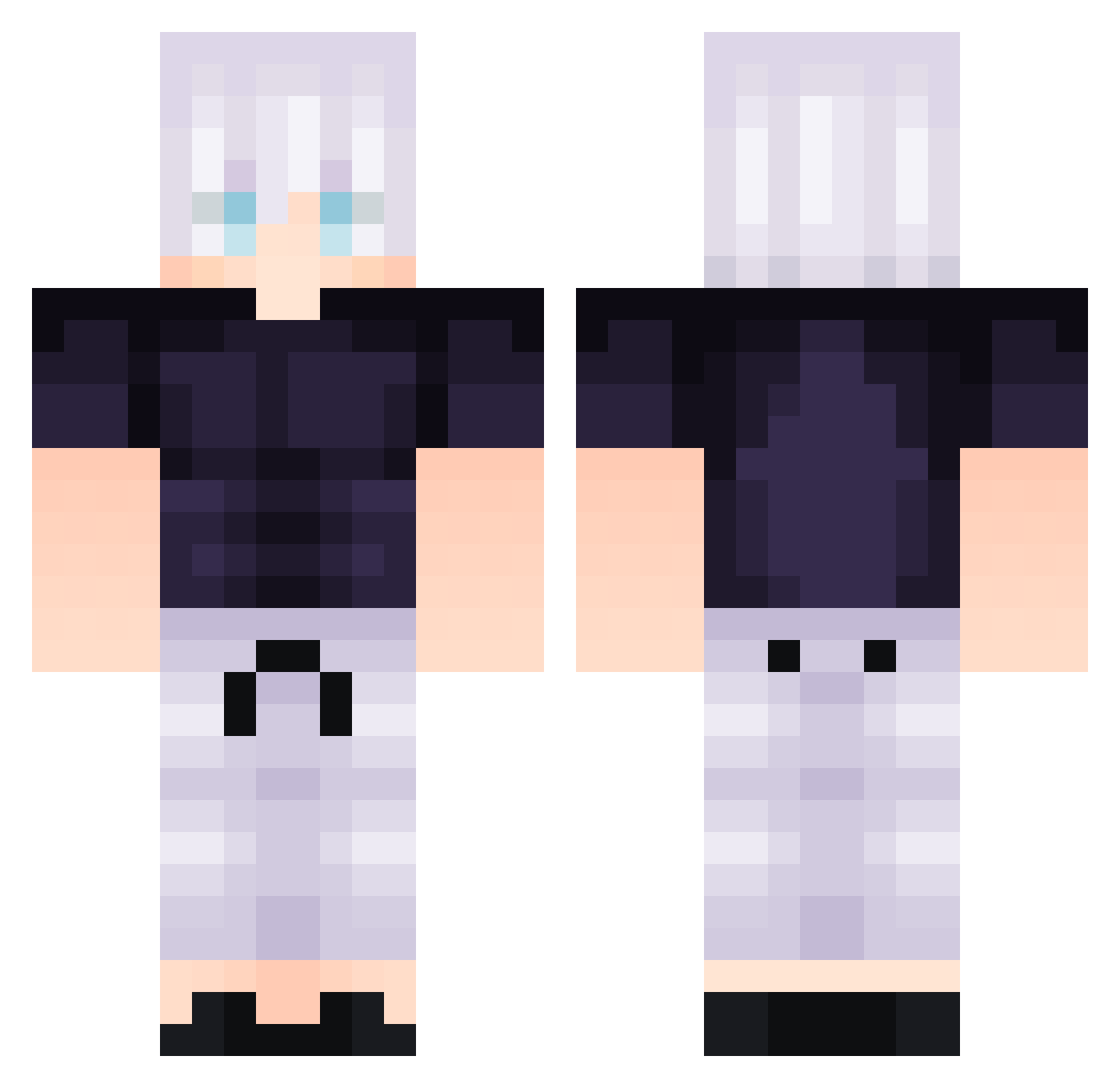
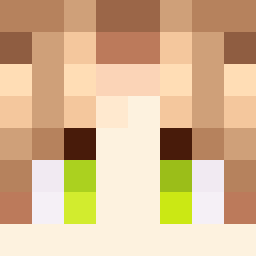
Current Minecraft skin of the player qw3er, loaded from the official Mojang API. Rotate the 3D model with your mouse or finger, then download the skin as a PNG file and use it in Minecraft: Bedrock Edition or Java Edition for free. When qw3er changes their skin, this page updates automatically and the old skin stays in the history below.
Other players with this skin (308)
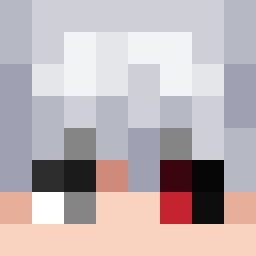
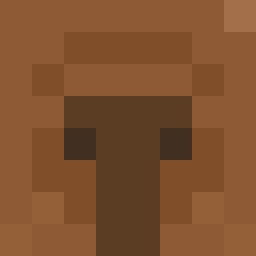
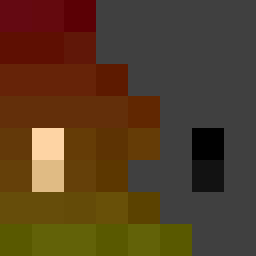
qw3er was the 78th player we have seen with this skin, first spotted on 17.08.2026. The same skin was seen on these players. Open a nickname to see their current skin and skin history.
 Mr_Maint Thunderbolt09 JeremyBoiii INORLAX ModestGenius lollofalci Atrocii polina_ogirok Wyfa38 Voyls Ferfasko_
 ThiagoGamerBR23 matt_wr2 Ruska235
 Math3ws Zekiekepieki Ananoscomposto TobarSimo An0502
 SurlesUchiha HyperEmirate PPRXN godoyvalz dumbledoex3 Lazerwolf101
 isaac744 LinhWingyesUwU mightyshorty brodafuc stackseine ICEJINWOO Satoru_Yandere CyanImposter99 ZeBaconMaster ifart12345 Inix_ N3x0_xD Itsmetobiask Shinsei_MC sooool
 Lixxoy zenci_onen previce IMIKEEEY ReGrandeCiola03 BABAYAGA_0 Baclash DuoPlayer01 mattpepper23 InnerKilla
 kendoXD_ TREX5555 KingMMMM Enhua KitzOW levistakennn Eyedfalcon OscarGF
 Sussy_did_fart FussyHazza
More Satoru Gojo Minecraft skins
See all 1363 Satoru Gojo skins
How to install the qw3er skin
- Press the Download button above to save the skin as a PNG file.
- Minecraft: Bedrock Edition (PE): open the Dressing Room from the main menu (or tap your character → Edit Character), go to Classic Skins → Owned, press the + (new skin) button, choose the downloaded PNG and pick the Classic (Steve) model. Works on PC and mobile; consoles cannot import custom skins.
- Minecraft: Java Edition: open the Minecraft Launcher, go to the Skins tab, click New Skin, load the PNG, pick the Classic (Steve) model and press Save & Use. You can also upload it at minecraft.net → Profile → Change Skin.
The skin does not show up after import - what should I do?
Restart Minecraft and open the Dressing Room again - imported skins sometimes appear only after a restart. Also make sure you selected the imported skin and picked the Classic (Steve) model.
Which model should I choose, Classic or Slim?
This skin is designed for the Classic (Steve) model. If you pick the wrong model, the arms of the skin will look stretched or squeezed.
Is the skin of qw3er free to download?
Yes. Press Download, save the PNG file and use it in Minecraft: Bedrock Edition or Java Edition - no payment or registration needed. The skin also works on multiplayer servers and Realms.
More skins
Looking for more? Go back to all Minecraft skins and check the top skins of the week, month and all time, or find any player's skin by nickname.