
puumka3 - Minecraft Skins & Skin History
Current Minecraft skin of the player puumka3, loaded from the official Mojang API. Rotate the 3D model with your mouse or finger, then download the skin as a PNG file and use it in Minecraft: Bedrock Edition or Java Edition for free. When puumka3 changes their skin, this page updates automatically and the old skin stays in the history below.
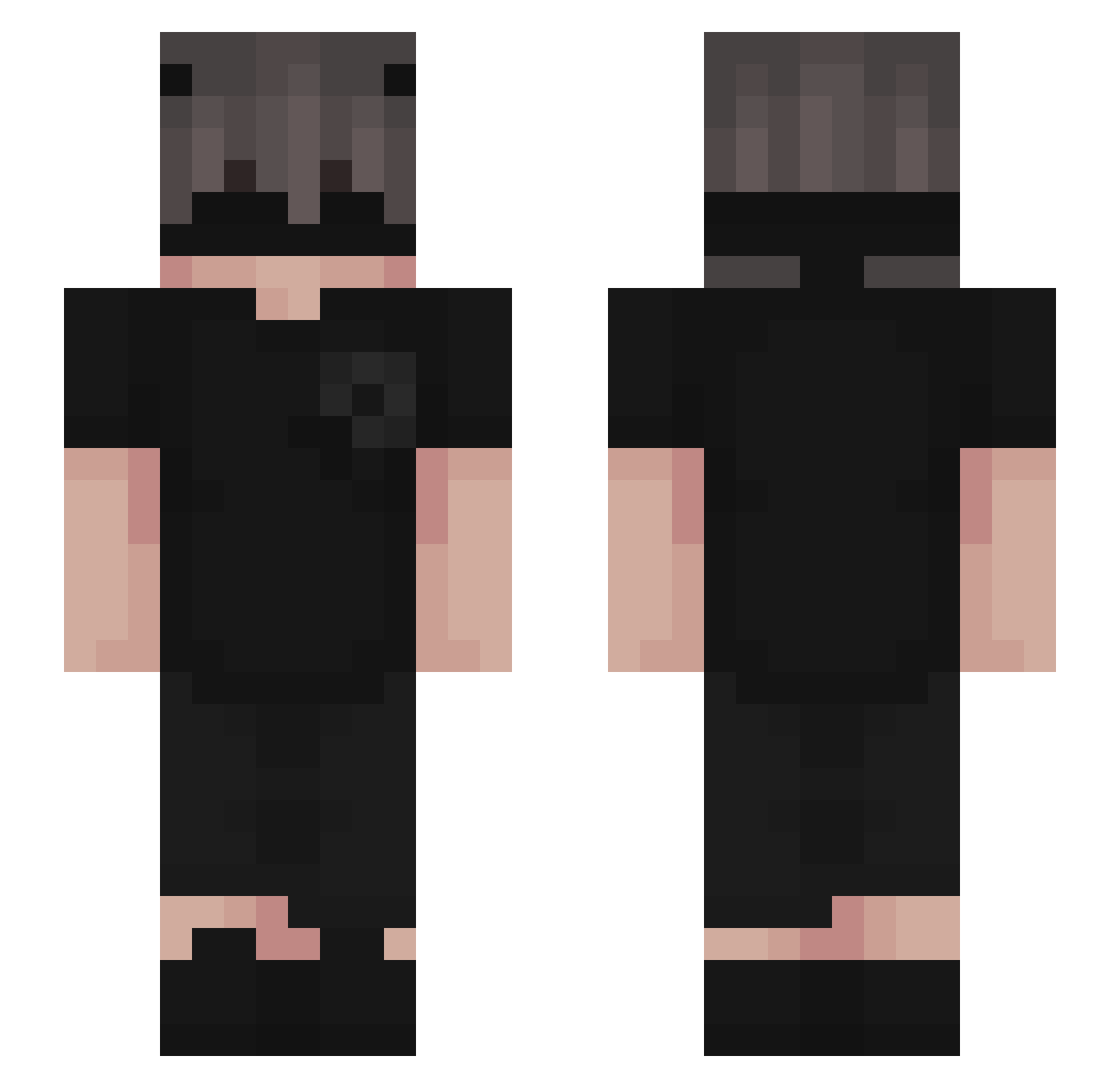
Other players with this skin (226)
puumka3 was the 23rd player we have seen with this skin, first spotted on 04.08.2026. The same skin was seen on these players. Open a nickname to see their current skin and skin history.
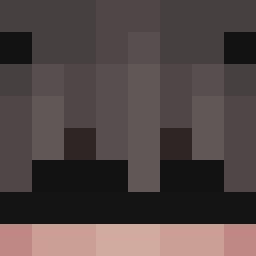 LINATSACREW DRAGUILA _americal bery_mp4 B4utixD hatemeasudo Sweatykidosxd ameer_jocker theusqzx Lmayyy Dxrk______ ItzSanize _B_E_D_U_L_ hxxck Blessinqss Mollang0 skaterdudezdog paulosprogr8 Marks_CZE qblacks rakem6199 Permah heyitsdj_ uri9158 tommybennett1 KyleIsANoLife frokAHAHA Corruhptions kenchichii zCrow_ _G0RE Mouse_OvO SoyJean ItsMeFildaaa AriasCOL_ Cr1t2020 y01l ELFKUY Kiri528 Monocle123 colorad0u Lanpoint Viltstift_ DarkLegion231 B2D7 Sandooval DUDUx_ Darkzinnn GUVENKRASS Alejandro007_st RockandPaper623 DanL__ 31Esat31 MikaelBarreto a4k15 IkosNet
 BedrockBrian82 Cyro174 Agus5488 TaticalGhost5575
More Emo Minecraft skins
How to install the puumka3 skin
- Press the Download button above to save the skin as a PNG file.
- Minecraft: Bedrock Edition (PE): open the Dressing Room from the main menu (or tap your character → Edit Character), go to Classic Skins → Owned, press the + (new skin) button, choose the downloaded PNG and pick the Slim (Alex) model. Works on PC and mobile; consoles cannot import custom skins.
- Minecraft: Java Edition: open the Minecraft Launcher, go to the Skins tab, click New Skin, load the PNG, pick the Slim (Alex) model and press Save & Use. You can also upload it at minecraft.net → Profile → Change Skin.
The skin does not show up after import - what should I do?
Restart Minecraft and open the Dressing Room again - imported skins sometimes appear only after a restart. Also make sure you selected the imported skin and picked the Slim (Alex) model.
Which model should I choose, Classic or Slim?
This skin is designed for the Slim (Alex) model. If you pick the wrong model, the arms of the skin will look stretched or squeezed.
Is the skin of puumka3 free to download?
Yes. Press Download, save the PNG file and use it in Minecraft: Bedrock Edition or Java Edition - no payment or registration needed. The skin also works on multiplayer servers and Realms.
More skins
Looking for more? Go back to all Minecraft skins and check the top skins of the week, month and all time, or find any player's skin by nickname.