
 Bqut1 zxHKxpi Nico4x3x David____W1 CACtiyFire Masteriusz MCmuhun Kokainistgut FRUITY95z 315Ibs SeukJin Spintrap303 BezdarNaMiracles SirSusanoo LevelUpGrinders Ran_Magica_nr KanjiTsuma Eqa_ Eqwerezz xdroy58 NotSpinXD__ juwq Para1lax Tozark PPawiLL Pxrnflake 842pm Jana_Strkn Sneaxxy IxChill ApolloX69 Un0wn_MC termt jackriley21 LemonLxrd XBoxer56 PulseSAM FamilyMuess06 koprovkaczsk naoyt_ofc trex618 uri9158 51CroW Alejandro007_st GUVENKRASS heyitsdj_ frokAHAHA Corruhptions Mouse_OvO Cr1t2020 Kiri528 Show0524 Agus5488 y01l ItsMeFildaaa paulosprogr8 IDM_TAR ELFKUY Gijsnoukie Air1ess_
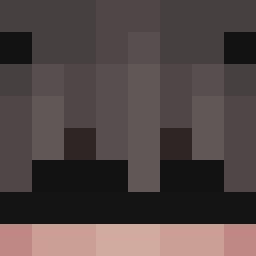
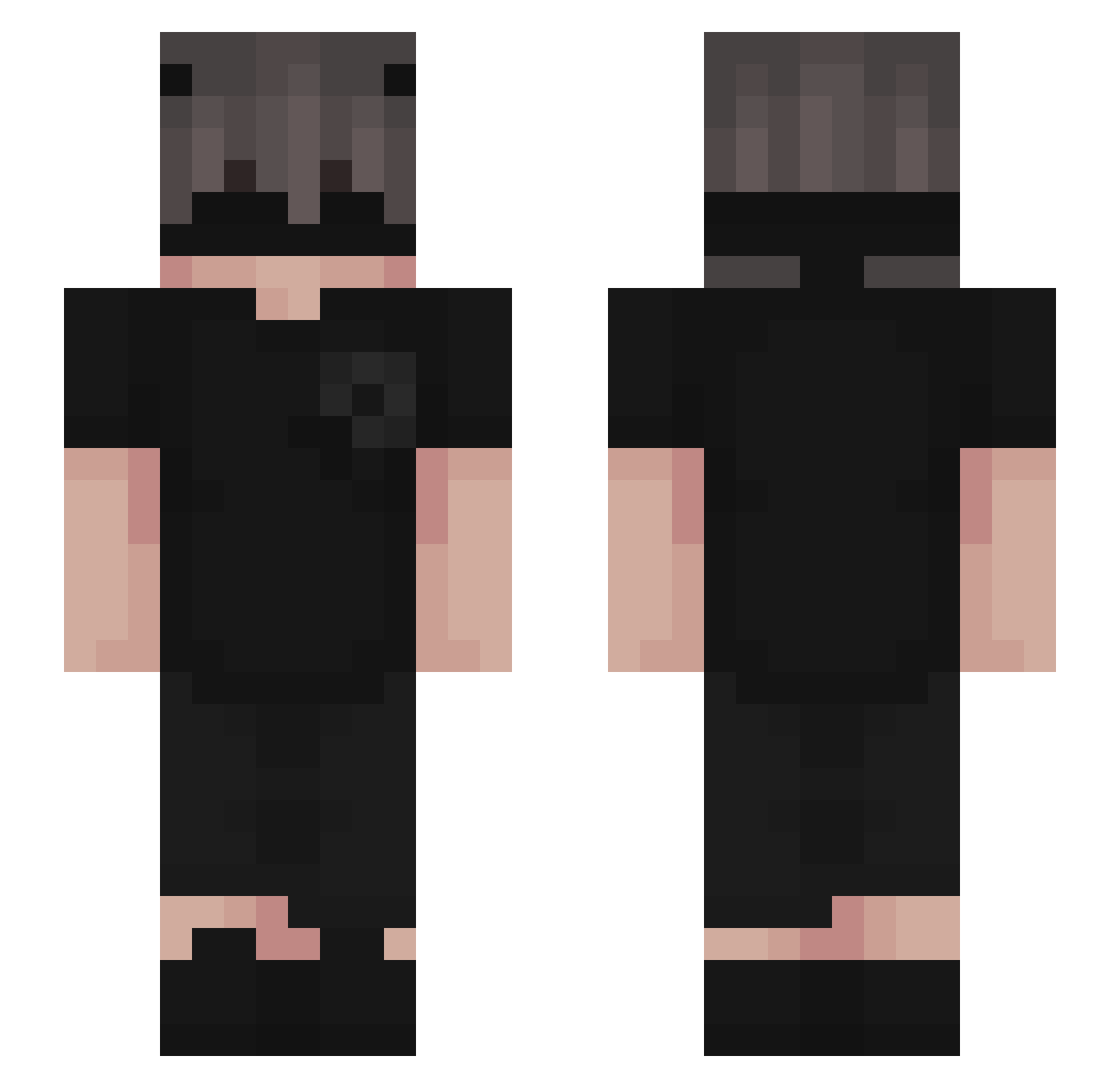
Minecraft skin of DanL__. Rotate the 3D model with your mouse or finger to view the skin from every angle, then download it as a PNG file and use it in Minecraft: Bedrock Edition or Java Edition for free. Rate the skin with stars to help other players find the best skins in our collection.
How to install the DanL__ skin
- Press the Download button above to save the skin as a PNG file.
- Minecraft: Bedrock Edition (PE): open the Dressing Room from the main menu (or tap your character → Edit Character), go to Classic Skins → Owned, press the + (new skin) button, choose the downloaded PNG and pick the Slim (Alex) model. Works on PC and mobile; consoles cannot import custom skins.
- Minecraft: Java Edition: open the Minecraft Launcher, go to the Skins tab, click New Skin, load the PNG, pick the Slim (Alex) model and press Save & Use. You can also upload it at minecraft.net → Profile → Change Skin.
The skin does not show up after import - what should I do?
Restart Minecraft and open the Dressing Room again - imported skins sometimes appear only after a restart. Also make sure you selected the imported skin and picked the Slim (Alex) model.
Which model should I choose, Classic or Slim?
This skin is designed for the Slim (Alex) model. If you pick the wrong model, the arms of the skin will look stretched or squeezed.
Is this skin free to use?
Yes. Press Download, save the PNG file and use it in Minecraft: Bedrock Edition or Java Edition - no payment or registration needed. The skin also works on multiplayer servers and Realms.
More Emo Minecraft skins
More skins
Looking for more? Go back to all Minecraft skins and check the top skins of the week, month and all time, or find any player's skin by nickname.