
pungnap - Minecraft Skins & Skin History
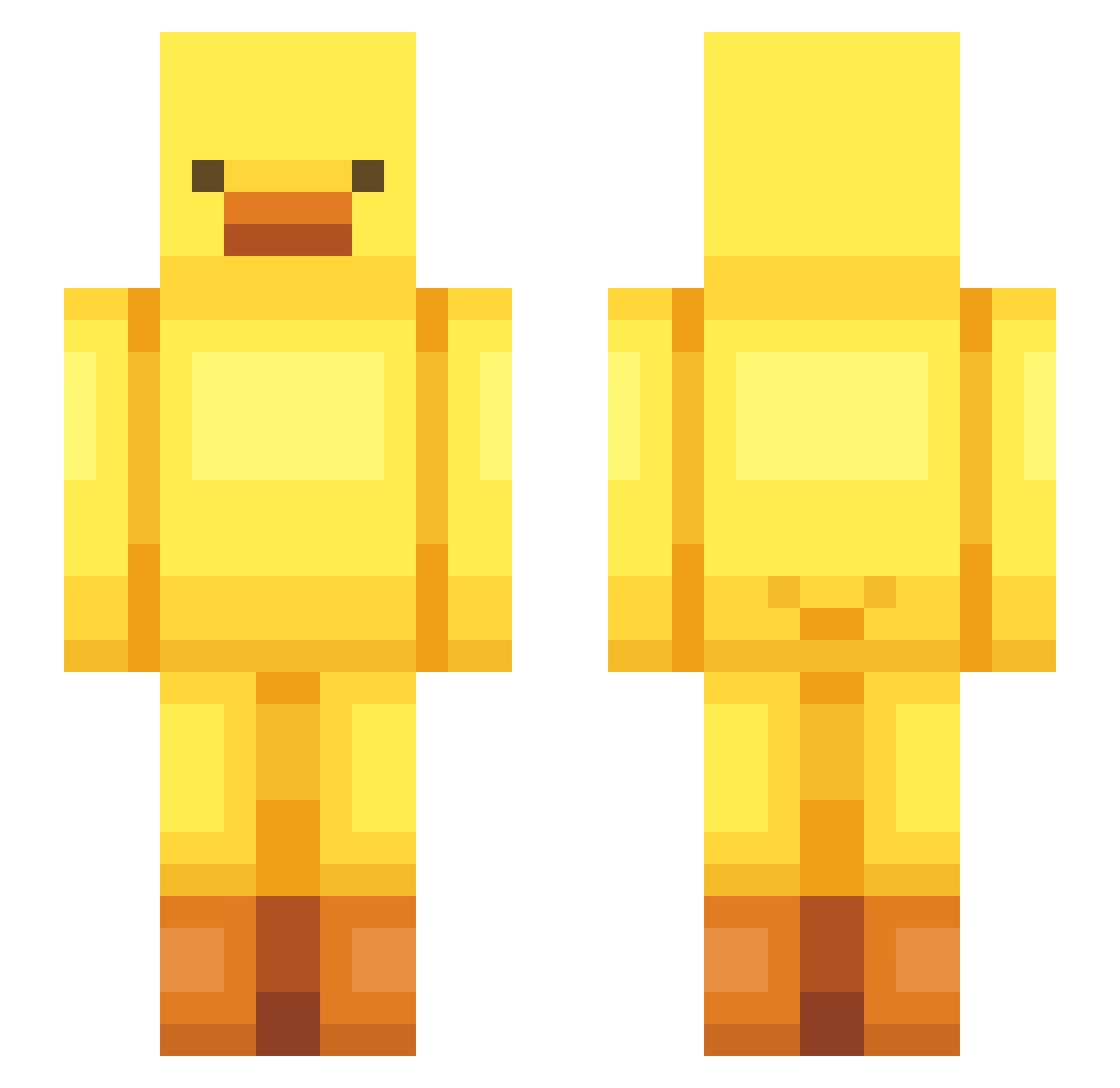
Current Minecraft skin of the player pungnap, loaded from the official Mojang API. Rotate the 3D model with your mouse or finger, then download the skin as a PNG file and use it in Minecraft: Bedrock Edition or Java Edition for free. When pungnap changes their skin, this page updates automatically and the old skin stays in the history below.
Other players with this skin (443)
pungnap was the 267th player we have seen with this skin, first spotted on 18.09.2026. The same skin was seen on these players. Open a nickname to see their current skin and skin history.
 krvpniczek syk082 Junhha Wielka_Brytania elpepealarc rmin10 Tizsiii Latteie Doramog TTORI516 dalka5608 GorkemAgam pooh10se jassux13 Black_Lover_ mindu02 RuKOuO Jihwani99 snail3702 Qu_Xian OldMan_Kuma nothink tarimon yoghurt08 doona_01 lilykonkoly Kevuszek Cassarole48 jollansgf _gryzekitenno_1 yang_m jisum01 St3llaaa_ chrissillo JoseAbi Industrial03 prettygirl1206 happyjakie Daegari44 Nickellllll hwajohwa claud90 ColonelQuackers1 chenghhhh jannyx2 FUU_0 czrgiao Jun_kero AstraVX HaSimp _mooshi_ comedian_K nnaoog22 Pint0Play EMMA2288 abonek21 oleung MansNotHot3974 papaaosoo Xxc4mixX
More Bird Minecraft skins
How to install the pungnap skin
- Press the Download button above to save the skin as a PNG file.
- Minecraft: Bedrock Edition (PE): open the Dressing Room from the main menu (or tap your character → Edit Character), go to Classic Skins → Owned, press the + (new skin) button, choose the downloaded PNG and pick the Slim (Alex) model. Works on PC and mobile; consoles cannot import custom skins.
- Minecraft: Java Edition: open the Minecraft Launcher, go to the Skins tab, click New Skin, load the PNG, pick the Slim (Alex) model and press Save & Use. You can also upload it at minecraft.net → Profile → Change Skin.
The skin does not show up after import - what should I do?
Restart Minecraft and open the Dressing Room again - imported skins sometimes appear only after a restart. Also make sure you selected the imported skin and picked the Slim (Alex) model.
Which model should I choose, Classic or Slim?
This skin is designed for the Slim (Alex) model. If you pick the wrong model, the arms of the skin will look stretched or squeezed.
Is the skin of pungnap free to download?
Yes. Press Download, save the PNG file and use it in Minecraft: Bedrock Edition or Java Edition - no payment or registration needed. The skin also works on multiplayer servers and Realms.
More skins
Looking for more? Go back to all Minecraft skins and check the top skins of the week, month and all time, or find any player's skin by nickname.