
pepticENERGY - Minecraft Skins & Skin History
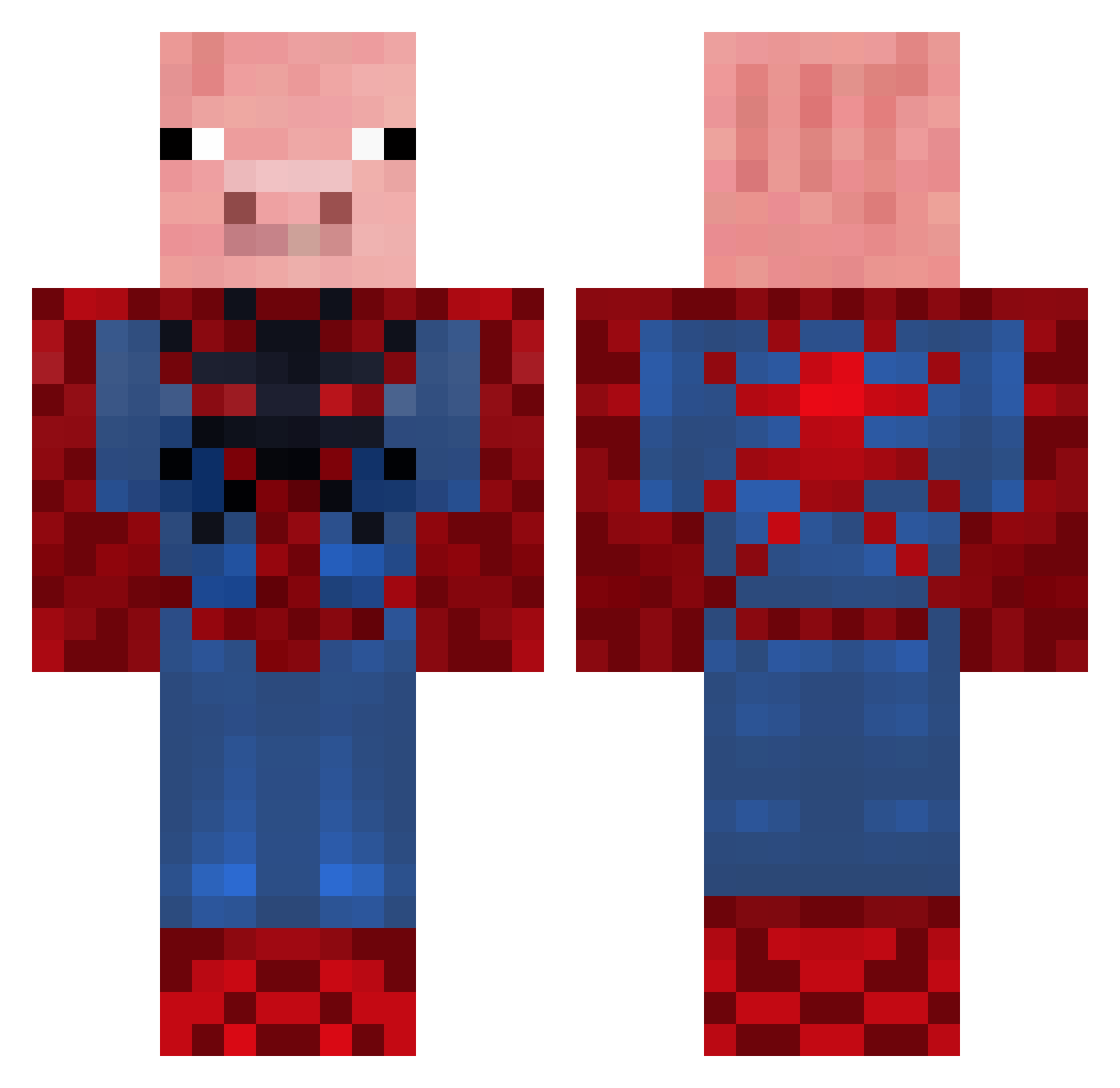
Current Minecraft skin of the player pepticENERGY, loaded from the official Mojang API. Rotate the 3D model with your mouse or finger, then download the skin as a PNG file and use it in Minecraft: Bedrock Edition or Java Edition for free. When pepticENERGY changes their skin, this page updates automatically and the old skin stays in the history below.
Other players with this skin (656)
pepticENERGY was the 370th player we have seen with this skin, first spotted on 26.09.2026. The same skin was seen on these players. Open a nickname to see their current skin and skin history.
 Captaincrunch48 Connerboy11 Madders_McCann mariotam thegee2003 ltw463 Sir_Miner7 BoredMan_12 JacoblV frickenchicken blake232425 ErPickazones blackopsfan487 Lexieboy32 larson2 ChilzitAx ImAFatNlgger YungLaserboi Crazyegg369 grw78 JuhBoiMike FluffyVigilante Natalie_25 JamesM826 burgerwoman huntdawg100 macman1010 repsaj2002 Nicmat31 Max_the_Magestic cambill NoPants312 KaptainPlays KKGam HippoBazaar tuckertiger matts701 H9I HVW03 kinghales cowmaster12345 bigtwig34 Danman66 BLACKRACINGCAR97 Schweinepig That1Guy22711 Chaney333 swagmoneysofia Karsenator LukeXIX al3k51 unibike linenplacebo xsanjix zebras4life Asparagus_Magnus cooljepsen pigbert04 LyzR_P3 ollywolly22
More Pig Minecraft skins
How to install the pepticENERGY skin
- Press the Download button above to save the skin as a PNG file.
- Minecraft: Bedrock Edition (PE): open the Dressing Room from the main menu (or tap your character → Edit Character), go to Classic Skins → Owned, press the + (new skin) button, choose the downloaded PNG and pick the Classic (Steve) model. Works on PC and mobile; consoles cannot import custom skins.
- Minecraft: Java Edition: open the Minecraft Launcher, go to the Skins tab, click New Skin, load the PNG, pick the Classic (Steve) model and press Save & Use. You can also upload it at minecraft.net → Profile → Change Skin.
The skin does not show up after import - what should I do?
Restart Minecraft and open the Dressing Room again - imported skins sometimes appear only after a restart. Also make sure you selected the imported skin and picked the Classic (Steve) model.
Which model should I choose, Classic or Slim?
This skin is designed for the Classic (Steve) model. If you pick the wrong model, the arms of the skin will look stretched or squeezed.
Is the skin of pepticENERGY free to download?
Yes. Press Download, save the PNG file and use it in Minecraft: Bedrock Edition or Java Edition - no payment or registration needed. The skin also works on multiplayer servers and Realms.
More skins
Looking for more? Go back to all Minecraft skins and check the top skins of the week, month and all time, or find any player's skin by nickname.